


Gaming PC Build Guide: £1500 Budget That Won't Leave You Broke (GPU Review Included)
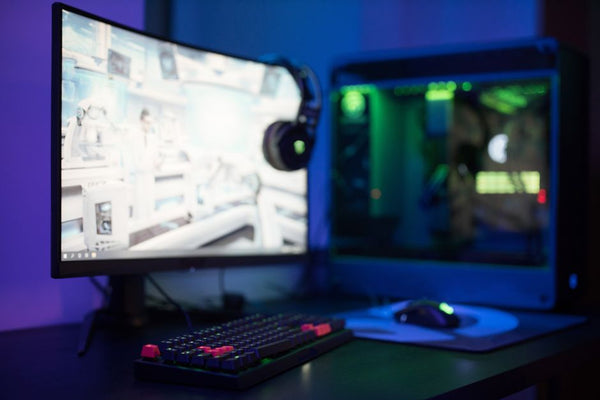
Listen, I get it. You've been comfortably gaming on console for years, and now your kid wants to join the PC master race because their friends are all running Valorant at 144fps. The research feels impossible, doesn't it? Trust me, I've been there — both as someone who made the console-to-PC jump myself and as someone who's helped literally hundreds of parents navigate this exact situation at our shop here in Orange, TX.
Here's the thing about £1500 builds: they're actually the sweet spot for getting into serious PC gaming without selling a kidney. You can absolutely crush AAA games and dominate online multiplayer with this budget. The trick? Knowing where to spend and where to save.
The Reality Check: What £1500 Actually Gets You
Before we dive into specific parts, let's talk expectations. With £1500, you're looking at 1080p gaming at high settings, maybe some 1440p depending on the title. You're not getting 4K ultra everything — that's £2000+ territory. But honestly? Most gamers don't need that flex anyway.
I remember this dad who came in last month, wallet ready for a £3000 build because he thought that's what his daughter needed for Minecraft and Roblox. Had to talk him down from that ledge real quick. Your son's friends aren't running RTX 4090s to play Fortnite, trust me.
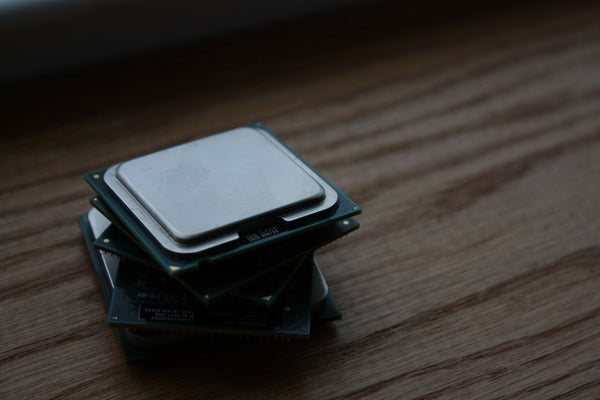
CPU Benchmark: Where Your Processing Power Matters
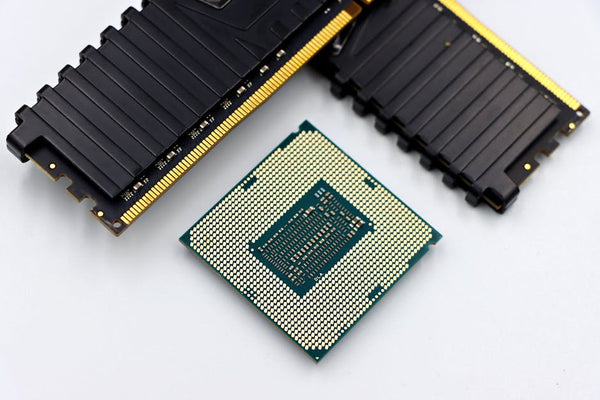
Let's start with the brain of your build. For £1500, you've got two solid paths:
AMD Ryzen 5 7600X — around £200-220. Six cores, twelve threads, and it absolutely crushes gaming workloads. The single-core performance is chef's kiss for most games, and those extra threads handle streaming or multitasking like a champ.
Alternatively, Intel's Core i5-13400F sits around £180-200 and trades blows pretty evenly. Honestly? Both are solid picks. The AMD runs a bit hotter but has better upgrade paths. Intel's cheaper upfront but might need a platform change sooner.
Hot take: don't overthink the CPU choice here. Either option will handle everything from Cyberpunk 2077 to whatever battle royale is trending next month. Save your mental energy for the GPU decision — that's where the magic happens.
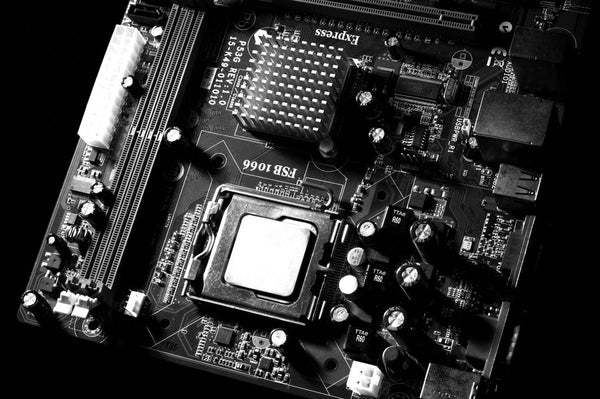
Motherboard: The Foundation That Actually Matters
For Ryzen 5 7600X, grab a B650 board around £120-150. Make sure it has WiFi 6 built-in (since you mentioned needing wireless) and at least four RAM slots for future upgrades. The MSI B650M Pro-B or ASUS Prime B650M-A are both solid picks that won't break your budget.
For Intel, a B760 board in the same price range does the job. Just double-check the WiFi specs — some cheaper boards still ship with older wireless standards that'll bottleneck your connection.
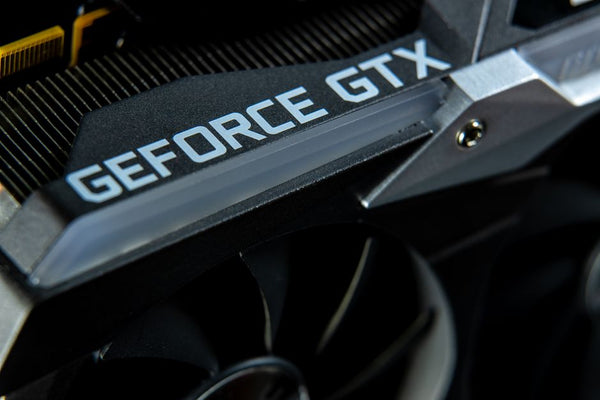
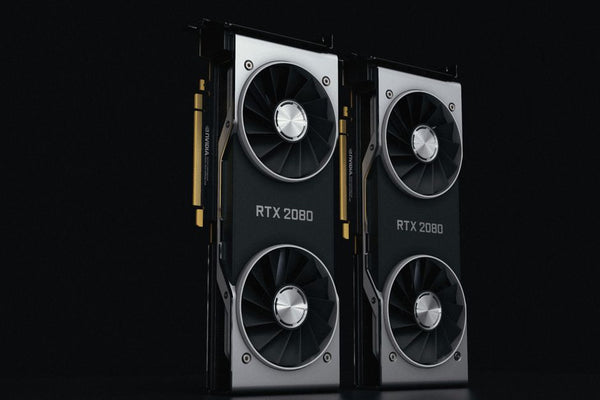
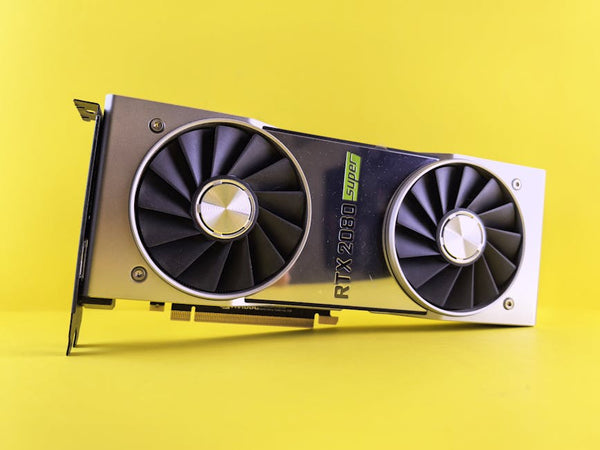
GPU Review: The Heart of Gaming Performance
This is where things get spicy. Your GPU choice determines whether you're gaming or just watching slideshows with extra steps.
NVIDIA RTX 4060 Ti 16GB — around £500-550. Yeah, it's a chunk of your budget, but this card handles 1080p gaming like it's nothing and pushes decent 1440p in most titles. The 16GB VRAM means you won't hit memory walls in newer games that love to gobble up video memory.
AMD RX 7700 XT — similar price point, slightly better rasterization performance, but weaker ray tracing. For most gamers? The AMD card delivers more frames per pound. But if your son's obsessed with ray-traced reflections in Minecraft, the NVIDIA might be worth considering.
Personally, I think the RX 7700 XT is the better bang for buck here. AMD's been killing it with price-to-performance lately, and unless you absolutely need DLSS or superior streaming features, the extra fps speaks for itself.
The Budget GPU Alternative
Feeling squeezed? The RTX 4060 (non-Ti) around £300 still crushes 1080p gaming and leaves more room for other components. Yeah, it's only 8GB VRAM, but for someone jumping from console? It'll feel like an upgrade for years.
The Supporting Cast: RAM, Storage, and Power
32GB DDR5-5600 is the move here — around £120-140. Don't let anyone tell you 16GB is enough in 2024. Modern games are memory hungry beasts, and having that extra headroom means smoother multitasking when your son's gaming while Discord, Spotify, and seventeen Chrome tabs are running in the background.
Storage? 1TB NVMe SSD minimum. Samsung 980 Pro, WD SN850X, or even a budget-friendly Crucial P3 Plus around £60-80. Games are massive now — Call of Duty alone eats 150GB+ with all the content packs.
Power supply: 650W 80+ Gold. Don't cheap out here. The be quiet! Pure Power 11 or Corsair RM650 around £80-100 will handle this build with room to spare and won't burn your house down.
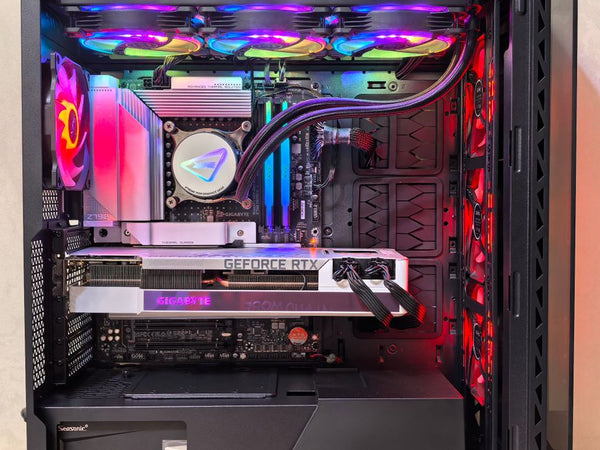
The Build That Actually Makes Sense
Here's what I'd spec for maximum gaming bang:
- AMD Ryzen 5 7600X: £210
- B650 WiFi motherboard: £140
- 32GB DDR5-5600: £130
- RX 7700 XT: £520
- 1TB NVMe SSD: £70
- 650W PSU: £90
- Case with good airflow: £80
- CPU cooler: £50
Total: £1290, leaving you £200+ for peripherals, games, or just breathing room.
The Pre-Built Alternative
Not feeling the DIY route? I get it. Building isn't for everyone, and there's no shame in that game. Companies like BitCrate Custom Gaming PCs offer configured systems that take the guesswork out while still giving you choice in components.
The labor cost hurts a bit, but you get warranty coverage, professional cable management, and the peace of mind that everything's compatible. Sometimes that's worth the extra £100-200, especially for first-time PC parents who don't want to troubleshoot boot loops at midnight.
Future-Proofing: What Actually Matters
Here's where I'll be real with you — true future-proofing is mostly marketing nonsense. Technology moves too fast. But you can make smart choices that'll extend your build's lifespan.
That B650 motherboard supports future Ryzen chips. The 32GB RAM handles anything games throw at it for years. The 1TB SSD has room for a decent game library. Most importantly? That GPU can handle 1080p gaming for at least 3-4 years before you'd even think about upgrades.
Will your son want to upgrade in two years anyway? Probably. But that's half the fun of PC gaming — the tinkering, the improvements, the constant "what if I just upgraded this one thing" conversations. Embrace it.
This build gets you in the door with legitimate AAA gaming performance without the sticker shock. Your son's friends will be impressed, you won't question every purchase decision for months, and honestly? You might find yourself stealing some gaming time when nobody's looking.















Leave a Comment