


Why Finland's Underwater Cable Security Tech Should Matter to Your Gaming PC Build
Okay, this might sound completely random, but hear me out. Finland just rolled out this insane new system that uses undersea cables to detect threats on the ocean floor — basically turning internet infrastructure into a massive security network. Why am I talking about this on a gaming tech blog? Because it perfectly illustrates something I've been trying to explain to customers for years: the foundation of your system is everything.
Think about it. Finland's taking their existing cable infrastructure and making it pull double duty as a monitoring system. Smart, right? That's exactly what you should be doing with your gaming PC build — maximizing every component's potential while keeping an eye on the bigger picture.
The Foundation Game: Why Your Custom Gaming PC Needs Rock-Solid Basics
Just last week, this kid came into our shop here in Orange, TX wanting to blow his entire budget on a 4090. Noble goal, honestly. But when I looked at his planned specs, he was pairing it with a sketchy 650W PSU from 2019 and 16GB of DDR4. Classic mistake.
Finland's underwater detection system works because they built it on proven infrastructure. Your gaming rig needs the same approach. No point having threat detection if your basic cables can't handle the load, you know?
Here's what actually matters for your foundation:
- PSU quality trumps wattage every time — I'd rather see an 850W Gold-rated unit than a 1000W Bronze piece of junk
- Motherboard VRM design — especially if you're planning to push that CPU hard
- RAM speed and timing — because frame drops don't care about your RGB setup
Personally, I think too many people get caught up in the flashy stuff and forget about power delivery. You wouldn't build a monitoring system on unstable power, so why would you do it with your gaming PC?
Detection and Response: Monitoring Your Gaming PC Build Performance
Finland's system is brilliant because it doesn't just detect problems — it responds to them. Your PC should work the same way. But how many builders actually set up proper monitoring?
Real talk: if you're not watching temps, voltages, and performance metrics, you're flying blind. I've seen too many expensive builds get cooked because nobody was paying attention to the warning signs.
Essential Monitoring for Gaming Builds
MSI Afterburner isn't just for overclocking anymore. Neither is HWiNFO64. These tools are your early warning system. Just like Finland's acoustic sensors picking up vibrations from the seabed, your monitoring software should catch problems before they become disasters.
Temperature spikes? Voltage irregularities? Clock speed drops? These are your "suspicious activities" that need immediate attention.
Hot take: anyone spending more than $1,500 on a build who doesn't set up monitoring is basically asking for trouble. It's like having a Ferrari without a dashboard.
Infrastructure Redundancy: Why Your Gaming PC Needs Backup Plans
The Finnish system is smart because it uses distributed sensors. Not putting all their eggs in one basket. Your gaming setup should follow this philosophy too.
What happens when your primary SSD fails? Or your GPU starts artifacting mid-stream? Do you have a backup plan, or are you completely screwed until you can order new parts?
This doesn't mean buying duplicate everything — that's not realistic for most budgets. But smart redundancy planning can save your bacon. Keep your old GPU when you upgrade. Have a backup storage solution. Maybe don't throw away that perfectly good DDR4 kit just because you went DDR5.
The "Good Enough" Backup Strategy
I had this streamer customer who learned this lesson the hard way. RTX 3080 died two days before a major tournament. No backup GPU. Had to stream Valorant on integrated graphics for a week. Painful doesn't begin to describe it.
Now he keeps his old 1070 as a backup. Not ideal for 4K gaming, but it'll run everything at 1080p while he waits for repairs or replacements. Smart move.
Real-World Application: Building Your Threat-Resistant Gaming PC
So how do you actually apply these concepts when building? Let's get practical.
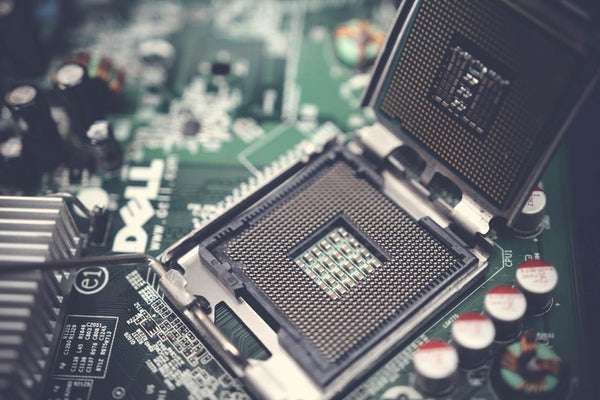
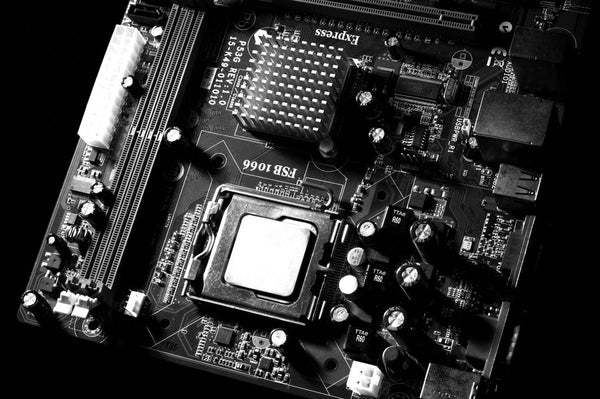
Your motherboard is like Finland's cable infrastructure — it needs to handle multiple jobs simultaneously. Don't cheap out here. A good B650 or Z790 board gives you room to grow, proper power delivery, and built-in monitoring capabilities.
Your cooling solution is your detection system. AIO coolers look cool (pun intended), but honestly? A good air cooler like the Noctua NH-D15 or be quiet! Dark Rock Pro 4 will serve you better long-term. Less failure points, easier maintenance, and they actually tell you when something's wrong through temperature changes.
The "BitCrate Approach" to Smart Building
Speaking of smart building approaches — ever notice how custom gaming PC services focus on component synergy instead of just throwing the most expensive parts together? That's the distributed sensor approach in action.
Every component should serve multiple purposes. Your RAM isn't just memory — it's also thermal mass. Your case fans aren't just cooling — they're also dust management. Your PSU isn't just power delivery — it's also electrical protection for everything downstream.
Honestly, I think this holistic approach is what separates good builds from great ones. Anyone can follow a parts list. Understanding how everything works together? That's the real skill.
Future-Proofing vs Future-Guessing
Here's where I get a bit uncertain, tbh. Finland's system is designed to adapt to new threats as they emerge. But with gaming PCs, how do you plan for unknown future requirements?
DDR5 adoption happened faster than anyone predicted. PCIe 5.0 SSDs are already here, but most people don't need them yet. HDMI 2.1 was essential for console gaming but took forever to become standard on monitors.
My approach? Build for today's needs with tomorrow's expansion in mind. Don't spend extra money on features you might need someday. But don't paint yourself into a corner either.
A good Z790 or X670E board gives you PCIe 5.0 slots and DDR5 support without breaking the bank. You're not paying for cutting-edge performance you don't need, but you're not locked out of future upgrades either.
The Real Lesson Finland Teaches Gaming PC Builders
What makes Finland's undersea cable monitoring system so brilliant isn't the technology itself — it's the thinking behind it. They took existing infrastructure and made it smarter, more capable, more responsive.
That's exactly what a good gaming PC build does. Your CPU cooler isn't just cooling — it's maintaining performance consistency. Your case isn't just housing components — it's managing airflow and acoustics. Your power supply isn't just converting AC to DC — it's protecting your entire investment.
Every component should pull multiple duties while staying within its core competency. Just like those acoustic sensors monitoring the seabed while still carrying internet traffic.
The next time someone asks me about their gaming PC build, I'm definitely using Finland's underwater defense system as an example. Because honestly? The principles are identical. Solid foundation, smart monitoring, redundant systems, and the ability to adapt when things go sideways.
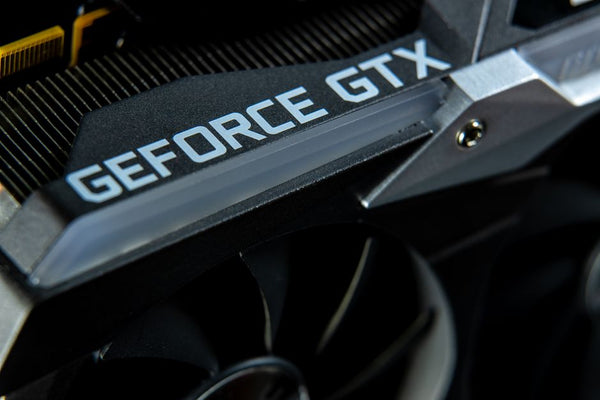
Now if only graphics cards came with the same level of reliability as undersea internet cables. But that's a rant for another day.








Leave a Comment