


MSI MPG 322UR QD-OLED X24 Gaming Monitor Review: Common Build Mistakes That'll Make You Regret This Beast
The MSI MPG 322UR QD-OLED X24 is absolutely mental. 32 inches of pure QD-OLED glory running 4K at 240Hz. But here's the thing – I've watched too many gamers at our shop in Orange, TX make the same catastrophic mistakes when pairing this monitor with their custom gaming PC builds. Let me save you from some expensive regret.
This isn't your typical gaming PC build guide where everything goes perfectly. Real talk: this monitor will expose every weakness in your setup faster than a wallhacker in Valorant.
The GPU Reality Check That'll Hurt Your Wallet
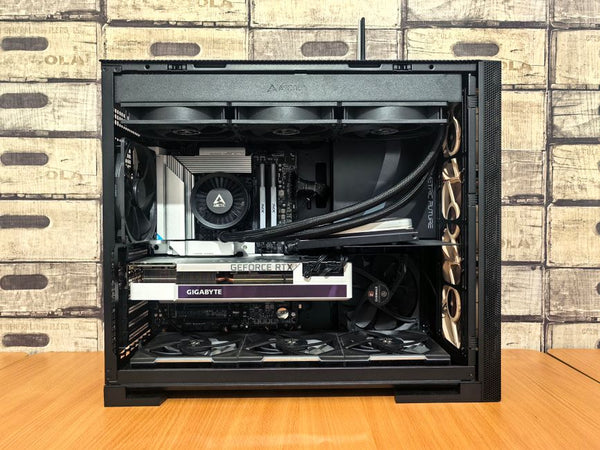
First mistake? Thinking your RTX 4070 will handle 4K 240Hz.
Ngl, I've had builders walk in convinced their mid-tier GPU would crush everything at native 4K. The MPG 322UR doesn't care about your feelings. It'll happily display your 60fps Cyberpunk gameplay in stunning QD-OLED detail while you cry about frame drops.
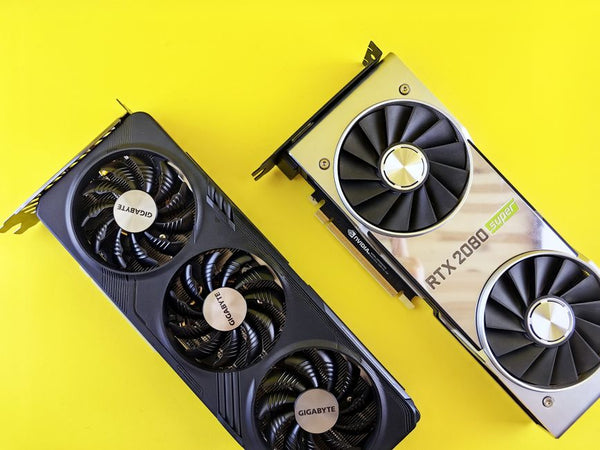
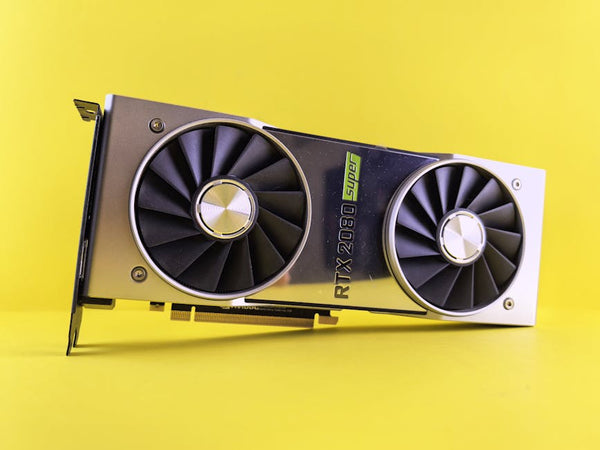
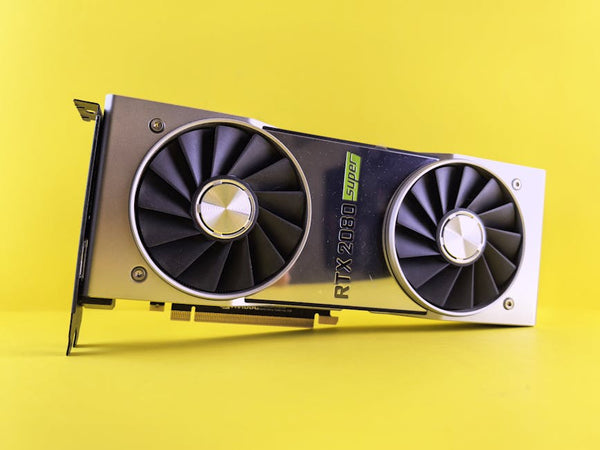
You need RTX 4080 Super minimum. Period. Even the RTX 4090 sweats with ray tracing enabled in demanding titles. I tested this beast with Counter-Strike 2, and yeah, you'll hit that 240Hz ceiling easily. But fire up something like Alan Wake 2? Good luck maintaining triple digits without DLSS cranked to Performance mode.
The color accuracy hits different though. MSI claims 99% DCI-P3 coverage, and honestly? They're not lying. This thing makes my old IPS panel look like a cheap TN from 2015. The quantum dot tech combined with OLED's perfect blacks creates visuals that'll spoil you forever.
"The 0.03ms response time isn't marketing BS – it's genuinely imperceptible input lag that competitive players dream about."
Don't Cheap Out on Your Cable Game
Second massive mistake: using that janky DisplayPort cable that came with your last monitor.
4K 240Hz demands DisplayPort 2.1 or HDMI 2.1 with DSC compression. Your old DP 1.4 cable? It'll bottleneck you to 144Hz max. I've seen builders spend $1200 on this monitor then use a $5 cable that kills half the refresh rate potential.
Get a certified DP 2.1 cable or suffer in silence. Trust me, the difference between 144Hz and 240Hz in Apex Legends is night and day when you're tracking targets mid-slide.
The HDR Trap That Catches Everyone
Here's where things get spicy. The MPG 322UR supports DisplayHDR 400 True Black, which sounds impressive until you realize what that actually means for your gaming PC build.
DisplayHDR 400 is honestly mid compared to proper HDR displays. But here's the twist – QD-OLED's infinite contrast ratio makes even HDR 400 look significantly better than traditional LCD panels. The True Black certification isn't marketing fluff; those perfect blacks elevate the entire HDR experience.
However, don't expect the peak brightness performance of mini-LED displays. This monitor tops out around 450 nits in HDR mode. Decent for gaming, but if you're editing content professionally, you might want something brighter.
Personally, I think the trade-off is worth it for gaming. The instant pixel response and perfect contrast make up for the lower peak brightness, especially in dark games like Horror titles or atmospheric single-player experiences.
The Burn-In Elephant in the Room
Let's talk about what everyone's thinking: OLED burn-in.
MSI includes pixel shift technology and auto-refresh features to minimize burn-in risk. But real talk? If you're leaving static HUDs up for 8+ hours daily, you're playing with fire. The technology has improved dramatically, but physics is physics.
I've been running one at the shop for six months with varied content. Zero burn-in issues so far. But I'm not leaving Discord open with the same static UI for 12-hour gaming sessions either.
Hot take: if you're paranoid about burn-in, stick with IPS. OLED gaming requires some lifestyle adjustments, and not everyone's ready for that commitment.
The Connectivity Confusion That Kills Builds
Third mistake that drives me absolutely insane: not planning your connectivity properly.
The MPG 322UR offers multiple inputs, but here's what most builders miss. You've got DisplayPort 2.1, HDMI 2.1, and USB-C with 90W power delivery. Sounds great, right? Wrong if you don't plan properly.
That USB-C port is clutch for laptop users, but it's not replacing your main gaming connection. And the 90W power delivery? Perfect for MacBooks, useless for gaming laptops that need 150W+ charging.
Most builders focus solely on the main display connection and ignore the ecosystem. This monitor works best when you build your custom gaming PC with BitCrate level planning – thinking about all your devices, not just your main rig.
The RGB Sync Nightmare
MSI's Mystic Light integration sounds cool until you realize it's another RGB ecosystem to manage. If you're already deep in Corsair iCUE or ASUS Aura, adding MSI's software creates potential conflicts.
The monitor's ambient lighting is subtle and actually pretty tasteful. But syncing it with your case lighting requires MSI Center, which honestly feels bloated compared to other RGB software.
Small detail, but it matters when you're building a cohesive setup.
Frame Rate Reality vs Marketing Hype
240Hz at 4K is legitimately impressive, but let's be realistic about what games actually hit those numbers.
Esports titles? Absolutely. CS2, Valorant, Rocket League – you'll be swimming in frames. But demanding AAA games? You're looking at 60-120fps territory even with flagship GPUs unless you dial back settings or lean heavily on upscaling tech.
The variable refresh rate implementation is solid though. G-Sync Compatible certification means smooth gameplay even when frame rates fluctuate. No tearing, minimal stuttering – it just works.
What really impressed me was the low frame rate compensation. When games dip below the VRR range, the monitor handles it gracefully instead of jarring transitions you get with cheaper displays.
The Color Calibration Surprise
Here's something most reviews won't tell you: this monitor ships surprisingly well-calibrated out of the box.
I measured Delta E values under 2 in sRGB mode, which is genuinely impressive for a gaming-focused display. Most gaming monitors require serious calibration to hit professional accuracy standards. The MPG 322UR gets close enough that casual content creators won't need expensive calibration equipment.
The preset modes are actually useful too. Gaming mode optimizes for responsiveness, Creator mode prioritizes color accuracy, and Cinema mode enhances contrast for media consumption. They're not just marketing terms – these presets create meaningful differences.
The Future-Proofing Question Mark
Is dropping $1200+ on this monitor future-proof? Honestly, there's some uncertainty here.
DisplayPort 2.1 support means you're ready for next-gen GPUs and higher bandwidth requirements. The 4K 240Hz spec won't become obsolete anytime soon. But OLED technology keeps evolving rapidly.
QD-OLED is current-gen tech, but we're seeing developments in micro-LED and improved OLED formulations that might make current panels look dated within a few years. It's the eternal tech dilemma – buy now or wait for the next breakthrough?
My take? If you're gaming at this level, you're probably upgrading monitors every 3-4 years anyway. This display offers enough performance and features to justify the investment for that timeframe.
The MSI MPG 322UR QD-OLED X24 is genuinely spectacular when paired correctly. But it's unforgiving of weak links in your build chain. Plan accordingly, budget for proper supporting hardware, and prepare to be spoiled by QD-OLED quality. Just don't expect your old GTX 1080 to keep up – this monitor demands respect and horsepower in equal measure.








Leave a Comment