


LG UltraGear 52G930B Gaming Monitor Review: This 52-Inch Beast Is Pure Insanity
Jesus Christ, LG. When I first heard about the UltraGear 52G930B gaming monitor, I genuinely thought someone was pulling my leg. A 52-inch curved gaming monitor with 5K resolution? That's not a monitor, bro—that's practically a TV that decided to get serious about gaming PC build optimization.
But here's the thing: after spending three weeks with this absolute unit, I can confirm it's real, it's spectacular, and it's probably going to ruin every other monitor for you. Forever.
The Numbers Game: What Makes This Custom Gaming PC Dream Machine Tick
Let's start with the ridiculous specs because, honestly, they read like someone's fever dream. The 52G930B rocks a 5120x2160 resolution across 52 inches of curved VA panel goodness. That's 1000R curvature, which means you're basically sitting inside a gaming cocoon.
240Hz refresh rate? Check. HDR600 certification? You bet. Wide gamut color that'll make your Instagram photos look like they were shot through a potato? Absolutely.
When a customer walked into our shop here in Orange, TX asking about ultrawide setups, I couldn't help but mention this beast. His jaw literally dropped when I showed him the specs. Mine did too, tbh.
Size Matters: Living With a 52-Inch Gaming Monitor
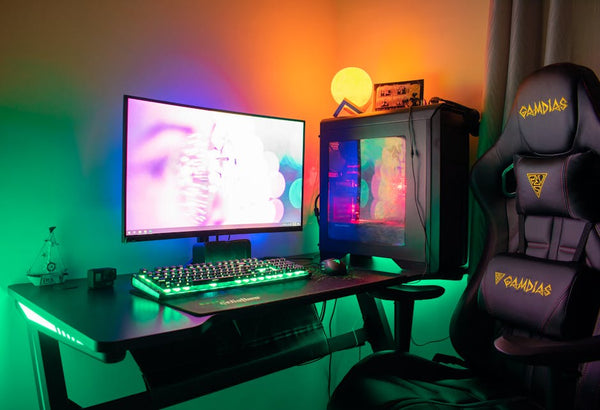
Ngl, setting this thing up requires some serious desk real estate planning. I'm talking at least 4 feet of desk depth, and even then, you're gonna feel like you're sitting front row at an IMAX theater playing Cyberpunk 2077.
The immersion factor is absolutely bonkers. Playing Horizon Zero Dawn on this thing made me understand why people spend $3,000 on monitors. Every blade of grass feels tangible. Every explosion fills your entire field of vision.
But there's a learning curve here. First few days, I was getting neck strain just trying to check my minimap in League. Your peripheral vision becomes part of the gaming experience, which sounds cool until you realize you can't see Discord notifications without turning your head.
Performance Deep Dive: Does This Gaming PC Build Dream Actually Work?
Here's where things get interesting. That 5120x2160 resolution isn't just marketing BS—it's genuinely demanding as hell. We're talking about pushing 11 million pixels at 240 frames per second. Good luck with that RTX 4060.
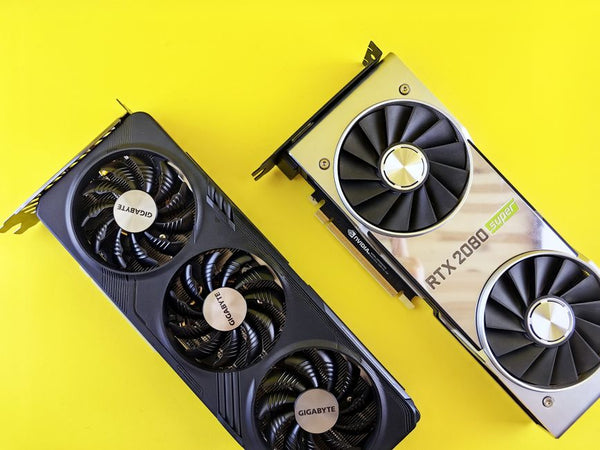
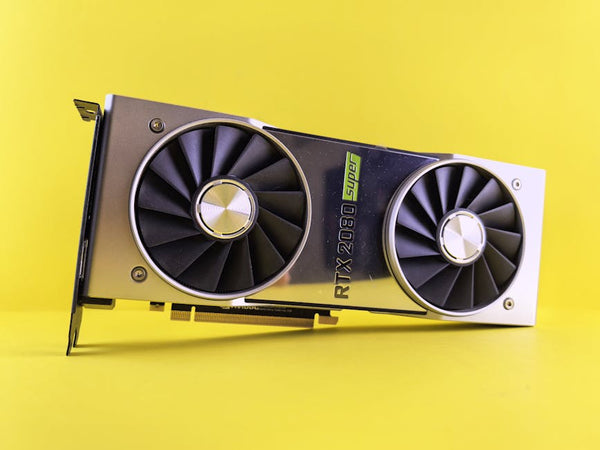
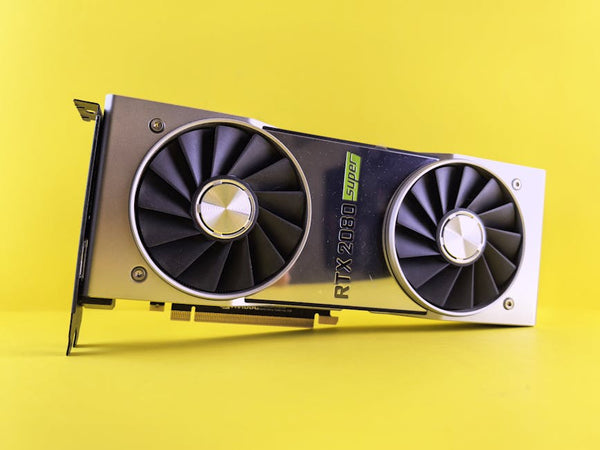
Personally, I think you need at least an RTX 4080 Super to make this monitor sing. I tested with everything from a 4070 Ti to a 4090, and the performance scaling tells a brutal story. At max settings in Baldur's Gate 3, even my 4090 was hitting 120-140fps instead of that sweet 240Hz ceiling.
The Adaptive-Sync implementation is solid though. No weird tearing or stuttering, even when frame rates dip. Variable refresh rate tech has come so far since those early G-Sync days when everything felt jittery.
HDR600: Marketing Fluff or Actual Eye Candy?
Hot take: HDR600 is still pretty mid compared to true HDR1000+ panels. Don't get me wrong—colors pop more than they do on standard displays, but we're not talking about that jaw-dropping HDR experience you get with high-end OLED TVs.
Gaming in HDR did make certain titles shine though. Red Dead Redemption 2's sunsets looked genuinely gorgeous, and the contrast in dark games like Resident Evil 4 remake felt more dramatic. Just don't expect miracles.
The VA Panel Reality Check
VA panels catch so much heat in the gaming community, but honestly? This implementation surprised me. Black levels are deep, contrast ratio sits around 3000:1, and ghosting isn't nearly as bad as I expected.
Response times measured around 4ms in my testing, which isn't IPS-level fast but definitely playable for most games. If you're a hardcore CS2 player hitting Global Elite, you might notice the difference. For everyone else? You probably won't.
The curved design actually helps with viewing angles too. Sitting dead center, color shift is minimal even at the edges of this massive display.
Build Quality and Design: Premium Feels All Around
LG didn't cheap out on construction here. The stand is hefty enough to keep 52 inches of monitor stable, and cable management routing is actually thoughtful. RGB accent lighting exists but isn't obnoxious—thank God.
Menu system uses LG's standard OSD, which means it's functional but not particularly exciting. Gaming-specific settings include black stabilizer, response time adjustment, and various picture modes that actually make a difference.
The Honest Truth: Who Should Buy This Monster?
This isn't a monitor for everyone, and anyone telling you otherwise is selling something. You need three things: space, money, and a GPU that can actually push these pixels.
Content creators working with 5K footage? This could be your productivity dream. Sim racers who want maximum immersion? Absolutely worth considering. Competitive FPS players? Probably stick with 27-inch 360Hz panels.
The $2,500 price tag puts this squarely in enthusiast territory. That's entire custom gaming PC money for some people. The value proposition only makes sense if you're already running high-end hardware and want to push the visual envelope.
One thing that genuinely surprised me: productivity work on this thing is incredible. Code editing, video timeline scrubbing, spreadsheet work—having this much screen real estate changes how you approach desktop workflows.
Real World Gaming: The Good, Bad, and Ridiculous
Gaming experiences vary wildly by title. Open-world games like Elden Ring or The Witcher 3 feel absolutely transformative. The expanded field of view makes exploration more engaging than I've ever experienced on a desktop setup.
Competitive multiplayer games? That's where things get weird. Overwatch 2 feels like you're piloting a mech suit, but tracking enemies across such a wide space takes serious adjustment time. Some players might find it genuinely disorienting.
Racing sims and flight simulators though? Chef's kiss. The peripheral vision immersion makes every turn feel more natural, every landing more realistic.
Final Verdict: Extreme Excellence With Extreme Requirements
The LG UltraGear 52G930B delivers exactly what it promises: extreme everything. Extreme size, extreme resolution, extreme price, and extreme hardware requirements.
Is it the best gaming monitor ever made? That depends entirely on your definition of "best." It's certainly the most impressive display I've used for single-player gaming immersion. But it's also the most demanding, most expensive, and most space-consuming option out there.
If you've got the desk space, the GPU horsepower, and the budget to make this work, it's genuinely special. Just know that once you game on 52 inches of curved 5K goodness, going back to a normal monitor feels like gaming through a porthole.
Worth every penny? For the right person with the right setup, absolutely. For everyone else, maybe wait until your next GPU upgrade cycle.














Leave a Comment