


Building a Gaming PC for Grandpa: The 72-Year-Old Gamer's Ultimate Rig
So you want to build a gaming PC for your 72-year-old dad? Honestly, I'm already smiling because this is exactly the kind of wholesome gaming story that makes my day. Your kids want to game with gramps, and that's just beautiful. But here's the thing - building for an older gamer isn't just about specs and GPU review scores. It's about understanding what actually matters when you're not chasing 240fps in competitive Valorant.
I remember this customer who came into our shop in Orange, TX last month with a similar situation. His grandfather wanted to play World of Warcraft with the family, but everyone was overthinking the build. They were looking at RTX 4080s and talking about 4K gaming when grandpa just wanted to see the pretty colors in Stormwind without squinting.
What Does a 72-Year-Old Gamer Actually Need?
Let's get real for a second. Your dad isn't going to be sweating through ranked Apex matches. He's probably not streaming to Twitch. So why are we even talking about high-end gaming performance like he's some esports prodigy?
After helping dozens of families navigate this exact scenario, here's what actually matters for grandpa gamers:
Reliability over raw power. Nobody wants to troubleshoot blue screens with their 72-year-old dad over FaceTime. Been there, done that, got the frustrated family texts.
Easy maintenance. Can he dust it without calling tech support? Will he understand why his temps are running hot?
Comfortable gaming experience. We're talking good frame rates at 1080p, not pushing boundaries that'll make his eyes hurt.
The Sweet Spot Build Philosophy
Personally, I think the best grandpa build sits in that magical mid-range territory. You know, that spot where you get excellent 1080p performance, solid 1440p capabilities for newer titles, but you're not paying enthusiast prices for features he'll never use.
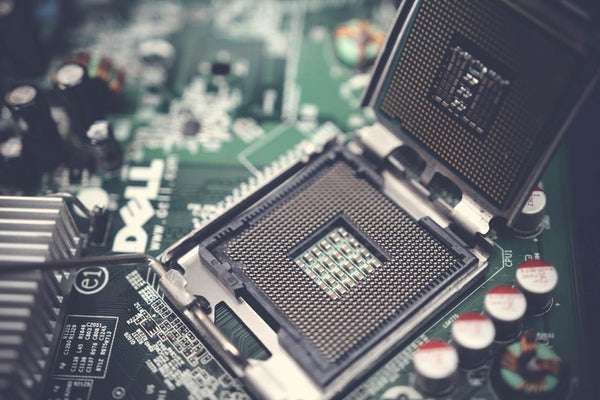
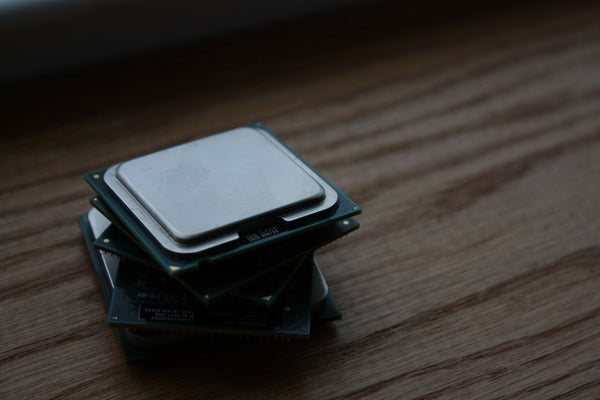
Let's talk CPU benchmark reality. Does grandpa need a Ryzen 9 7950X? Absolutely not. A Ryzen 5 7600 or even a 5600X will handle everything from Minecraft with the grandkids to more demanding titles like Cyberpunk 2077 at perfectly playable settings. I've seen these chips push 120+ fps in most games at 1080p high settings.
Hot take: Intel's 13th gen i5 chips are actually fantastic for this use case too. The 13400F specifically offers incredible value, and Intel's stock coolers have gotten way better than they used to be.
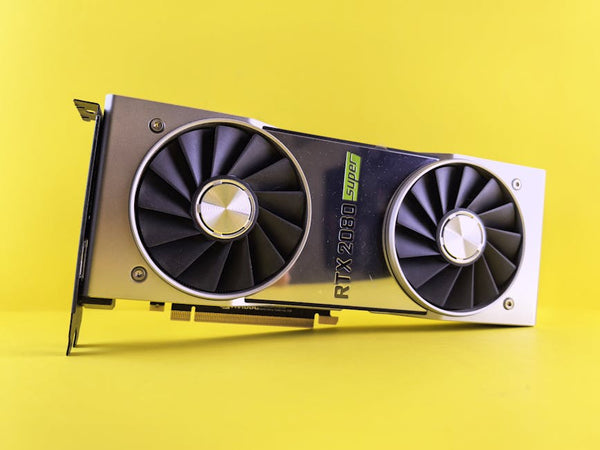
GPU Review: What Graphics Card Makes Sense?
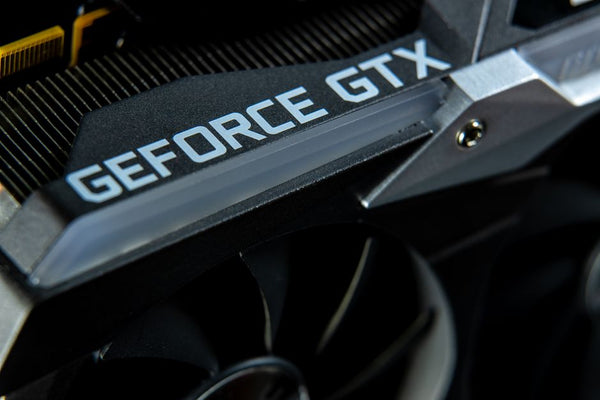
Here's where things get interesting. Everyone's first instinct is to go budget with something like a GTX 1660 Super. But hear me out - that's actually doing grandpa a disservice.
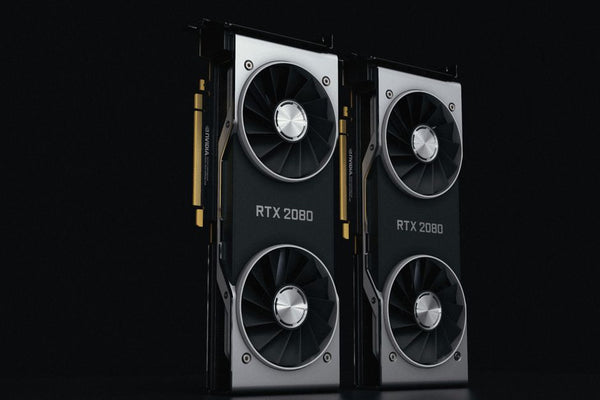
The RTX 4060 is the sweet spot right now. Yeah, it's more expensive, but consider this: it'll handle any game his grandkids throw at it for the next 5 years easily. Plus, DLSS is genuinely magic for older gamers. Frame rate drops can be genuinely disorienting when you're not used to them.
I had this grandfather come in who was struggling with his old GTX 970 in newer games. The stuttering and frame drops were making him motion sick. We upgraded him to an RTX 4060, enabled DLSS, and suddenly he was getting smooth 60fps in everything. Game-changing? More like life-changing.
Why DLSS Matters More for Older Gamers
This might sound counterintuitive, but DLSS is actually more important for casual older gamers than hardcore enthusiasts. Why? Consistency.
Young gamers can adapt to frame rate drops and stuttering. We've been dealing with it for decades. But when you're 72 and learning to game, smooth performance isn't just nice to have - it's essential for actually enjoying the experience.
The RTX 4060 with DLSS Quality mode will push most games to 60fps at 1080p with high settings. That's the kind of consistent, beautiful gaming experience that'll keep grandpa coming back for more family gaming sessions.
The Rest of the Build: Practical Choices
Memory? 16GB DDR4 is plenty. Don't overthink it. DDR5 is nice but honestly unnecessary for this use case.
Storage gets more interesting though. Here's something I learned from experience: older gamers benefit hugely from fast boot times and loading screens. That initial "wow, this computer is fast" feeling when Windows boots in 10 seconds? That's worth the extra money for a good NVMe SSD.
Get a 1TB NVMe drive. Skip the hybrid storage setups and mechanical drives entirely. Keep it simple, keep it fast.
The Case and Cooling Situation
Fractal Design Core 1000 or similar micro-ATX cases work perfectly. They're compact, well-built, and have enough airflow without being overkill. Plus, they don't look like alien spaceships, which some older folks appreciate.
For cooling, honestly? The stock coolers that come with Ryzen 5 chips are totally fine for this application. No need for custom loops or expensive tower coolers when you're not overclocking or running stress tests.
Prebuilt vs Custom: The Elephant in the Room
Okay, let's address what you mentioned about preferring prebuilts. You know what? There's zero shame in that game. Sometimes the convenience factor outweighs everything else, especially when you're setting up a computer for someone who might need support down the line.
Companies like BitCrate Custom Gaming PCs offer that middle ground - professionally built systems with quality components, but configured specifically for your needs. No bloatware, no weird proprietary parts, just solid gaming machines.
The warranty support alone might be worth it when you're dealing with family tech support calls at 8 PM on a Tuesday.
What About Peripherals?
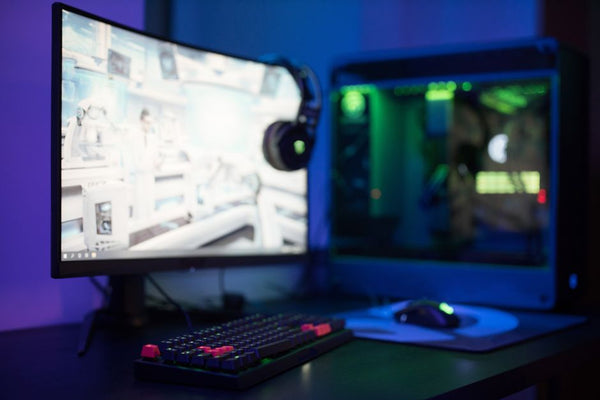
Don't sleep on this part. A comfortable gaming setup matters more for older gamers than most people realize.
Mechanical keyboards might actually be better for older hands - the tactile feedback helps with typing accuracy. But skip the super clicky switches that'll drive the family crazy during late-night gaming sessions.
For mice, something ergonomic with side buttons for common functions. The Logitech G502 is popular for good reason - it's comfortable for extended use and has enough buttons for useful shortcuts without being overwhelming.
And please, for the love of all that's holy, get him a decent monitor. A 24-inch 1080p IPS panel with good color accuracy will make games look gorgeous without breaking the bank or requiring massive graphics horsepower.
The Real Secret Sauce
Want to know what actually makes the biggest difference for older gamers? It's not the specs. It's the setup experience and ongoing support.
Set up his Steam account. Install his games. Configure the graphics settings so everything runs smoothly out of the box. Create desktop shortcuts. Write down his passwords (securely, obviously).
That hour you spend setting everything up properly will determine whether this becomes his new favorite hobby or a expensive dust collector.
The gaming industry needs more players like your dad. At 72, he's bringing decades of life experience to virtual worlds designed by people a third his age. That perspective is valuable, and frankly, the toxicity of online gaming could use more grandpa energy.
Your kids are going to have stories about gaming with grandpa that they'll tell their own kids someday. That's worth way more than any CPU benchmark score or GPU review rating you'll find online.









Leave a Comment