


This RTX 5070 Ti Gaming PC Build Just Dropped $1,100 — Is the AB Kaze II Aqua Worth It?
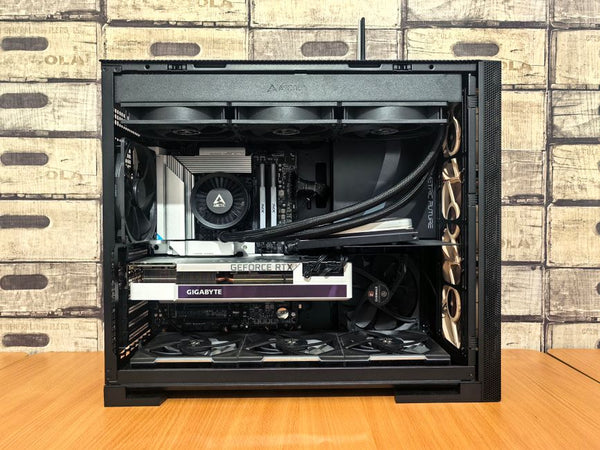
Holy crap, Newegg just threw us a curveball. The ABS Kaze II Aqua — that's the one with the i9-14900KF and RTX 5070 Ti — just dropped to $2,175 with promo code. We're talking $1,100 off a gaming PC build that was already looking pretty solid on paper.
But here's the thing. Prebuilts always make me nervous.
I've been building rigs for customers at TieredUp Tech here in Orange, TX for years, and I've seen some real horror shows come through our door. Cheap PSUs. Terrible airflow. RAM that's running at JEDEC speeds because nobody bothered to enable XMP. So when I see a deal this aggressive, my BS detector starts going off.
Breaking Down This Custom Gaming PC Deal
Let's talk specs first. The Kaze II Aqua isn't messing around:
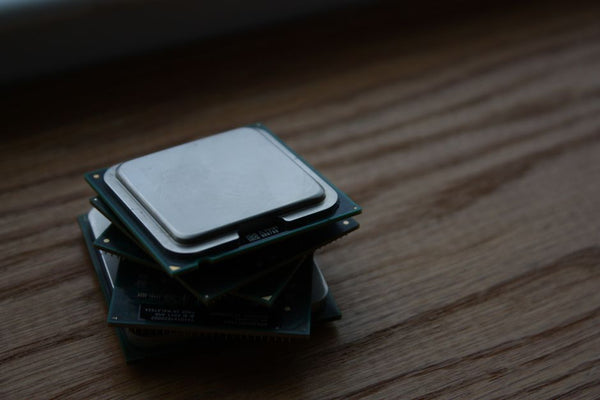
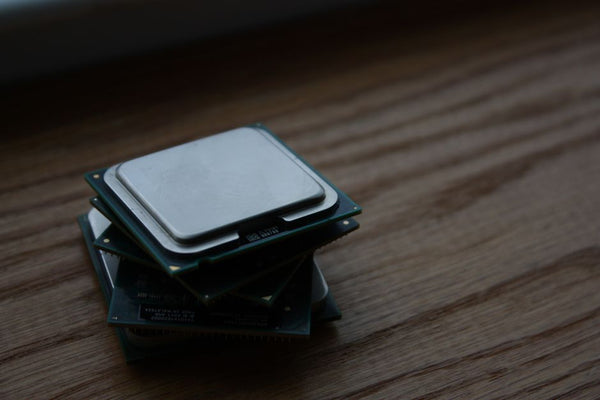
i9-14900KF — that's Intel's flagship without integrated graphics. Makes sense in a gaming build. This chip will push 253W under load and honestly doesn't need the iGPU anyway. You're looking at serious single-core performance for high refresh rate gaming.
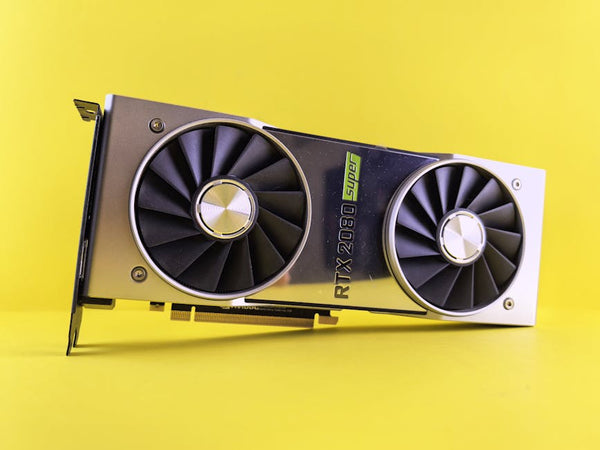
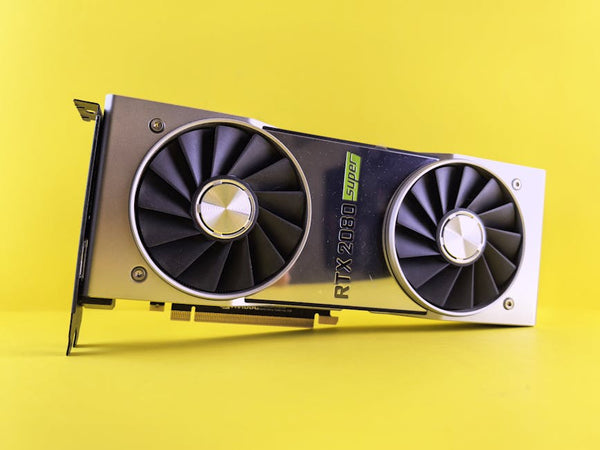
RTX 5070 Ti with 16GB VRAM — now we're cooking. This GPU is the sweet spot for 1440p gaming right now. I've been recommending it to customers who want to max out settings in Cyberpunk 2077 and still hit 80+ FPS. That 16GB buffer means you won't be sweating VRAM limits anytime soon.
32GB DDR4 — probably running at 3200MHz knowing ABS. Not the fastest, but 32GB is 32GB. Most games still don't use more than 16GB, but having that overhead for streaming or running Discord while gaming? Chef's kiss.
2TB NVMe storage — finally, prebuilt companies are getting it. Nobody wants to manage a 500GB drive in 2024. Modern Warfare alone is like 150GB installed.
The Real Question: What's the Catch?
Look, $2,175 for these specs is legitimately good. But I'm not buying the hype until I know more about the components they're not advertising.
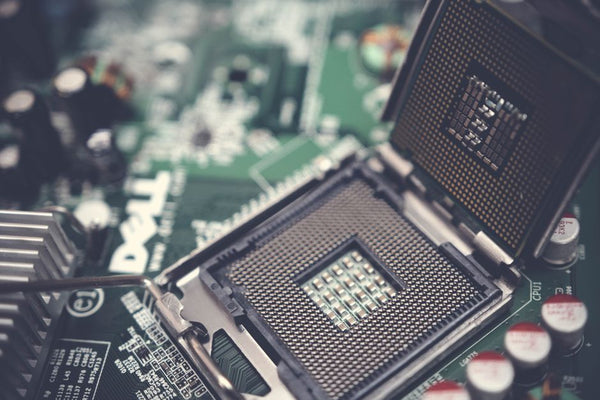
What PSU are we talking about? Because that 14900KF paired with an RTX 5070 Ti is going to pull serious wattage. You need at least 850W from a reputable brand, and I'm betting ABS went with something generic to hit this price point. Same story with the motherboard — is it a decent B660 or Z690, or did they throw in some bargain basement board that'll throttle your CPU?
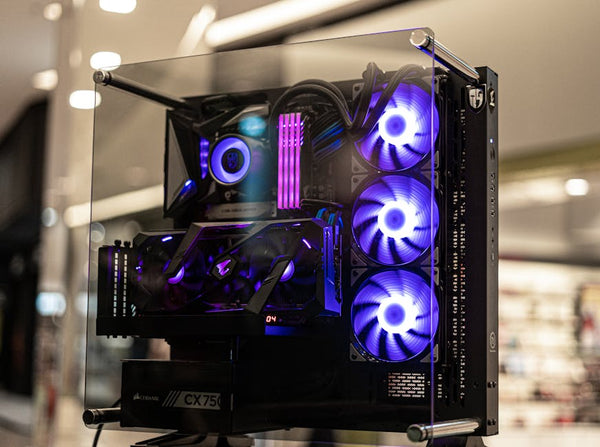
The cooling situation worries me too. Intel's 14th gen runs HOT. Like, stupid hot. I've seen 14900KFs hit 95°C with inadequate cooling, and thermal throttling kills your gaming performance. What's ABS using — a basic tower cooler that'll struggle, or something that can actually handle this chip?
How This Stacks Against Building Your Own
Honestly? If you were to build this yourself, you'd probably spend close to $2,400-2,500 for similar specs. RTX 5070 Ti cards are still running $550-600. The 14900KF is around $400. Add decent RAM, storage, case, PSU, motherboard, and you're in that ballpark.
So yeah, the math works out. But here's my hot take: building your own PC isn't just about saving money.
When you build, you control every component. You can grab that Seasonic Focus GX PSU instead of whatever generic unit ABS throws in. You can choose proper RAM with good timings. You can set up your cooling properly from day one.
Plus — and this is huge — you actually know how your system works. When something goes wrong (and it will), you're not calling tech support and waiting two weeks for an RMA.
Gaming Performance Reality Check
Let's get real about what this rig can do. That RTX 5070 Ti is going to absolutely demolish 1440p gaming. We're talking 90+ FPS in Apex Legends at max settings. Valorant? You'll be pushing 300+ FPS easy, perfect for those 240Hz monitors.
The 14900KF handles CPU-bound games like a beast. Cities: Skylines II, which brings most processors to their knees? This chip laughs at it. Same with CS2 — you'll have the processing power to maintain consistent frame times even in 32-player matches.
But here's where I get concerned again. All that performance means nothing if the system thermal throttles or crashes because of a cheap PSU. I've seen too many customers bring in prebuilts that benchmark great for 10 minutes, then turn into unstable messes during actual gaming sessions.
Real talk: the best gaming PC is one that runs reliably for years, not one that looks good on paper but falls apart after six months of heavy use.
Should You Pull the Trigger on This PC Build Guide Alternative?
Here's my honest take. If you're completely new to PC gaming and the thought of building makes you break out in cold sweats, this deal isn't terrible. You're getting solid gaming performance for less than you'd spend on individual components.
But personally, I think you're better off learning to build. The satisfaction of hitting that power button for the first time on a rig YOU put together? Can't beat it.
If you're in East Texas and want to check out some alternatives, swing by and we can walk through some BitCrate Custom Gaming PCs that give you more control over component selection. Or if you're dead set on the DIY route, we've got quality GPUs and other components that won't leave you guessing about reliability.
The Kaze II Aqua deal expires soon, and honestly, I'm not sure if that's good or bad news. Great specs at a decent price, but too many unknowns for my taste. Your move, but choose wisely — this is your gaming experience we're talking about.











Leave a Comment