


Linux Mascot Tux Turns 30: What This Means for Your Gaming PC in 2024
Bro, I can't believe Tux the penguin just hit the big 3-0. Yeah, that chubby little Linux mascot that Linus Torvalds described as "slightly overweight" back on May 9, 1996 is now old enough to have existential crises about his life choices. Wild how time flies when you're busy being the face of an operating system that most gamers still think is "too complicated" for their RGB-laden battlestations.
But here's the thing — this tech news isn't just some nerdy anniversary worth a quick "happy birthday" post. Tux's three decades of existence coincide with Linux becoming genuinely viable for gaming, and honestly? It's about time we talked about what that means for your next build.
Why Tux Actually Matters for Gaming Technology in 2024
Look, I get it. When you think "gaming PC," you think Windows 11, Steam, maybe some arguments about whether DirectX 12 is actually better than Vulkan. Linux? That's for servers and programmers who drink way too much coffee, right?
Wrong.
Steam Deck changed everything. Valve basically said "hold my beer" and shipped millions of handheld gaming devices running... wait for it... Linux. SteamOS, specifically, but it's still our boy Tux under the hood. And you know what? It actually works. Like, really works.
I've been building systems for over a decade now, and the number of customers asking about Linux gaming setups has tripled in just the past two years. Last week at our shop here in Orange, TX, I had three different people inquire about dual-boot configurations. Three! That used to happen maybe once every six months.
The Proton Revolution That Nobody Saw Coming
Here's where things get spicy. Valve's Proton compatibility layer isn't just some half-baked wine wrapper that barely runs Solitaire. This thing is running Cyberpunk 2077, Elden Ring, and even Call of Duty titles at near-native performance levels. We're talking 95%+ framerates compared to Windows in many cases.
Personally, I think this is the biggest gaming technology shift since dedicated graphics cards became mainstream. But let me be real with you — it's not perfect yet.
ProtonDB shows over 85% of Steam's top 1000 games are now playable on Linux, with many running at Gold or Platinum compatibility levels.
The anti-cheat situation is still busted for competitive gaming. Valorant? Nope. Apex Legends ranked? Good luck. BattlEye and EasyAntiCheat are slowly getting with the program, but if you're a hardcore competitive FPS player, you're still stuck with Windows for now.
Building a Linux Gaming Rig: What Actually Works
So you're thinking about joining Team Penguin? Smart move, but don't just throw Ubuntu on your existing Windows machine and expect miracles. Linux gaming rigs need some specific considerations that most build guides completely ignore.
GPU Selection: AMD vs NVIDIA Drama Continues
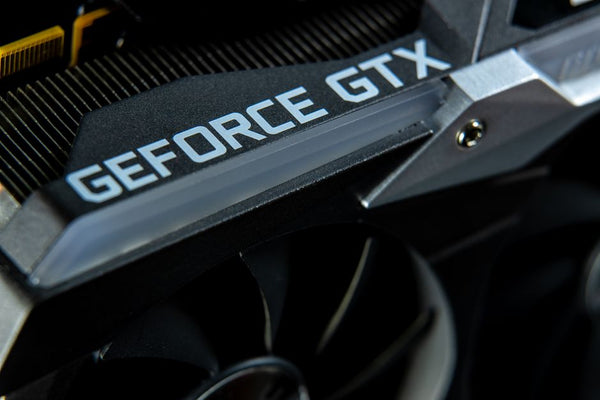
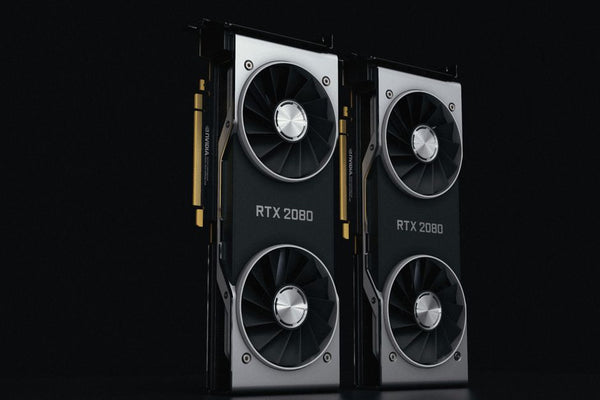
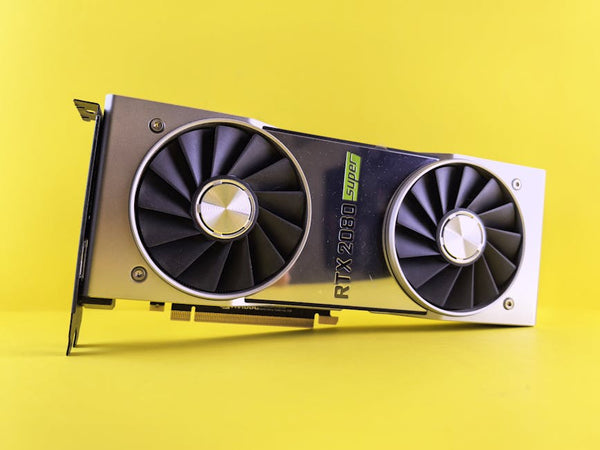
Hot take: AMD is still the way to go for Linux gaming in 2024. Their open-source AMDGPU drivers are baked right into the kernel, which means zero driver hunting, zero proprietary nonsense, and zero surprise updates that break everything.
My RX 7800 XT pulls 144fps in most titles on my Arch setup, and I've literally never had a driver issue. Compare that to my buddy's RTX 4070 Ti setup where he spent three hours troubleshooting why his second monitor wouldn't wake up after the latest NVIDIA driver update.
That said, if you absolutely need CUDA for streaming or content creation, NVIDIA's proprietary drivers work fine. They're just... annoying. Like that friend who's great to hang out with but always shows up 20 minutes late.
CPU and Platform Considerations
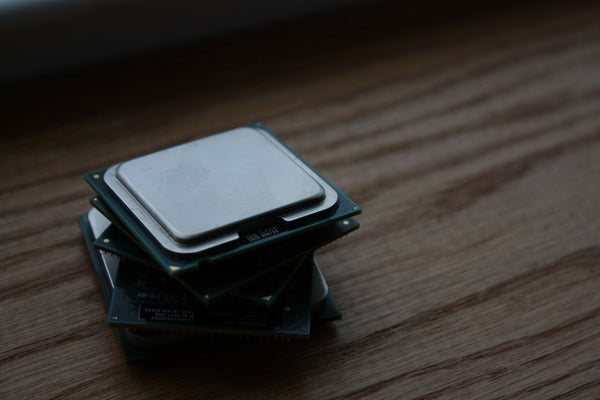
Intel or AMD? Honestly, both work fantastic with Linux. The real question is whether you want to spend the extra cash on Intel's efficiency cores or stick with AMD's straightforward approach.
I've been recommending the Ryzen 7 7700X for most Linux gaming builds lately. Eight cores of pure performance, no weird E-core scheduling quirks, and it just works. Plus, at $359, you're getting flagship-level gaming performance without the $500+ Intel tax.
For budget builds, the Ryzen 5 7600 is absolutely solid. Six cores might seem limiting, but ngl, most games still don't properly utilize more than that anyway.
Storage and Memory: Where Linux Actually Shines
Here's something Windows users don't realize: Linux is genuinely faster with storage. The ext4 filesystem doesn't have the overhead of NTFS, and the lack of constant Windows Update bloat means your SSD isn't getting hammered 24/7.
I'm running the same Samsung 980 Pro that was in my Windows machine, but boot times went from 25 seconds to 8 seconds. Game load times? Also noticeably faster in most titles.
Memory is where things get interesting. Linux uses way less RAM for the OS itself — we're talking 2-3GB idle instead of Windows 11's 4-6GB hunger. That extra headroom actually translates to better gaming performance, especially in memory-intensive titles like Cities: Skylines or heavily modded Minecraft.
The Distro Question Everyone Asks
Which Linux distro should you use for gaming? Everyone's got opinions, but I'll keep it simple:
- Pop!_OS: Best for beginners, comes with NVIDIA drivers pre-installed, just works
- SteamOS (HoloISO): If you want the authentic Steam Deck experience on desktop
- Arch/EndeavourOS: For when you want to customize everything and don't mind occasional troubleshooting
Avoid Ubuntu for gaming. I know it's popular, but Canonical's Snap package system is genuinely terrible for performance, and their kernel is often months behind on gaming-critical updates.
The Ecosystem Reality Check
Let's be honest about what you're giving up. Windows-exclusive launchers like Epic Games Store work through Lutris, but it's not always smooth sailing. Game Pass? You'll need cloud gaming or a Windows VM. RGB control software? Hit or miss, though OpenRGB handles most major brands now.
But here's what you gain: no forced updates, no telemetry, no Microsoft trying to shove Bing into your search results. Your system actually belongs to you.
Is it worth the switch? Depends on your priorities. If you're primarily playing Steam games and value system control over maximum compatibility, absolutely. If you need every single game to work flawlessly on day one, stick with Windows for now.
The gaming landscape is shifting though, and Tux's 30th birthday marks a pretty significant milestone. When building your next custom gaming PC, at least consider leaving some partition space for experimentation. You might be surprised at just how far that slightly overweight penguin has waddled since 1996.















Leave a Comment