


Gaming PC Build Strategy After DeepSeek's V4 Launch: What AI Wars Mean for Your Custom Gaming PC
Bro, the AI world just got absolutely wild. DeepSeek dropped their V4 model with 1.6 trillion parameters running on Huawei chips, and the U.S. government is throwing around IP theft accusations like confetti. Now you're probably thinking "Marcus, what the hell does this have to do with my gaming PC build?" Fair question — but this AI arms race is about to reshape the entire gaming landscape in ways most people aren't even considering yet.
Here's the thing. When massive AI companies start flexing with trillion-parameter models, that tech eventually trickles down to gaming. DLSS? That's AI. RTX voice noise cancellation? AI. The anti-cheat systems detecting your sketchy teammate? Yep, AI.
Why AI Development Directly Impacts Your Custom Gaming PC Build
This isn't some distant future sci-fi nonsense. We're talking about immediate implications for anyone planning a gaming PC build in 2024 and beyond. DeepSeek's V4 launch signals something huge: AI processing is becoming the new performance bottleneck, not just traditional gaming workloads.
Think about it. Modern games already use AI for procedural generation, NPC behavior, and real-time ray tracing optimization. But we're heading toward a world where your GPU isn't just rendering frames — it's running complex AI models that enhance everything from texture upscaling to predictive frame generation.
Personally, I think we're witnessing the biggest shift in gaming hardware requirements since the jump from single-core to multi-core CPUs. Remember when games couldn't utilize multiple cores? Same energy, but for AI acceleration.
The Huawei Chip Situation Changes Everything
DeepSeek running their massive model on Huawei chips instead of NVIDIA hardware is genuinely significant. Not because Huawei makes better chips (they don't), but because it proves AI workloads can run efficiently on alternative architectures. This competition could drive GPU prices down while pushing innovation up.
Last week at our shop in Orange, TX, I had a customer asking whether they should wait for next-gen GPUs or build now. My answer? It depends on what you're planning to do with AI-enhanced gaming features.
Building Your Gaming PC for the AI-Enhanced Gaming Era
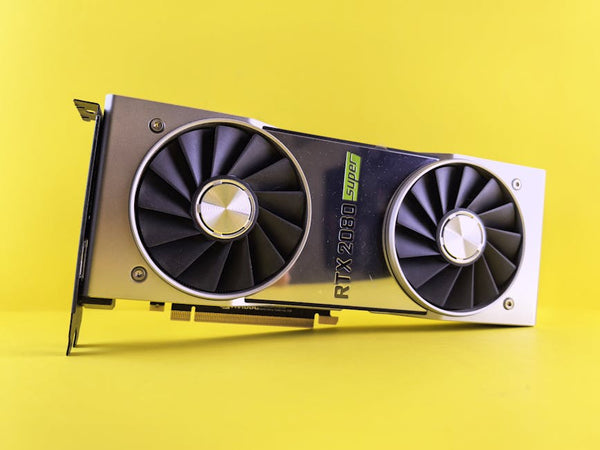
Here's where things get interesting for your PC build guide decisions. Traditional gaming benchmarks are becoming less relevant when AI processing enters the picture. A GTX 1660 Super might crush 1080p gaming, but it'll choke on AI upscaling tasks that a RTX 4060 handles effortlessly.
GPU Selection: Tensor Cores Aren't Optional Anymore
Hot take: buying a GPU without dedicated AI acceleration in 2024 is like buying a CPU without hyperthreading in 2010. You might save money short-term, but you're building obsolescence into your system.
NVIDIA's RTX series with Tensor cores currently dominates AI gaming features, but AMD's RDNA 4 architecture promises competitive AI acceleration. Intel's Arc GPUs? Still mid for most purposes, but their XeSS upscaling actually performs surprisingly well.
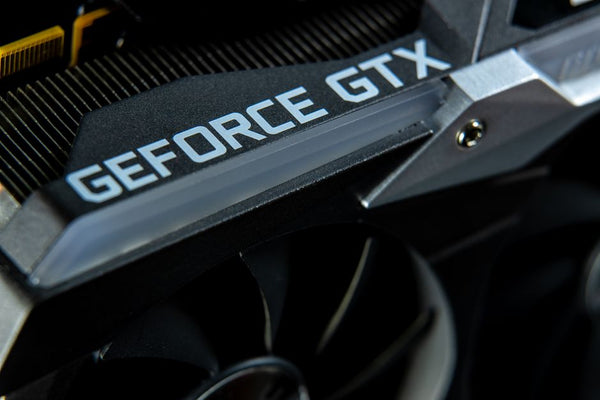
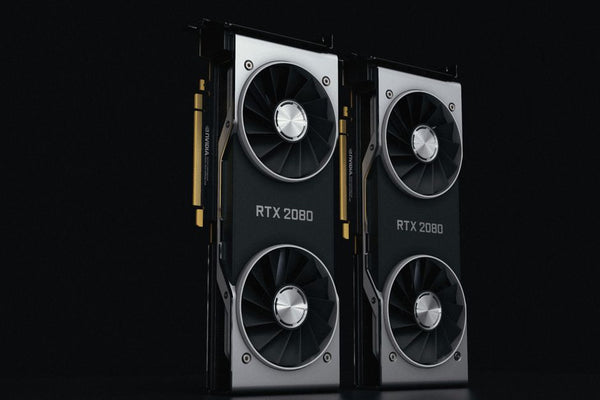
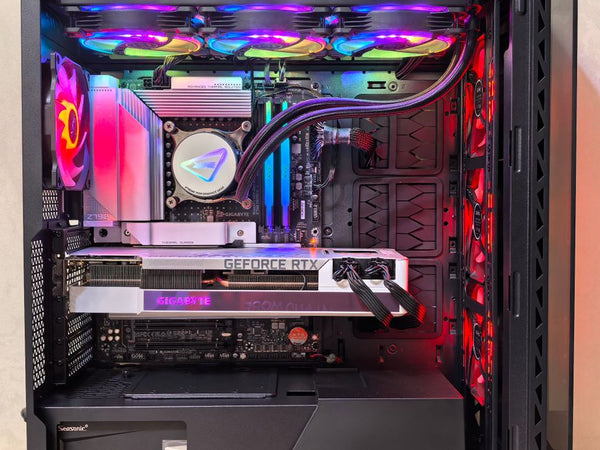
The sweet spot right now for a custom gaming PC? RTX 4070 Super if you're targeting 1440p with AI features enabled. RTX 4080 Super if you want 4K gaming with full DLSS 3 frame generation. Don't let anyone tell you otherwise — those Tensor cores are doing heavy lifting that traditional shader units can't match.
CPU Requirements: Why Single-Core Performance Still Matters
Despite all this AI talk, your CPU choice hasn't fundamentally changed. Gaming engines still love high single-core performance, and most AI processing gets offloaded to your GPU anyway.
AMD's 7800X3D remains the gaming king, especially for 1440p builds where CPU bottlenecks matter most. Intel's 13900K offers better productivity performance if you're streaming or creating content alongside gaming. But honestly? For pure gaming with AI features, that X3D cache makes a noticeable difference in frame consistency.
The Geopolitical Angle: What U.S. AI Restrictions Mean for Gaming Hardware
This is where things get murky. The U.S. government's IP theft accusations against DeepSeek and other Chinese AI firms create uncertainty in the hardware market. Export restrictions on advanced chips could limit global supply, potentially driving prices up.
But here's what I'm genuinely uncertain about: whether these restrictions will actually slow down AI development or just fragment it across different architectures. DeepSeek's success with Huawei chips suggests the latter.
For builders, this means potential supply chain disruptions and price volatility. NVIDIA already faced Chinese market restrictions that shifted inventory distribution. AMD and Intel could see similar impacts if tensions escalate.
Future-Proofing Your Build Strategy
Ngl, predicting hardware trends during geopolitical chaos is basically impossible. But some principles remain solid:
- Buy the best GPU you can afford with AI acceleration features
- Don't chase the absolute latest generation if current gen meets your needs
- Consider builds that can accommodate GPU upgrades without CPU bottlenecks
The RTX 4070 Super paired with a 7800X3D gives you excellent gaming performance today while supporting future AI gaming features. That combo won't become obsolete when the next wave of AI-enhanced games launches.
Real-World Performance: AI Gaming Features You Can Use Today
Let's cut through the marketing BS and talk actual performance numbers. DLSS 3 frame generation can literally double your FPS in supported games, but it introduces input latency that competitive gamers hate. DLSS Quality mode? That's the sweet spot — significant performance gains with minimal visual compromise.
Cyberpunk 2077 with RT Overdrive mode averages 34 FPS on a RTX 4080 at 4K native. Enable DLSS 3 Frame Generation? Suddenly you're getting 76 FPS with barely noticeable image quality differences. That's not marketing fluff — those are repeatable results.
AMD's FSR 3 promises similar performance, but availability remains limited. Intel's XeSS works surprisingly well on Arc GPUs but shows inconsistent results on other hardware.
The Streaming and Content Creation Factor
If you're planning to stream or create content, AI features become even more valuable. RTX cards can handle AI-powered noise cancellation, background replacement, and real-time video upscaling without impacting gaming performance.
OBS Studio with NVIDIA's streaming encoders produces better quality than software encoding while using less CPU resources. That means smoother gameplay while maintaining high-quality streams.
Building Around Uncertainty: Practical Recommendations
Given all this chaos in the AI space, what should you actually do for your gaming PC build? Build smart, not bleeding-edge.
A solid mid-range build with upgrade potential beats an expensive system that becomes obsolete quickly. Focus on proven components with strong track records rather than chasing the newest releases.
Build your custom gaming PC with BitCrate configurations that emphasize balanced performance across traditional gaming and AI workloads. Don't overspend on features you won't use, but don't cheap out on core AI acceleration either.
The RTX 4060 Ti 16GB offers solid 1440p performance with adequate AI features for most users. Step up to the RTX 4070 Super if budget allows — the extra performance headroom pays dividends when AI features become more demanding.
Memory and Storage Considerations
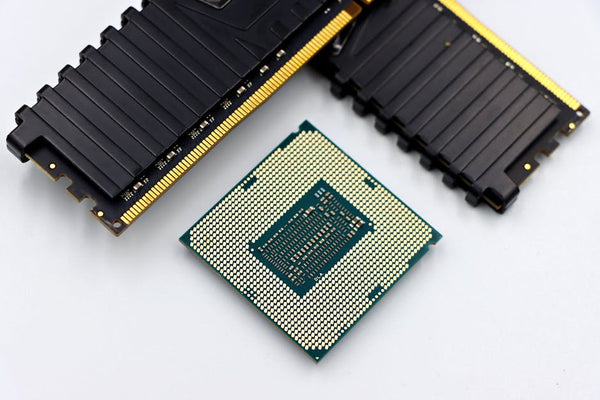
AI gaming features love fast memory and storage. DDR5-5600 provides noticeable benefits over DDR4 in AI-accelerated games, while PCIe 4.0 SSDs reduce texture streaming stutters.
32GB RAM is becoming the new standard for high-end builds, especially if you're running AI applications alongside games. 16GB still works for pure gaming, but leaves little headroom for background AI processes.
The geopolitical tensions around AI development create uncertainty, but they don't change fundamental building principles. Focus on balanced performance, prioritize upgrade paths, and don't get caught up in hype cycles. Whether DeepSeek's V4 model changes gaming or just creates more noise, your well-built system will handle whatever comes next.
Looking for the right setup? Check out Build your custom gaming PC with BitCrate — built right here in Orange, TX.












Leave a Comment