


The Listening Museum: 36 Mechanical Keyboards You Can Actually Hear Before You Buy
Your keyboard is cringe. There, I said it.
Nah, I'm kidding – but seriously, if you're still gaming on some membrane trash from 2015, you're missing out on one of the most important PC components for competitive play. The thing is, choosing mechanical keyboards has always been a pain because you can't really know how they sound until you're stuck with them. Sure, you can watch YouTube reviews, but compressed audio through laptop speakers? That's not telling you anything.
Enter the absolute legends who just dropped the Listening Museum – an interactive online collection of 36 mechanical keyboard audio samples that'll let you hear exactly what you're getting into before dropping your cash.
What Makes This Different From Every Other Keyboard Review
This isn't some half-baked website with potato-quality recordings. These enthusiasts went full nerd mode and multisampled each of the 36 keyboards, which means they recorded multiple keys at different velocities to capture the complete acoustic fingerprint. Think of it like how piano samples work in music production – except instead of Chopin, you're getting the sweet symphony of Cherry MX Blues at 3am.
The collection spans from absolute classics to modern gaming hardware that's reshaping how we think about tactile feedback. We're talking everything from the legendary IBM Model M (yeah, that clacky beast your dad probably had) to current heavy-hitters like the SteelSeries Apex Pro series.
Want to know the difference between Gateron Browns and Cherry MX Browns without buying both? Done. Curious if those Razer Huntsman Purples actually sound as smooth as they claim? Just click and listen. It's honestly game-changing for anyone building their setup who cares about audio feedback during those clutch moments.
Why Sound Matters More Than You Think
Here's the thing – most gamers obsess over response times and actuation force but completely ignore acoustics. Bad move. Your keyboard's sound profile affects your subconscious timing, especially in rhythm-heavy games or when you're counting frames in fighting games. Plus, if you're streaming or in Discord calls, your teammates don't want to hear you typing like you're operating a typewriter from 1982.
I've seen too many people at TieredUp Tech in Orange, TX grab expensive gaming keyboards without considering how they'll sound in their actual setup. Hard desk? Foam padding? Open room versus closed office? All of this changes how your switches perform acoustically.
The 36 Mechanical Masterpieces Actually Worth Listening To
The Listening Museum doesn't just throw random keyboards at you. This is a curated collection spanning decades of mechanical switch innovation. You've got your essentials – the Model M that defined what "clicky" means, various Cherry MX flavors that became the gold standard, and Topre switches that feel like typing on clouds made of butter.
But they also included some deep cuts that'll surprise you. Ever heard Zealios switches? How about some of the boutique Korean customs that cost more than most people's entire computer builds? This collection lets you experience that audio profile without dropping $400 on a keeb you might hate.
Personally, I think this is exactly what the mechanical keyboard community needed. Too many people buy based on marketing hype or because their favorite streamer uses something specific. Now you can make informed decisions based on actual audio characteristics rather than just specs on paper.
Testing Your Gaming Audio Setup
Quick pro tip while you're exploring these samples – use good headphones or monitors. Your gaming headset might be solid for positional audio in Valorant, but it's probably not giving you accurate frequency response for evaluating keyboard acoustics. If you've got decent studio monitors or open-back headphones, those'll give you a much better sense of what each keyboard actually sounds like.
The multisampling approach means you're hearing genuine velocity sensitivity too. Soft typing versus aggressive gaming sessions produce different tonal characteristics, and this museum captures both ends of that spectrum.
Beyond Just Gaming Hardware Porn
What's wild is how this project highlights the evolution of computer parts design philosophy. Early mechanical keyboards were built for durability and tactile feedback because computing was serious business. Modern gaming keyboards balance that heritage with RGB aesthetics, wireless functionality, and hyper-specific switch tuning for different game genres.
You can literally hear decades of engineering progress through these samples. The chunky, industrial sound of vintage switches versus the precision-engineered acoustics of current enthusiast boards tells a story about how we've refined every aspect of the typing experience.
Hot take: this museum proves that switch choice is way more personal than most people realize. What sounds satisfying to one gamer might be absolutely annoying to another, especially during long sessions. There's no "best" switch – just the right one for your ears and gaming style.
Building Your Next Setup
If you're planning a new build or upgrading your peripherals, spending time with these audio samples is honestly more valuable than reading a dozen reviews. You'll know immediately if a keyboard's sound signature matches your vibe, whether you prefer subtle tactical feedback or aggressive mechanical clicking that announces every headshot to your entire household.
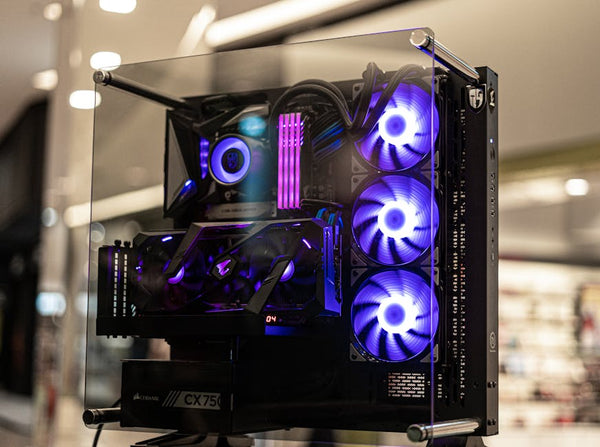
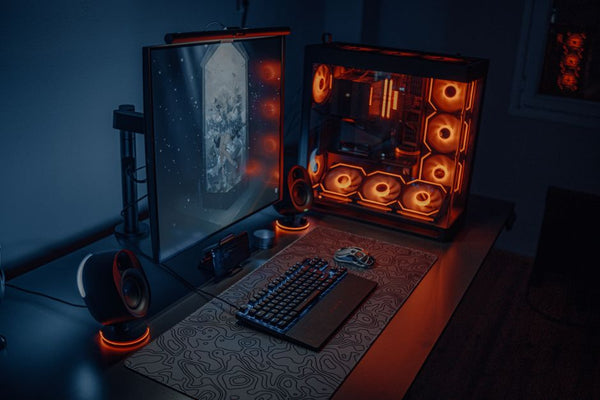
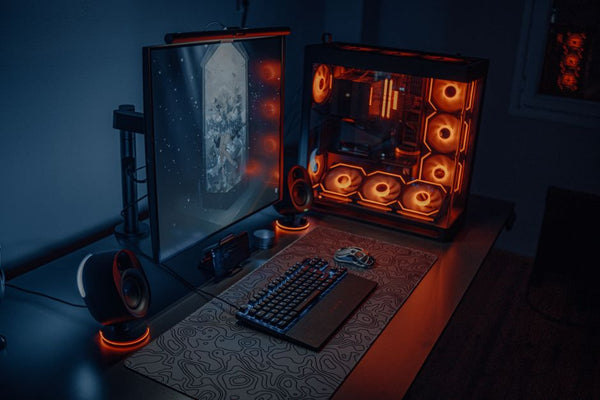
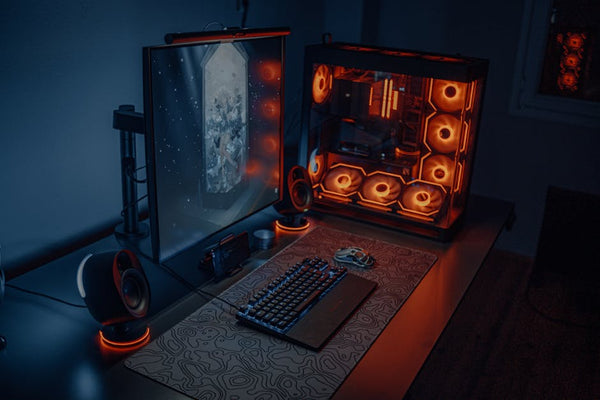
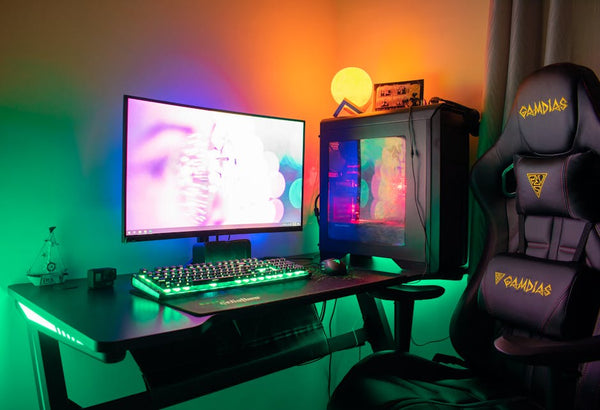
The Listening Museum also makes it easier to match your keyboard choice with your actual gaming setup. Planning a sleek, minimalist build? Those vintage clacky switches might clash with your aesthetic goals. Going full RGB battle station? Some of the modern gaming switches with cleaner audio profiles might complement that vibe better.
For anyone serious about their gaming hardware, this interactive museum isn't just entertainment – it's research. Whether you're configuring a custom gaming PC or just upgrading your peripherals, having access to authentic audio samples removes so much guesswork from the equation.
The mechanical keyboard community just raised the bar for how we evaluate and choose our tools. Now we just need someone to build the same thing for gaming mice clicks and we'll be set.













Leave a Comment