


Don't Fall for These 5 Gaming PC Build Mistakes When Snagging That $159 Samsung Monitor Deal
That shiny new Samsung Odyssey G53F monitor just hit its lowest price ever at $159.99, and if you're like most PC gamers, you're probably already adding it to your cart. But hold up. Before you start planning your entire gaming PC build around this killer 27-inch 1440p display, let's talk about the mistakes that'll turn your bargain monitor into an expensive paperweight.
Think of it like buying a legendary card in your favorite TCG without checking if it actually fits your deck archetype. Sure, that Black Lotus might be valuable, but it's useless if you're running a Modern format deck, right?
Mistake #1: Ignoring Your GPU's 1440p Performance Reality
Here's the brutal truth about that 200Hz refresh rate: your GPU needs to actually push 200 frames per second to use it. I've seen way too many people grab this monitor thinking their GTX 1660 Super is going to magically handle 1440p gaming at high refresh rates. Spoiler alert: it won't.
At 1440p, you're looking at roughly 77% more pixels than 1080p. That's not just a number on a spec sheet — it's a real performance hit. Your RTX 4060 that was crushing 1080p at 144fps? Yeah, it's probably dropping to around 80-90fps at 1440p in the same game.
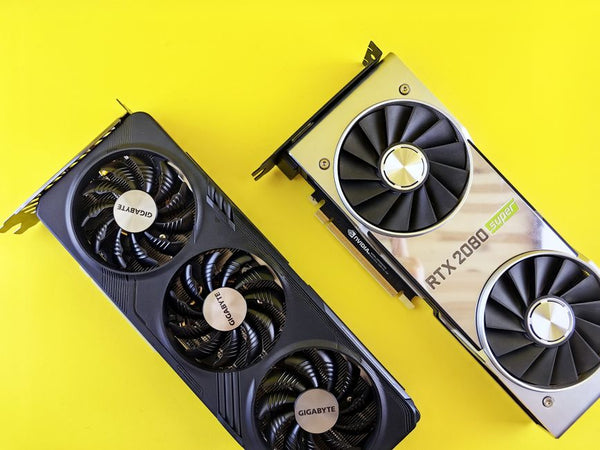
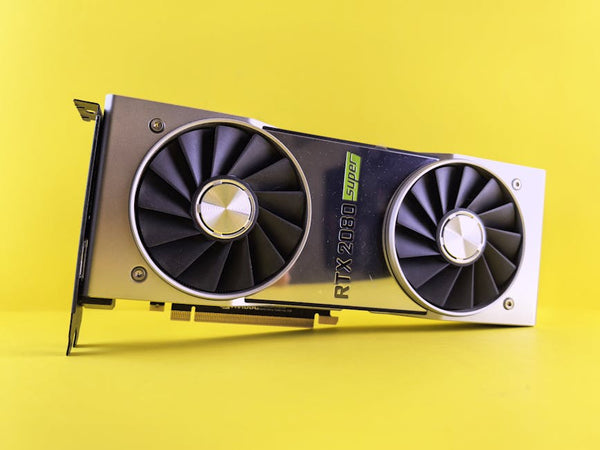
Personally, I think you need at least an RTX 4070 or RX 7700 XT to really justify this monitor. Anything less and you're basically buying a Ferrari to drive in school zones. The monitor will work, sure, but you'll be stuck at 60-80fps wondering why you didn't just save money and stick with 1080p.
The Real-World Performance Check
Let's get specific here. Cyberpunk 2077 with ray tracing? An RTX 4060 Ti pushes about 45fps at 1440p with DLSS Quality. That's not exactly screaming "200Hz monitor" material. Even something like Valorant, which isn't exactly a GPU destroyer, might only hit 150-180fps on mid-tier hardware at 1440p.
Hot take: if your current rig can't maintain at least 120fps in your most-played games at 1440p, this monitor purchase is putting the cart before the horse.
Mistake #2: Treating All IPS Panels Like They're Created Equal
IPS panels aren't magic. Yeah, this Samsung uses IPS tech, but not all IPS displays are the same quality. I've worked with customers at our Orange, TX shop who assumed that IPS automatically meant perfect color accuracy and zero input lag. Nope.
This particular G53F has decent specs for the price point, but let's not pretend it's competing with a $400 ASUS ProArt display. The color gamut coverage is solid but not spectacular. Response time is good but not exceptional. It's like comparing a well-built budget deck to a tournament-tier meta deck — they both play the game, but one's clearly optimized for performance.
What really matters is whether those specs work for your gaming style. Are you playing competitive shooters where every millisecond counts? Then response time trumps color accuracy. Building a cinematic single-player rig? Maybe invest those savings into better GPU power instead.
The Input Lag Reality
Samsung rates this monitor at 1ms response time, which sounds amazing on paper. But that's gray-to-gray response time under ideal conditions. Real-world input lag — the time between your mouse click and seeing the result on screen — depends on your entire system, not just the monitor.
Your CPU frame time, GPU pipeline, and even your mouse's polling rate all factor into the equation. A 1ms monitor connected to a system pushing inconsistent frame times will feel way worse than a 5ms monitor with rock-solid frame pacing.
Mistake #3: Forgetting About Your Gaming PC Build's Bottlenecks
This is where people really mess up their custom gaming PC planning. They see a great monitor deal and start building backwards from the display. That's like drafting your mana curve around one powerful creature card — it might work, but you're ignoring the fundamentals.
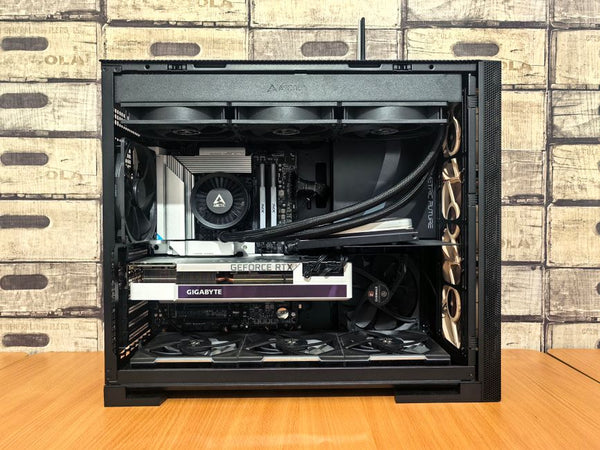
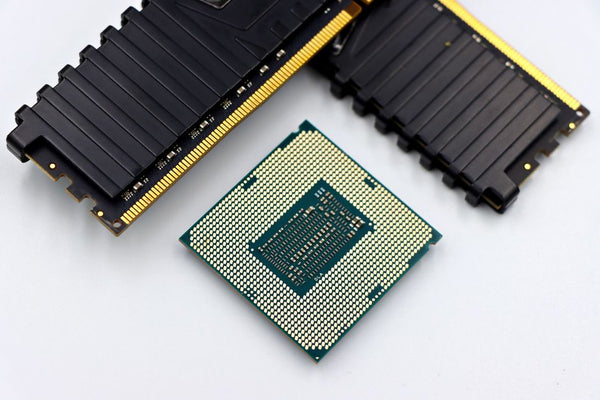
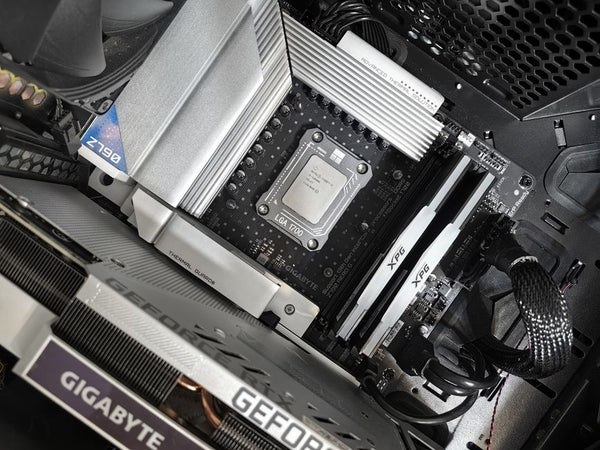
Here's what actually happens: you buy this 1440p 200Hz monitor, then realize your Ryzen 5 3600 is bottlenecking your RTX 4070 at high refresh rates. Suddenly you need a CPU upgrade. Then you discover your DDR4-3200 RAM isn't cutting it anymore. Before you know it, you're rebuilding your entire system because you started with the monitor instead of planning holistically.
Honestly, the smartest approach is building your BitCrate Custom Gaming PCs foundation first, then adding the perfect monitor to match your performance targets. Not the other way around.
The Memory Speed Factor Nobody Talks About
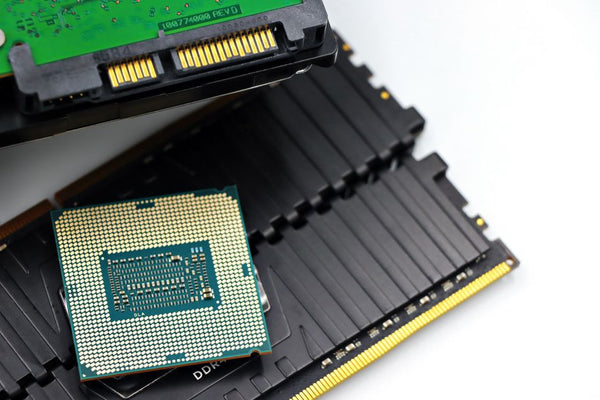
Running 1440p at high refresh rates puts unexpected pressure on your system memory. Games start demanding faster RAM speeds because they're processing more visual data per second. That DDR4-3200 kit that worked fine at 1080p 60Hz? It might become your limiting factor at 1440p 144Hz+.
AMD systems especially benefit from faster memory at higher resolutions. The difference between DDR4-3200 and DDR4-3600 can be 10-15 fps in memory-sensitive games. That's the difference between smooth gameplay and occasional stutters.
Mistake #4: Overlooking Your Desk Setup's Physical Limitations
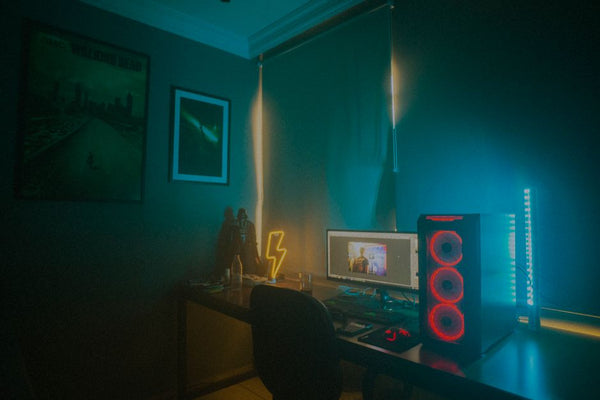
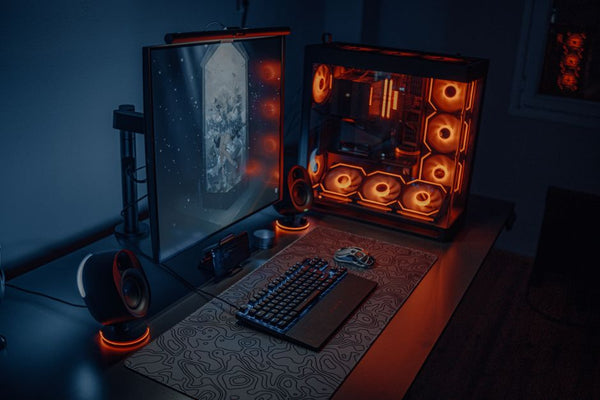
Sounds basic, but you'd be shocked how many people don't measure their desk space properly. This Samsung is a 27-inch display, which means roughly 24 inches wide and 14 inches tall without the stand. Add the stand, and you're looking at about 19 inches of depth.
I've had customers return monitors because they didn't account for their speaker placement, or because their desk couldn't handle the weight distribution. This particular model weighs about 11 pounds — not massive, but definitely heavier than that old 24-inch 1080p panel you're replacing.
Also, 27 inches at 1440p puts you at about 108 pixels per inch. That's the sweet spot for most people, but if you sit really close to your monitor (like, closer than 24 inches), text might look a bit chunky compared to a higher pixel density display.
The Viewing Distance Math
Optimal viewing distance for a 27-inch 1440p monitor is roughly 26-32 inches. Too close and you'll see individual pixels. Too far and you lose the benefit of the higher resolution. Most gaming desks put you right in that sweet spot, but corner desk setups sometimes force weird angles.
Mistake #5: Assuming Adaptive Sync Will Fix Everything
This Samsung supports FreeSync, which is great for eliminating screen tearing. But adaptive sync isn't a magic bullet for poor frame pacing or inconsistent performance. It's more like a quality-of-life improvement than a performance enhancer.
FreeSync works best when your GPU is consistently pushing frames within the monitor's adaptive sync range — typically 48-200Hz for this model. Drop below 48fps and you're back to traditional V-sync behavior. Push above 200fps and you might get tearing again unless you cap your frame rate.
The real benefit comes from smooth gameplay in that 60-180fps range where most gaming actually happens. But if your system is struggling to maintain consistent frame times, adaptive sync just makes the inconsistency less jarring — it doesn't eliminate it.
The Frame Rate Target Reality
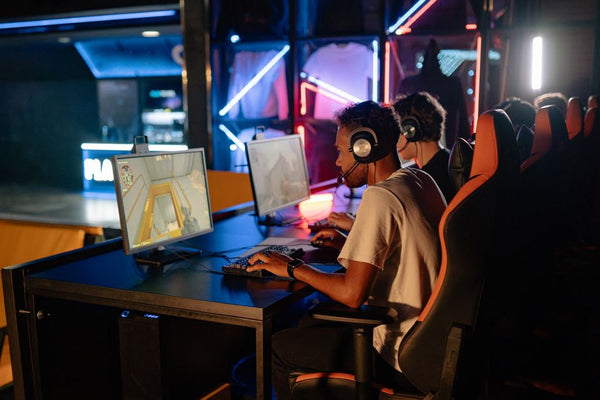
What refresh rate should you actually target with this monitor? It depends entirely on your game library. Competitive esports titles benefit from pushing the full 200Hz. AAA single-player games with heavy ray tracing? You'll probably be happy with 90-120fps and better visual settings.
The key is having enough GPU headroom to stay comfortably above 60fps in your most demanding games while hitting higher refresh rates in lighter titles.
Making This Monitor Deal Actually Worth It
Look, $159 for a 27-inch 1440p 200Hz IPS monitor is genuinely a solid deal. The Samsung Odyssey G53F isn't perfect, but at this price point, it's hard to complain about the value proposition. Just don't let the bargain price trick you into making poor decisions about the rest of your gaming PC build.
If you're running something like an RTX 4070 or better, this monitor makes perfect sense. You'll get great 1440p performance in most games, and the 200Hz capability gives you room to grow. For Epic-Tier BitCrate builds ($2k+), this could be the perfect budget-friendly display option that lets you put more money toward GPU power.
But if you're still rocking a GTX 1070 or RX 580? Maybe grab this monitor for future-proofing, but prioritize that GPU upgrade first. Otherwise, you'll spend more time staring at frame rate counters than actually enjoying your games.
The smart play? Buy the monitor if the deal fits your timeline, but build your PC build guide around balanced performance targets, not just the specs on your display. Your wallet and your frame rates will thank you later.








Leave a Comment