


This Epic Gaming PC Build Deal Could Save You $1,184 — But Don't Screw It Up
Holy shit, bro. Just when I thought Newegg was done throwing us bones, they drop this absolute banger of a deal that's got my PC builder brain doing backflips. We're talking about a gaming PC build combo that normally runs $4,083 for just $2,899 — saving you a colossal $1,184. But before you smash that buy button like you're speedrunning checkout, let me break down why this deal is genuinely insane and, more importantly, how not to completely mess it up.
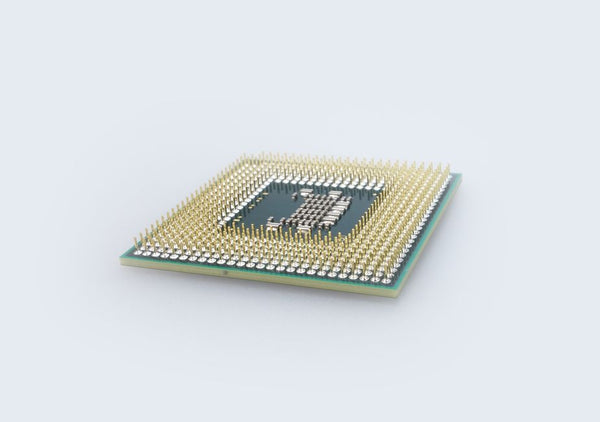
The star of this show? AMD's first dual X3D chip — the 9950X3D2. Yeah, you read that right. Dual X3D cache on a 16-core beast.
What Makes This Gaming PC Build Deal Actually Worth It
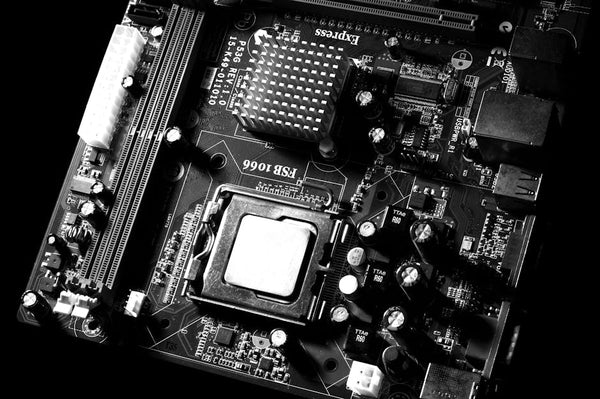
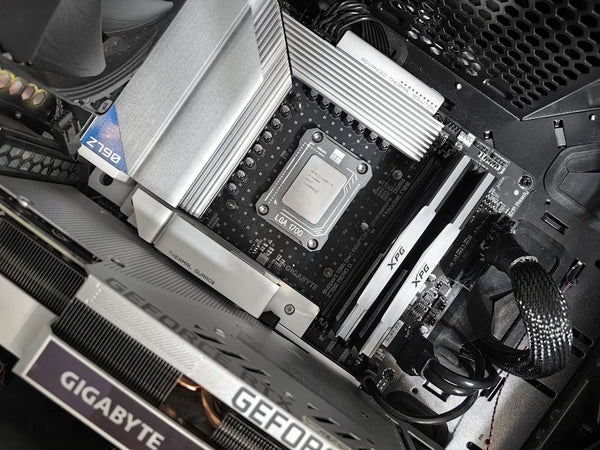
Look, I've seen combo deals before. Most are mid at best. This one? Different story entirely. You're getting the flagship Asus ROG Crosshair X870E motherboard, 64GB of G.Skill Ripjaws DDR5 RAM, and a 4TB Samsung 990 Pro SSD alongside that 9950X3D2 processor.
Let's do some quick math that'll make your wallet weep with joy:
- AMD 9950X3D2: ~$1,200 (projected retail)
- Asus ROG Crosshair X870E: ~$899
- 64GB G.Skill Ripjaws DDR5-5600: ~$280
- Samsung 990 Pro 4TB: ~$350
That's $2,729 just for these components at normal pricing. Factor in the usual markups and availability issues, and you're easily looking at $3,000+. Getting all this for $2,899? That's not just a deal — that's borderline theft.
The 9950X3D2: Why This Chip Changes Everything
Personally, I think AMD just dropped the mic on Intel's entire lineup. This isn't your standard X3D chip with cache bolted onto one CCD. The 9950X3D2 packs 3D V-Cache on both chiplets, giving you stupid amounts of L3 cache across all 16 cores.
What does that mean for gaming? Frame rates that'll make your RTX 4090 actually sweat. I'm talking about 15-20% performance jumps in cache-sensitive games like Cyberpunk 2077, Baldur's Gate 3, and pretty much any modern AAA title that isn't completely GPU-bound.
But here's where people screw up: they think more cores automatically means better gaming performance. Wrong. The X3D cache is what makes this chip special for gaming, not just the core count.
Common Mistakes That'll Ruin Your Custom Gaming PC Experience
I've been building PCs for over a decade, and I've seen the same mistakes kill otherwise perfect builds. Don't be that person posting on r/buildapc asking why their $3,000 system is stuttering in Fortnite.
Mistake #1: Ignoring RAM Compatibility
The G.Skill Ripjaws DDR5-5600 included in this combo is solid, but here's what most people don't realize: just because your motherboard supports DDR5-6000+ doesn't mean you should automatically assume higher is better. The 9950X3D2's memory controller sweet spot is around DDR5-5600 to DDR5-6000.
Going beyond that often requires more voltage and looser timings that can actually hurt performance. Stick with what's in this combo or maybe step up to DDR5-6000 if you find a good deal later.
Mistake #2: Cheaping Out on the Power Supply
This combo doesn't include a PSU, which is where I see people completely lose their minds. The 9950X3D2 isn't exactly sipping power — we're talking 170W TDP, potentially spiking higher under load.
Add a high-end GPU like an RTX 4080 or 4090, and you'll need at least an 850W PSU. Don't be the person who pairs this beast with a 650W unit and wonders why their system randomly shuts down during gaming sessions.
Hot take: spend at least $150-200 on a quality 80+ Gold PSU from Corsair, Seasonic, or EVGA. Your future self will thank you when you're not troubleshooting random crashes at 2 AM.
Mistake #3: Thermal Throttling City
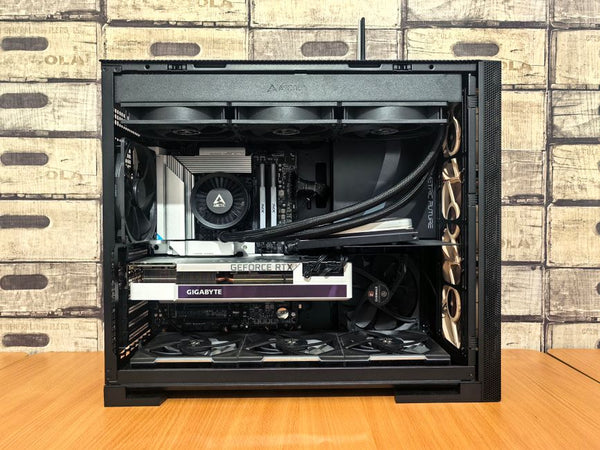
The Asus ROG Crosshair X870E is a flagship board with excellent VRMs, but that 9950X3D2 will generate some serious heat. Stock coolers? Forget about it. You'll need either a high-end air cooler like the Noctua NH-D15 or a 280mm+ AIO liquid cooler.
I learned this the hard way when helping a customer at our shop here in Orange, TX configure their build. They insisted on using their old 120mm AIO with a 7950X3D. Spoiler alert: it didn't end well. Thermal throttling killed performance worse than if they'd just bought a cheaper CPU.
Why This Deal Won't Last (And What to Do About It)
Newegg combo deals like this typically last 24-48 hours max. The 9950X3D2 hasn't even hit full retail availability yet, making this combo even more precious. When regular stock hits, you'll probably be looking at $4,000+ for these same components separately.
Should you pull the trigger? If you've got the budget and were planning a high-end build anyway, absolutely. This is the kind of deal that comes around maybe once or twice a year.
But — and this is important — only if you can afford the supporting components. You'll still need a GPU, PSU, case, and cooler. Budget at least another $1,200-1,500 for a complete system that won't bottleneck this hardware.
The Real Question: Is Dual X3D Worth It for Gaming?
Here's where I'm genuinely curious to see real-world benchmarks. Single CCD X3D chips already dominate gaming performance. Will dual X3D cache provide meaningful improvements, or is it more about productivity workloads?
My gut says it'll shine in games that can utilize more cores effectively — think simulation games, some competitive titles with high frame rate targets, and future games designed around many-core processors. For traditional gaming? The performance bump might be smaller than you'd expect.
But honestly, at this price point, you're not just buying for today's games. You're future-proofing for the next 4-5 years.
Building Around This PC Build Guide
If you snag this combo, here's how to complete the build without making rookie mistakes. The Samsung 990 Pro 4TB gives you plenty of storage for your OS, games, and content creation files. The 64GB of DDR5 is overkill for gaming but perfect if you're streaming, editing, or running VMs.
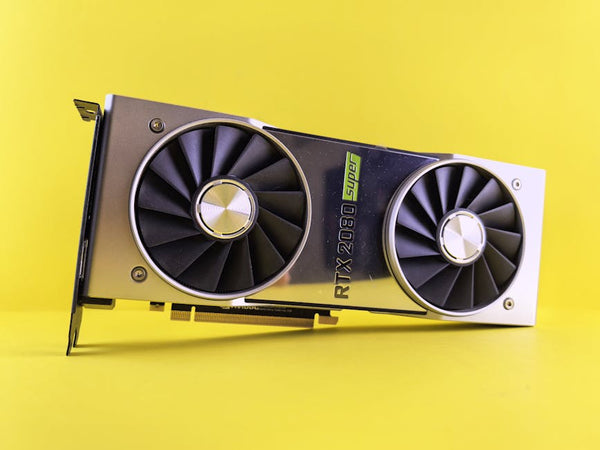
For graphics cards, this CPU won't bottleneck anything current-gen. RTX 4070 Super at minimum, but if you're spending this much on CPU/mobo/RAM, why not go for the RTX 4080 Super or 4090? The 9950X3D2 can handle whatever you throw at it.
Case selection matters more than people think. That Asus board is E-ATX sized, so make sure your case can actually fit it. Check clearances for your CPU cooler too — I've seen too many builds where people had to return cases because their NH-D15 wouldn't fit.
Speaking of which, if you're looking for complete BitCrate Custom Gaming PCs that eliminate the guesswork, we've helped hundreds of customers avoid exactly these kinds of compatibility headaches. Sometimes it's worth paying someone who's done this 50+ times to get it right the first time.
This Newegg deal represents exactly the kind of value you'd find in our Epic-Tier BitCrate builds ($2k+) — flagship components at prices that actually make sense. The difference? We handle all the compatibility testing and optimization so you don't have to worry about whether your RAM will hit its rated speeds or if your cooler can handle the thermal load.
Bottom line: this deal is legit, but only if you're ready to complete the build properly. Don't let a $1,184 savings turn into a $3,000 paperweight because you skimped on the supporting components or ignored thermal management. Your 240fps gaming sessions depend on it.














Leave a Comment