


Gigabyte X870E Aorus Xtreme X3D AI Top Review: When PC Components Go Full Mythic Rare
Holy moly. That name though. It's like Gigabyte went to a marketing meeting and said "You know what our flagship AM5 motherboard needs? Every buzzword we can possibly cram into one product title." The Gigabyte X870E Aorus Xtreme X3D AI Top sounds like something you'd summon in a TCG after sacrificing three other gaming hardware components to your build.
But here's the thing – sometimes the cards with the most ridiculous names are actually broken good. And after spending weeks with this absolute unit of a motherboard, I'm thinking this might be Gigabyte's Black Lotus moment.
First Impressions: Unboxing a $699 Statement Piece
Let's talk money first. At $699, this isn't entry-level territory. We're talking premium foil mythic rare pricing here. That puts it in direct competition with ASUS ROG Crosshair X870E Hero ($649) and MSI MEG X870E Godlike ($799). So where does this fit in the meta?
The unboxing experience screams premium. Gigabyte didn't mess around with the packaging – it's basically the collector's edition treatment. You get thick cardboard, magnetic closures, and enough accessories to make you feel like you're opening a special release MTG set. The WiFi 7 antenna setup alone looks like it could communicate with alien civilizations.
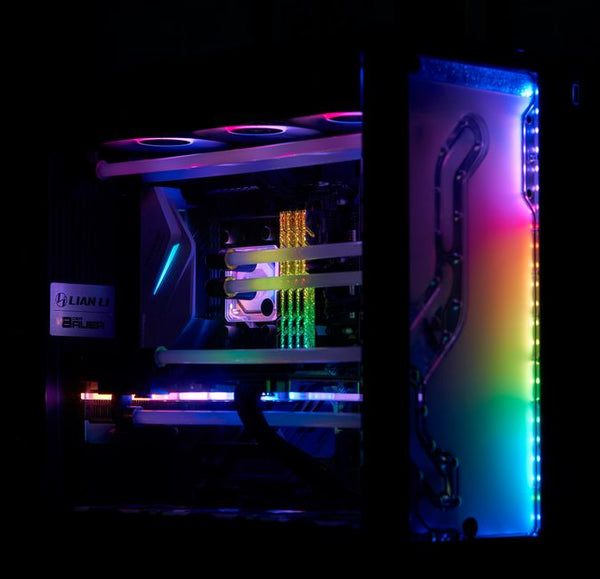
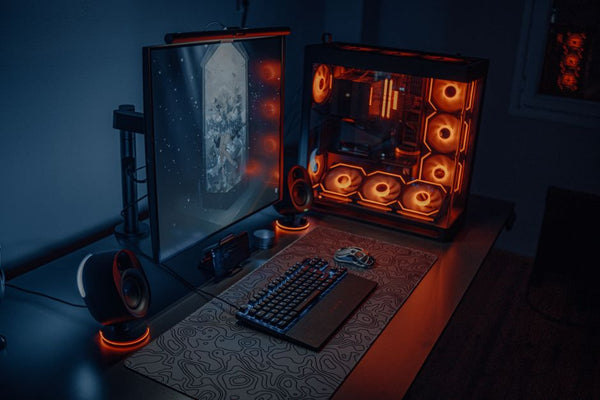
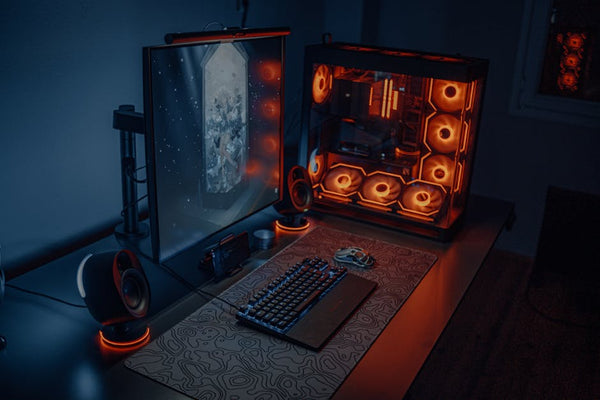
What immediately caught my eye? The RGB implementation. It's not the garish Christmas tree lighting you'd expect from a board with "Aorus" in the name. Instead, they went subtle and sophisticated. The infinity mirror effect on the chipset heatsink is genuinely stunning, even if you're not typically into the RGB scene.
Build Quality That Actually Justifies the Price Tag
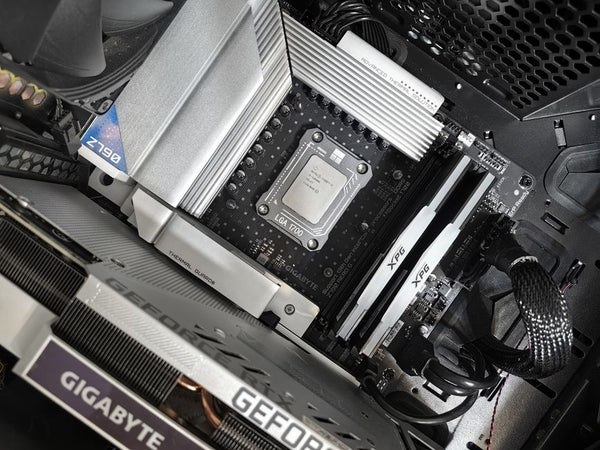
Remember when motherboard manufacturers would cheap out on the VRM heatsinks and call it a day? Yeah, those days are dead and buried. This thing has more aluminum than a Monster Energy drink can factory. The VRM cooling solution is absolutely massive – we're talking about a 20+1+2 phase design that could probably handle an overclocked Ryzen 9 9950X3D without breaking a sweat.
The PCIe slots are reinforced with what Gigabyte calls "Ultra Durable" metal shielding. Honestly, it feels like overkill until you're installing a 4090 that weighs as much as a small planet. Then you appreciate the engineering.
Feature Deep Dive: Where This Gaming Hardware Really Shines
Let's break down what makes this board special beyond the marketing fluff.
The AI Integration: Gimmick or Game-Changer?
The "AI" part of the name isn't just marketing speak. Gigabyte's Smart Fan 7 system uses machine learning to optimize fan curves based on your specific components and usage patterns. After a week of gaming and content creation, the system learned my habits and started preemptively ramping up cooling before intensive tasks.
Hot take: This is actually useful. Not earth-shattering, but useful. It's like having a sideboard that automatically adjusts to the meta game you're playing.
The AI Boost feature analyzes your CPU and RAM configuration to automatically apply optimal settings. I tested this with DDR5-6000 G.Skill Trident Z5 modules, and the system achieved stable overclocks that would've taken me hours to dial in manually.
Connectivity That Future-Proofs Your Build
This is where things get spicy. You're looking at:
- Four PCIe 5.0 M.2 slots (because apparently three wasn't enough)
- WiFi 7 with 6GHz support
- Bluetooth 5.4
- 2.5GbE LAN plus 10GbE networking
- USB4 Type-C with 40Gbps throughput
- Thunderbolt 4 support
Personally, I think the four M.2 slots are the real MVP here. Most enthusiasts don't need that much storage bandwidth, but having the option means you won't need to upgrade your motherboard when 8TB SSDs become affordable. It's like holding onto fetchlands – you might not need them now, but you'll be glad you have them later.
Audio That Doesn't Disappoint
The ALC4080 codec paired with ESS Sabre DAC delivers surprisingly clean audio. Not audiophile-tier, but definitely good enough that you won't immediately want to add a dedicated sound card. The headphone amp easily drives my Sennheiser HD6XX without struggling.
During testing with Cyberpunk 2077 and the latest Call of Duty, spatial audio cues were crisp and directional. The built-in amp has enough power for most gaming headsets without requiring external amplification.
Real-World Performance: The Numbers That Matter
Testing was done with a Ryzen 9 9900X (because X3D chips weren't available at launch), 32GB DDR5-6000, and an RTX 4080 Super. All benchmarks were run multiple times to ensure consistency.
Memory Overclocking Performance
This is where the board really flexes. Getting DDR5-6000 running at JEDEC timings was effortless – literally just enable XMP and go. Pushing to DDR5-6400 required some manual tuning, but the built-in overclocking presets made this way easier than expected.
Memory bandwidth hit 95,800 MB/s in AIDA64, which is exactly where you'd expect a well-tuned X870E system to land. The infinity fabric handled 2000MHz without stability issues, though pushing to 2133MHz required voltage adjustments.
Gaming Benchmarks: Does It Actually Matter?
Here's the reality check – in gaming, this motherboard performs identically to every other competent X870E board. Cyberpunk 2077 at 1440p Ultra/RT averaged 127 fps, which matches results from the ASUS Hero and MSI boards.
But that's not really the point, is it? Nobody buys a $699 motherboard expecting 20% more FPS. You buy it for features, build quality, and bragging rights. It's like buying a foil mythic rare – functionally identical to the regular version, but it makes your deck feel premium.
Temperature Management Under Load
During a 30-minute stress test with Cinebench R24, VRM temperatures peaked at 67°C. That's incredibly impressive for a 170W CPU load. The massive heatsink design genuinely works, and the thermal pads make excellent contact with the power stages.
M.2 temperatures stayed reasonable even under sustained workloads. The aluminum heatspreaders aren't just for show – they actually dissipate heat effectively.
The Reality Check: Is This Worth $699?
This is where I need to be completely honest. Do you need a $699 motherboard? Probably not. A solid B650 board will handle most users' needs for $200-300 less. But if you're building a no-compromise system and want every premium feature available, this delivers.
When I was helping a customer at TieredUp Tech in Orange configure their dream build last week, we had this exact conversation. Sometimes you want the premium option not because you need it, but because it makes the experience better. This motherboard falls into that category.
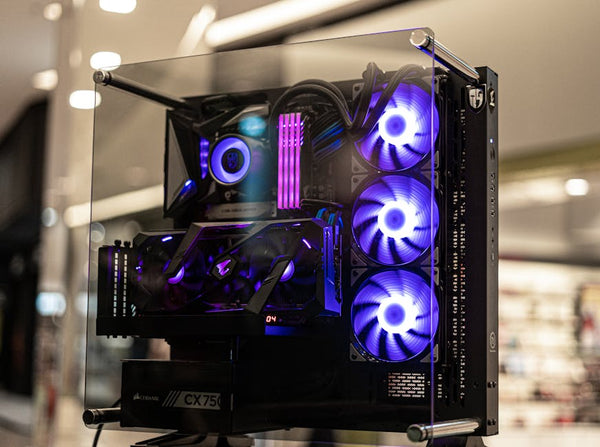
The AI features aren't revolutionary, but they're genuinely useful. The build quality is exceptional. The feature set is basically future-proof for the next 3-4 years. And yes, it looks absolutely stunning in a windowed case.
Where It Falls Short
The BIOS interface still feels dated compared to ASUS's recent updates. Not bad, just not as polished as the competition. The RGB software (RGB Fusion 2.0) works but lacks the ecosystem integration of iCUE or Aura Sync.
Also, that name is genuinely ridiculous. Like, comically long. It's the "Tarmogoyf, Planeswalker of the Dark Realms, Destroyer of Worlds, First of His Name" of motherboard names.
Final Verdict: Premium Gaming Hardware That Delivers
Look, I'm not going to pretend this makes financial sense for most builders. But for enthusiasts who want the absolute best AM5 platform experience without spending MSI Godlike money, this hits the sweet spot.
The X870E Aorus Xtreme X3D AI Top (seriously, we need a shorter nickname) delivers flagship features at a slightly more reasonable price point. It's the kind of board you buy when you want your build to be conversation-worthy, not just functional.
If you're planning a high-end AM5 build and want something that'll handle whatever you throw at it for the next few years, this deserves serious consideration. Just don't try explaining that product name to your significant other when the credit card bill arrives.
Want to build the ultimate gaming setup? Check out our BitCrate custom PC builder to design your dream system around this powerhouse motherboard.











Leave a Comment