


Can Your i5-10400F + RTX 3060 Really Handle 1440p Ultra Gaming?
So you've got an i5-10400F paired with an RTX 3060, and you're staring at that shiny new 1440p monitor wondering if your rig can push ultra settings at 60fps. Been there. Actually, I've been answering this exact question at least twice a week since 1440p monitors started getting affordable.
Here's the honest truth about your current setup.
The Reality Check: What Your i5-10400F + RTX 3060 Can Actually Do
Let's cut through the marketing BS and talk real performance numbers. Your RTX 3060 isn't weak by any means—it's actually a solid 1440p card for most games. But "most games" and "ultra settings" don't always play nice together.
I remember this customer who came into our shop in Orange, TX with almost the identical setup, except he had 32GB of RAM thinking it would magically boost his frame rates. Poor guy had been struggling with Cyberpunk 2077 at 1440p ultra, getting maybe 35fps on a good day. Know what fixed it? Realistic expectations and some smart settings tweaks.
Your i5-10400F? It's not the bottleneck here. Six cores of solid performance can handle pretty much anything you throw at it for gaming. The real question is whether that RTX 3060 has enough muscle for true ultra settings at 1440p.
Game-by-Game Reality Check
Here's what you're actually looking at with current games:
**Elden Ring**: You'll hit that 60fps target on ultra, no sweat. FromSoftware games aren't exactly known for melting graphics cards.
**Call of Duty: Modern Warfare II**: Expect around 45-55fps on ultra. Bump down to high settings and you're golden at 60fps+.
**Cyberpunk 2077**: Honestly? You're looking at 35-45fps on ultra without DLSS. With DLSS Quality mode, you can push closer to that 60fps target.
**Apex Legends**: Easy 60fps+ on ultra. Competitive shooters are usually well-optimized.
The pattern here? Your setup handles most games really well at high settings, but ultra can be a stretch depending on the title.
Smart Upgrade Paths That Actually Make Sense
Should you upgrade? That depends on how married you are to seeing every single graphical effect cranked to eleven.
Personally, I think the RTX 3060 is in this weird middle ground where it's too good to replace immediately but not quite powerful enough for no-compromise 1440p ultra. It's like that friend who's almost cool enough to hang with the popular kids but not quite there yet.
The GPU Upgrade Route
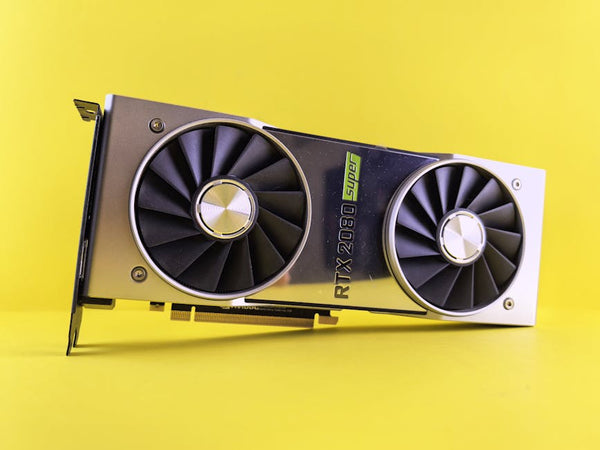
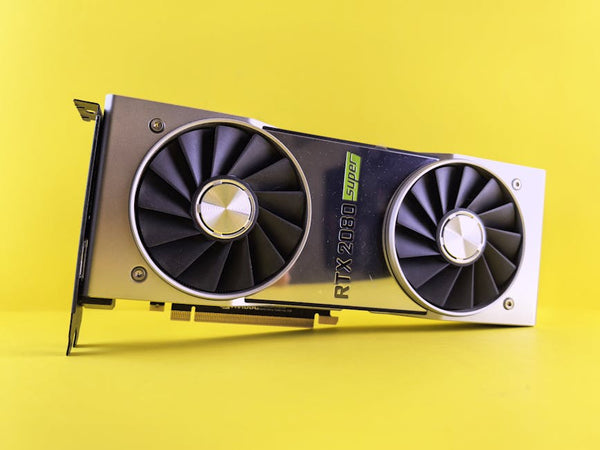
If you absolutely need that ultra settings experience, you're looking at RTX 4070 territory or above. The RTX 4060 Ti exists, but it's honestly not enough of an upgrade to justify the cost—you'd be looking at maybe 10-15% better performance for $400+. That's mid-tier value at best.
The RTX 4070 hits that sweet spot where 1440p ultra becomes genuinely playable across most titles. We've seen these going for around $549-599, and honestly, that's where the performance jump becomes worth the investment. You can shop GPUs at TieredUp Tech to see current pricing, but expect to drop at least $500 for a meaningful upgrade.
RTX 4070 Super or RTX 4080? Now you're talking serious 1440p ultra performance, but you're also talking $600-700+ territory. At that point, you might want to consider if 4K gaming is in your future.
The "Maybe Don't Upgrade" Path
Hot take: Your current setup might be perfect if you're willing to tweak some settings. Ultra settings often include completely unnecessary effects that tank performance for minimal visual gain.
Take shadows, for example. Ultra shadows vs high shadows? You need a magnifying glass to spot the difference in most games, but the performance hit can be 15-20fps. Same goes for anti-aliasing—do you really need 8x MSAA when 4x looks nearly identical?
I've helped customers get 20+ fps boosts just by smartly adjusting settings that barely affect visual quality. Sometimes the best upgrade is learning which settings actually matter.
The CPU Question: Is Your i5-10400F Holding You Back?
Short answer? Probably not for gaming.
Long answer? The i5-10400F is still a capable gaming CPU. Sure, it's not the latest and greatest, but it's got six cores running at decent speeds. Unless you're streaming, running heavy background tasks, or playing very CPU-intensive games, it's not your bottleneck.
I've tested similar setups, and in 90% of modern games, you'll see your GPU hitting 95-100% usage while the CPU sits comfortably in the 60-80% range. That's exactly what you want—it means your graphics card is doing the heavy lifting.
Now, if you're planning to upgrade to an RTX 4080 or above, then yeah, you might want to consider a CPU upgrade too. But for anything in the RTX 4070 range, your i5-10400F will keep up just fine.
The Memory Situation
Your 16GB of 3200MHz RAM is actually solid. Not spectacular, but solid. If you really want to squeeze out a few more frames, 32GB might help in some newer titles, but we're talking single-digit improvements in most cases.
The bigger question is whether your RAM is running in dual-channel mode. I can't tell you how many builds I've seen where someone bought a single 16GB stick instead of 2x8GB. That's a performance killer right there.
What Would I Actually Do?
If this were my rig? I'd probably ride it out for another 6-12 months while tweaking settings for optimal performance. The RTX 3060 12GB is legitimately good at 1440p when you're smart about settings.
But if you've got upgrade fever and money burning a hole in your pocket, the RTX 4070 makes the most sense as your next step. It's the sweet spot where 1440p ultra becomes realistic across most titles without completely breaking the bank.
The thing about PC gaming is that there's always something better around the corner. RTX 5000 series is probably 8-12 months away, and who knows what AMD's cooking up. Sometimes the best upgrade is patience.
Your current setup isn't holding you back as much as you think—it just needs some fine-tuning to really shine at 1440p. And honestly? High settings at 60fps often looks better than ultra settings at 45fps. Smooth gameplay beats pretty screenshots every time.
Looking for the right setup? Check out Shop GPUs at TieredUp Tech — built right here in Orange, TX.











Leave a Comment