


GPU Options for 1080p Gaming: Why Your $200 Budget Needs Reality Check
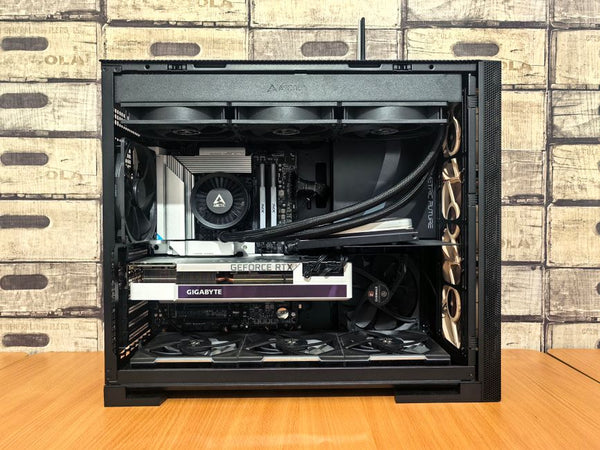
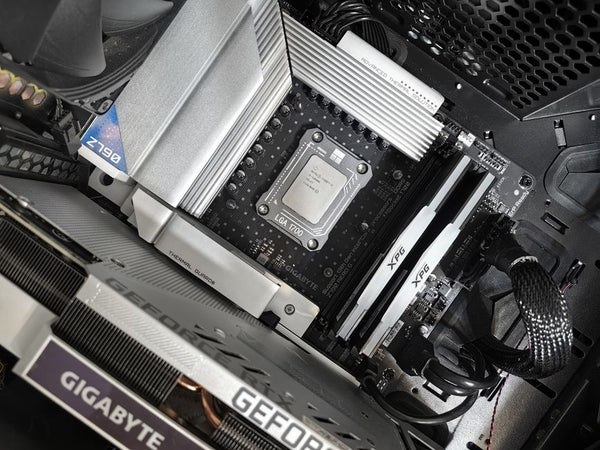
Console to PC gaming. Been there. The excitement hits hard when you're building that first rig, especially with a solid foundation like an i5-14400F and 16GB DDR5. But then reality smacks you in the face when you realize GPU options at $200 don't magically deliver 1080p ultra at 100fps without breaking your power supply.
Let's talk real numbers here. Not the marketing BS you see on product pages.
The $200 GPU Reality Check
Hot take: expecting 1080p ultra at 100fps for $200 is like expecting a Honda Civic to outrun a Ferrari. It's not happening, and here's why your expectations need adjustment.
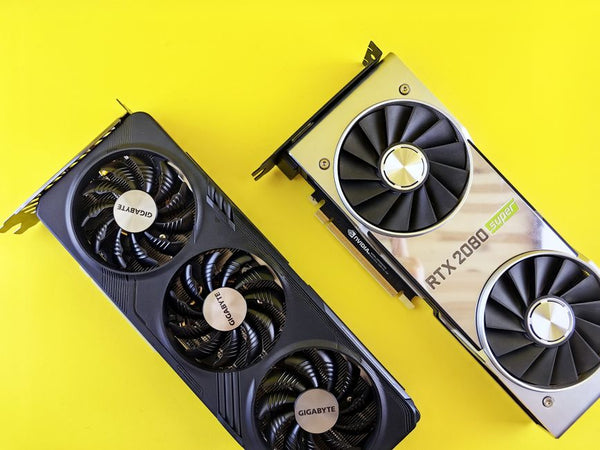
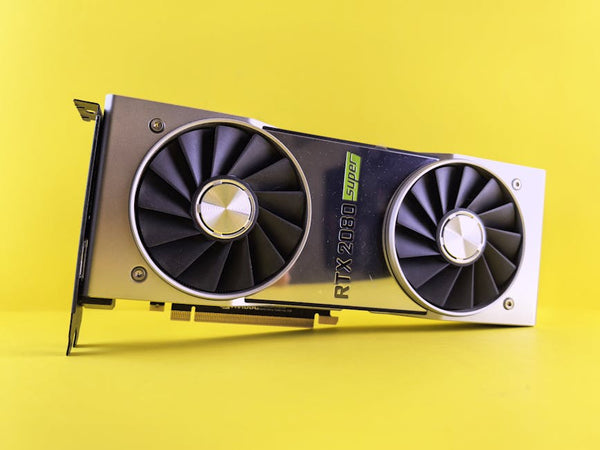
The RTX 4060 sits around $300-320 right now. That's your actual entry point for consistent 1080p ultra gaming at respectable frame rates. Going cheaper means compromises, and I'm not talking small ones.
At $200, you're looking at:
- RTX 3060 (if you find a deal) - around $220-250 used
- RX 6600 - occasionally drops to $200 on sales
- RTX 3050 - technically fits budget but performance is mid
None of these will consistently hit 100fps on ultra settings in demanding games. They just won't.
Power Consumption vs Performance Trade-offs
You mentioned low power consumption. Smart thinking, especially if you're running a basic PSU. The RX 6600 pulls around 132W under load. RTX 3060 hits about 170W. Your i5-14400F adds another 65W at base.
But here's where people mess up constantly - they obsess over TDP numbers without understanding boost clocks and real-world power spikes. That 132W RX 6600? It'll spike higher during intense gaming sessions. Your PSU needs headroom.
Working at TieredUp Tech in Orange, TX, I've seen too many builds crash because someone calculated power requirements using base numbers instead of realistic gaming loads. Don't be that person.
The Frame Rate Reality
Let's get specific about what these cards actually deliver in real games:
RX 6600 at 1080p:
Cyberpunk 2077 ultra? Maybe 45-55fps. Call of Duty MW3? You'll hit 80-90fps. Valorant or CS2? Easy 200+ fps but these aren't demanding titles.
RTX 3060 at 1080p:
Similar performance, sometimes slightly better in ray-traced games thanks to DLSS. But you're still not hitting that magical 100fps ultra target consistently.
Honestly, anyone telling you otherwise is selling something or hasn't actually tested these cards extensively.
Smart Compromises That Actually Work
Instead of chasing impossible specs, let's talk strategy. High settings instead of ultra? You'll barely notice the visual difference but gain 15-20fps instantly.
Turn off ray tracing. Seriously. It's pretty but murders frame rates on budget cards. That RX 6600 suddenly becomes much more capable when you're not asking it to calculate light bounces in real-time.
Resolution scaling is your friend too. Running games at 1440p with 80% scaling looks nearly identical to native 1080p but performs way better than native 1440p ultra.
The Used Market Gamble
Used GPUs can stretch your budget, but buyer beware. Mining cards are everywhere, and thermal damage isn't always obvious immediately. That $180 RTX 3060 on Facebook Marketplace might seem like a steal until it starts artifact-ing three months later.
If you're going used, test everything. Run FurMark for 30 minutes minimum. Check memory with something like HWiNFO64. Artifacts under stress = walk away, regardless of the deal.
Personally, I'd rather buy new with warranty than gamble on unknown hardware history. But I understand budget constraints are real.
Common GPU Selection Mistakes
The biggest mistake? Buying based on VRAM alone. "This card has 12GB so it must be better!" Nah. An RTX 3060 with 12GB will still get demolished by an RTX 4060 Ti with 8GB in actual gaming performance.
Memory bus width matters more than raw VRAM at 1080p. The RX 6600 has 8GB on a 128-bit bus. Sounds limiting but performs great at 1080p because the memory bandwidth matches the resolution demands.
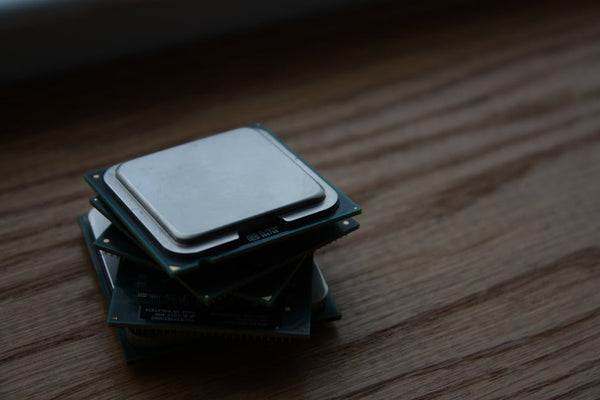
Another classic error: ignoring CPU bottlenecks. Your i5-14400F is solid, but pairing it with an RTX 4090 would be overkill and wasteful. Match your components appropriately.
Future-Proofing vs Current Needs
Should you spend extra now for future games? Maybe, but probably not at your budget level. Games will get more demanding, but so will hardware prices drop. That $320 RTX 4060 today might be $250 in eighteen months.
Buy for your current needs, not hypothetical future scenarios. You want 1080p gaming now, not 1440p gaming in 2026.
My Honest Recommendation
Save another $50-100 and get the RTX 4060. I know that's not what you want to hear, but it's the truth. The performance jump from budget options to this tier is massive.
If you absolutely can't wait, the RX 6600 is your best bet at $200. Just accept you'll be gaming at high settings instead of ultra, and some demanding titles will need medium settings for smooth gameplay.
Want my real advice? Shop GPUs during Black Friday or major sales events. Prices drop significantly, and you might snag that RTX 4060 for $270-280.
The console-to-PC transition is exciting, but managing expectations saves frustration later. Build smart, not just cheap, and you'll have a rig that actually delivers the experience you're chasing.
Your i5-14400F deserves a proper GPU partner. Don't handicap it with something underpowered just to hit an arbitrary budget number.








Leave a Comment