


Windows 11 Finally Lets You Move the Taskbar (Here's What It Means for Gaming)
Microsoft just dropped some genuinely exciting news about Windows 11 gaming performance improvements, and ngl, it's about damn time. After years of us screaming into the void about taskbar placement, they're finally letting us put that thing wherever we want. Top, bottom, left, or right — your choice, bro.
Now before you roll your eyes thinking "who cares about taskbar position," hear me out. This isn't just about aesthetics or making your desktop look pretty. We're talking serious PC optimization territory here.
Why Taskbar Position Actually Matters for Gaming Performance
Hot take: your taskbar placement can legitimately impact your gaming experience, and most people don't realize it. I've been building systems for over a decade, and I can't tell you how many times I've seen gamers accidentally click their taskbar during intense moments because Microsoft locked us into bottom placement.
Picture this scenario. You're clutching a 1v3 in Valorant, heart rate through the roof, and your mouse drifts slightly south during that crucial flick shot. BOOM — you've minimized your game because you hit the taskbar. Game over, literally.
With Microsoft's upcoming update, you can move that taskbar to the top of your screen. Smart move? Absolutely. Your mouse rarely drifts upward during gaming sessions, so you'll eliminate those rage-inducing accidental clicks.
Multi-Monitor Setup Game Changer
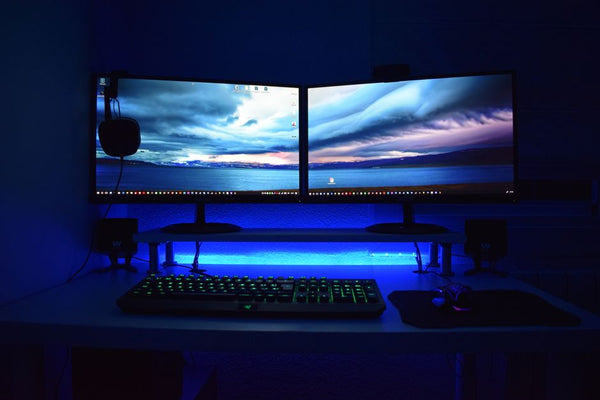
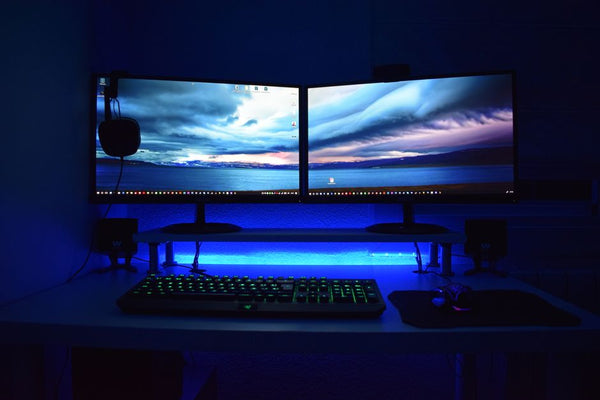
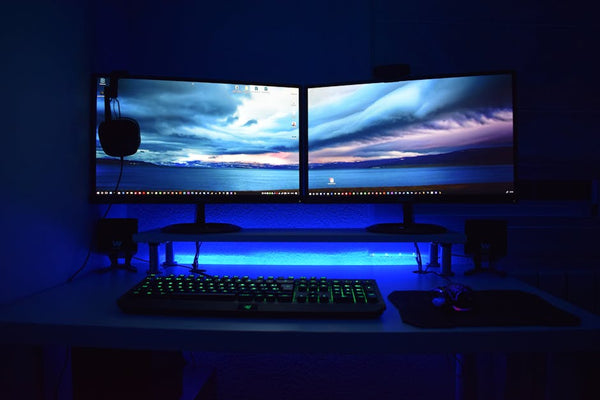
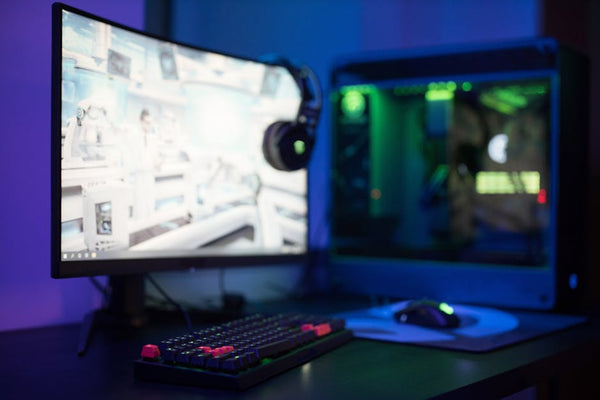
Here's where things get spicy for serious gamers. If you're running dual or triple monitor setups (and honestly, why wouldn't you be in 2024?), taskbar positioning becomes crucial for workflow optimization.
I was helping a customer at our shop in Orange, TX last week set up his new RTX 4080 build with three 1440p monitors. Guy was a Twitch streamer, needed his chat monitor on the right, game in the center, OBS on the left. The default bottom taskbar was eating into his vertical real estate on every single display.
Moving the taskbar to the right side freed up precious pixels and created a more natural workflow. His eyes could track from game to chat without crossing the taskbar boundary. Sounds minor, but these details matter when you're grinding for hours.
Start Menu Customization: Beyond Gaming Tips
The Start menu updates are equally solid, though Microsoft's being typically vague about specifics. What we do know is they're expanding customization options, which could mean better organization for your gaming libraries.
Currently, the Windows 11 Start menu is honestly pretty mid. It's cleaner than Windows 10's tile nightmare, but it lacks the power user features that serious PC builders actually want. Can we finally get proper folder organization? Custom categories for different types of games? Time will tell.
Personally, I think Microsoft should've implemented these features two years ago. The fact that it took this long to give us basic taskbar positioning is genuinely embarrassing for a company that supposedly understands productivity.
Impact on Gaming Shortcuts and Muscle Memory
Let's talk about muscle memory for a second. Every competitive gamer develops specific patterns for accessing their most-used applications. Discord, Steam, browser, system monitoring tools — you probably hit these without thinking.
Changing your taskbar position will mess with those patterns initially. But here's the thing: you can optimize them for your specific setup. Got an ultrawide monitor? Left or right taskbar placement might actually reduce mouse travel distance to your gaming shortcuts.
Using a standard 16:9 display? Top placement keeps your taskbar out of the danger zone while maintaining easy access to pinned applications.
When These Updates Actually Drop (And Why It Matters)
Microsoft hasn't given us concrete dates yet, which is typical. They love their "coming soon" announcements followed by months of silence. Based on their usual update cadence, we're probably looking at Q2 2024 at the earliest.
But why should gamers care about timing? Simple: these changes could impact your current gaming setup optimization. If you've spent time tweaking your current Windows 11 configuration for maximum gaming performance, you might want to hold off on major changes until these updates land.
The real question isn't when these features arrive, but whether Microsoft will actually implement them properly without breaking something else.
Remember the Windows 11 launch? Performance hits on AMD systems, TPM requirements that locked out perfectly capable hardware, and a Start menu that felt like a downgrade. Microsoft's track record with major UI changes isn't exactly stellar.
Building Systems Around Future Updates
If you're planning a new build or considering building your custom gaming PC with BitCrate, these upcoming changes actually factor into your decision-making process. Multi-monitor compatibility, display resolution choices, and even your primary monitor orientation might influence how you'll want to configure your taskbar.
I always tell customers to think beyond their immediate needs. Sure, you might be gaming on a single 1080p monitor today, but what about next year? These Windows 11 customization options give you more flexibility to adapt your setup as your hardware evolves.
The Bigger Picture: Microsoft Finally Listening?
Honestly, these updates feel like Microsoft acknowledging they screwed up Windows 11's initial release. The taskbar complaints have been constant since day one. Power users, gamers, productivity enthusiasts — basically everyone who actually uses their computer for more than checking email — has been asking for this flexibility.
Maybe this signals a shift toward actually listening to user feedback instead of forcing their vision down our throats. Or maybe it's just damage control after years of negative reception.
Either way, I'm cautiously optimistic. These aren't revolutionary features — they're basic functionality that should've existed from launch. But at least we're moving in the right direction.
The real test will be implementation. Can Microsoft deliver these features without introducing new bugs or performance issues? Will they actually provide the granular control power users want, or just token customization options?
For now, we wait. And honestly, that's probably the smartest move anyway. Let the early adopters deal with whatever broken mess Microsoft ships initially, then jump in once the kinks are worked out. Your gaming setup will thank you for the patience.

Leave a Comment