


Why Your Gaming Setup Might Be Ruining Stealth Games (And the Lighting Mistakes That Kill You)
So Clint Hocking, the mastermind behind Chaos Theory — arguably the best Splinter Cell game ever made — just dropped some truth bombs about modern stealth gaming. He thinks today's fancy lighting engines are making it "so much harder to read" what's safe and what'll get you spotted faster than a noob rushing B site.
And honestly? He's absolutely right.
I've watched countless customers struggle with this exact issue. Just last month, a guy came into our TieredUp Tech shop in Orange frustrated because he kept dying in the same Hitman 3 mission. Turns out his monitor settings were making shadows look like safe zones when they absolutely weren't.
The Modern Lighting Problem That's Breaking Stealth Games
Here's the thing — developers are so focused on making games look photorealistic that they're forgetting gameplay clarity. Remember the original Splinter Cell? Those light meters weren't just UI elements; they were survival tools. You knew exactly where Sam Fisher was safe.
But now? Games like Assassin's Creed Mirage or the newer Hitman trilogy throw you into these gorgeous environments where a shadow might be pitch black on your screen but somehow enemies can still spot you through it. It's maddening.
The issue isn't just the games themselves. It's how we're displaying them.
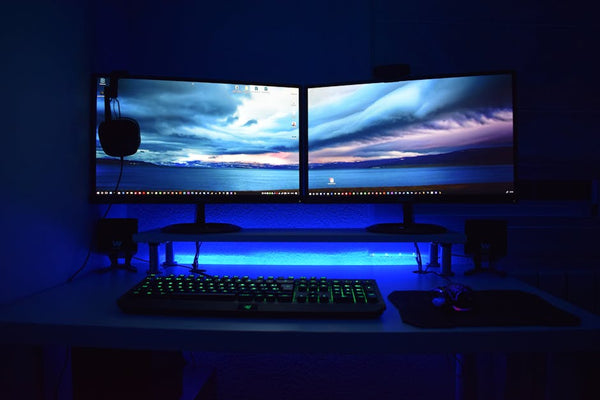
Your Monitor is Lying to You
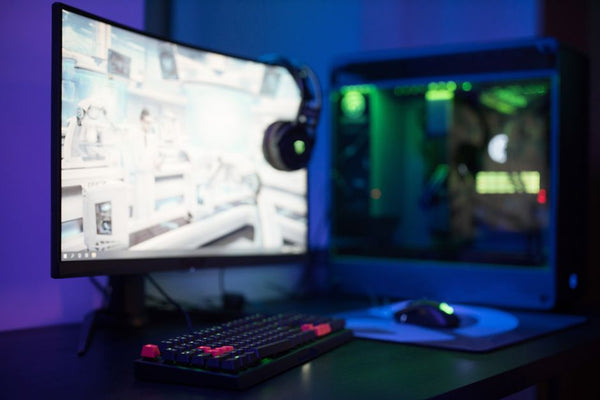
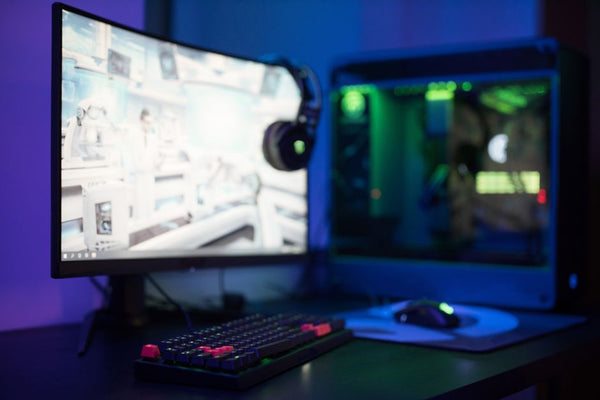
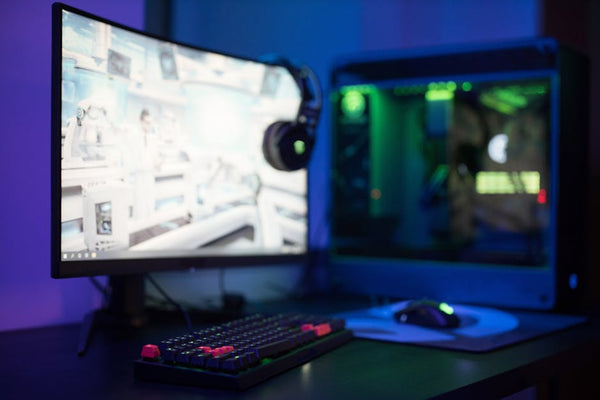
Most gaming monitors straight out of the box are calibrated for vibrant colors and high contrast — great for competitive shooters, terrible for stealth games. That "gaming mode" preset? It's probably crushing your shadow detail harder than a Dark Souls boss.
I've tested this with my own setup. Same game, same scene, but switching from "FPS mode" to a custom profile with proper gamma settings? Night and day difference. Literally.
Hot take: most gamers are playing stealth games on completely wrong display settings and wondering why they suck at them.
Gaming Performance Tweaks That Actually Matter for Stealth
Let's get practical. What can you actually do about this mess?
Monitor Calibration for Stealth Gaming
First up — gamma correction. Most monitors default to 2.2 gamma, but for stealth games, you want something closer to 2.4 or even 2.6. This opens up shadow detail without washing out the overall image.
Don't have fancy calibration tools? No problem. Boot up any stealth game and find a scene with mixed lighting. You should be able to distinguish between at least 3-4 different shadow depths. If everything looks like a black void, your gamma's too low.
Brightness matters too, but not how you think. Cranking brightness just makes everything washed out. Instead, adjust your monitor's black level setting. This controls how dark your darkest shadows appear without affecting midtones.
In-Game Settings That Save Lives
Here's where it gets interesting — sometimes the "best" graphics settings are your enemy in stealth games.
Take ambient occlusion. Gorgeous effect, makes scenes look more realistic, but it can darken corners and crevices beyond recognition. I usually run AO at medium or even low in stealth-heavy games.
Shadows? This one's tricky. You need them for gameplay, but ultra-high shadow quality can create misleading gradients. Medium to high usually hits the sweet spot between visual fidelity and readability.
And here's something most gaming tips articles won't tell you — sometimes you want to turn DOWN certain post-processing effects. Film grain, chromatic aberration, heavy bloom? They're all working against you in stealth scenarios.
The Hardware Reality Check
Let's be real for a second. Your graphics card choice matters way more than most people realize for stealth games.
I had a customer recently who was struggling with Dishonored 2 on his GTX 1060. Great card for most games, but it was forcing him to run shadows on low settings, which completely changed the game's stealth mechanics. We ended up building him a custom gaming PC with a more powerful GPU, and suddenly he was playing a completely different game.
But here's the nuance — you don't always need the most expensive card. Sometimes it's about finding the right balance of settings your hardware can handle consistently.
PC Optimization for Consistent Stealth Performance
Frame drops in stealth games aren't just annoying — they're deadly. That split-second stutter when you're trying to time a guard's patrol? Game over.
This is where proper PC optimization becomes crucial. I always recommend locking stealth games to a consistent framerate rather than chasing maximum fps. Better to run at a locked 60 fps than have it jumping between 45 and 80.
Memory matters too. These modern lighting systems are RAM hungry, and if you're running low on system memory, you'll get stutters at the worst possible moments.
The Display Technology Debate
OLED vs LCD for stealth games? Now we're getting into controversial territory.
OLED has perfect blacks, which sounds ideal for stealth, right? Well, yes and no. Those perfect blacks can actually hide details that game developers intended you to see. I've played the same sections of games on both display types, and sometimes the LCD version revealed hiding spots that were invisible on OLED.
Personally, I think a good IPS LCD with proper calibration beats OLED for stealth gaming, even if it doesn't look as impressive in screenshots.
HDR: Help or Hindrance?
HDR in stealth games is... complicated. When it works, it's amazing — you get this incredible range of shadow detail that can reveal new tactical options. But when it's implemented poorly? Your safe shadows become visible hiding spots.
My advice? Test HDR in each stealth game individually. Some games nail the implementation (Hitman 3 is solid), others are completely broken (looking at you, early Assassin's Creed Valhalla).
Why This Actually Matters Beyond Just Stealth
This lighting readability issue isn't just about stealth games. It affects horror games, puzzle games, any title where environmental storytelling through lighting is important.
How many times have you missed important visual cues in a game because your display settings weren't dialed in? That subtle lighting change that hints at a secret passage? The shadow pattern that indicates enemy positioning? These details matter.
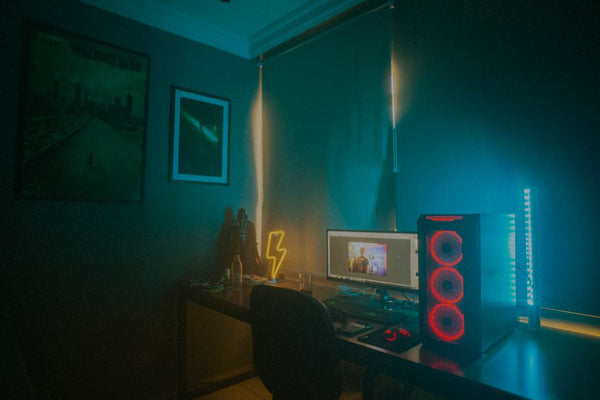
I've started treating display calibration as seriously as hardware specs when helping customers with their gaming setups. What's the point of having an RTX 4080 if you can't see what the developers intended you to see?
The gaming industry keeps pushing visual fidelity forward, but somewhere along the way, we lost sight of gameplay clarity. Hocking's criticism of modern lighting engines isn't just nostalgia — it's a wake-up call that prettier isn't always better.
Maybe it's time we started demanding games that look good AND play well, instead of just accepting that we need to fight our own display settings to enjoy stealth gameplay. Until then, at least now you know how to fight back.


Leave a Comment