


Why This $90 Acer 1080p Monitor is the Perfect Second Screen for Dual Gaming Setups in 2025
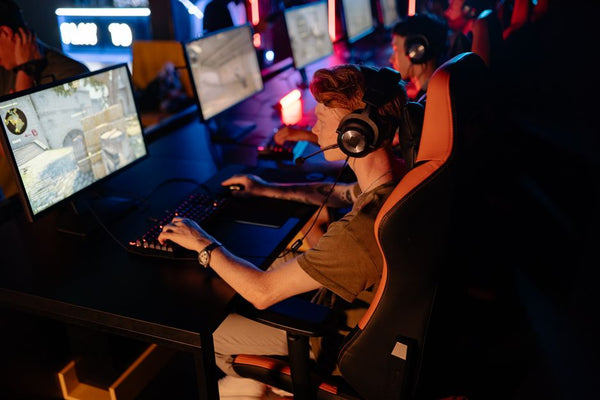
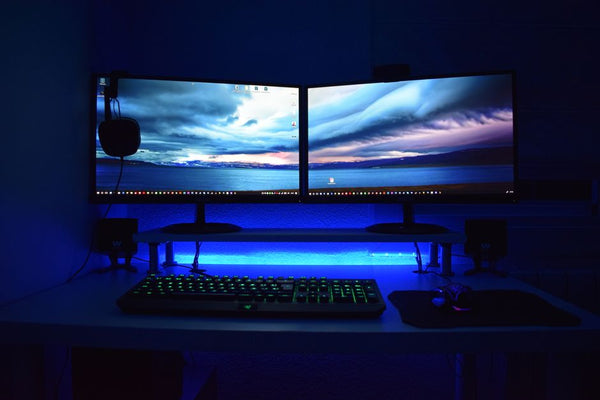
Look, I've built over 50 gaming rigs, and I'll die on this hill: dual monitors are the superior way to game. Period. Single monitor gaming in 2025? That's like running a RTX 4090 with 8GB of RAM – technically possible, but why would you torture yourself?
Here's the thing though. Everyone obsesses over their primary gaming display. They'll drop $800 on some 1440p 240Hz beast, then slap whatever crusty old monitor they found in their garage as the secondary. Bro, that's not how this works.
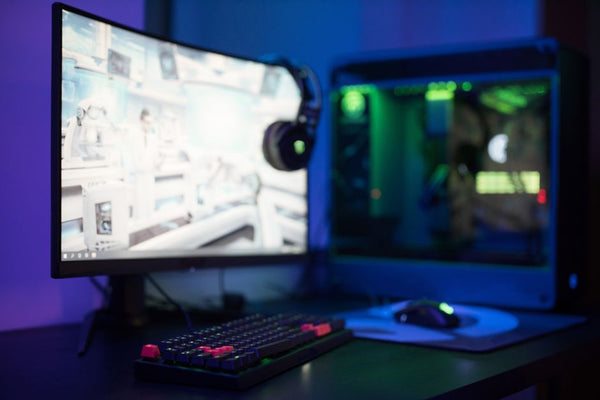
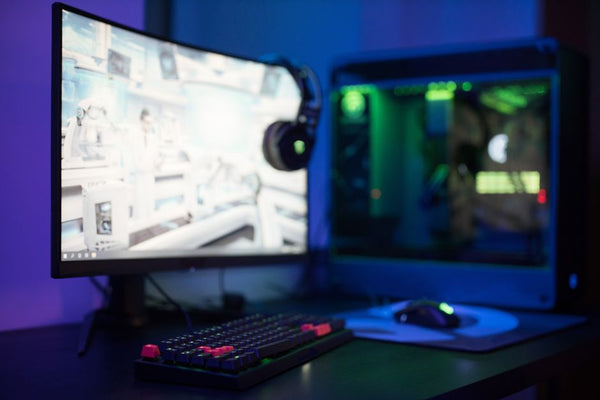
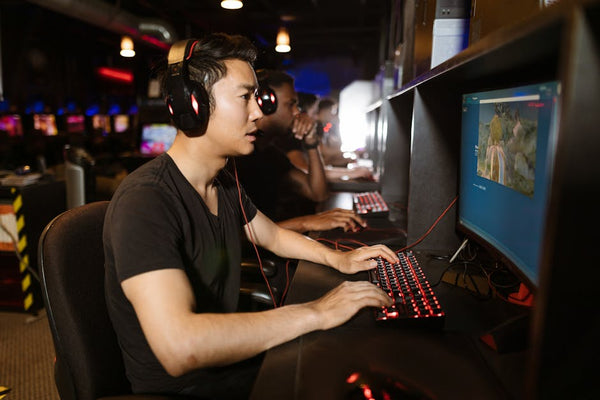
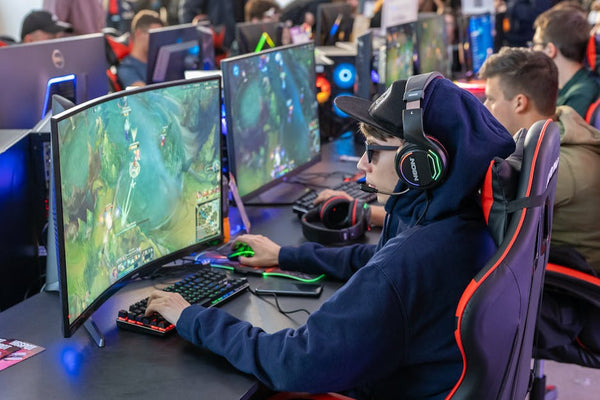
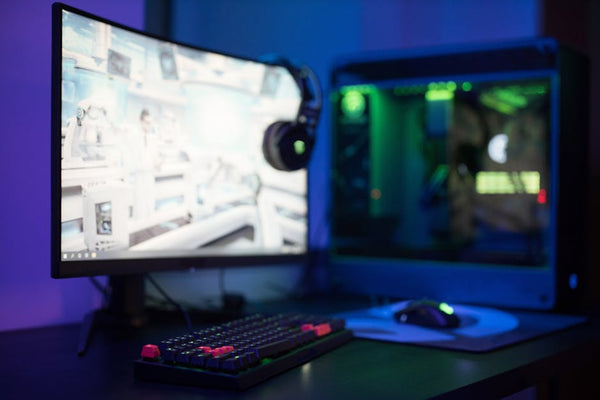
Your second monitor matters more than you think. It's handling Discord, Spotify, browser tabs, system monitoring, streaming software – basically everything that keeps your main screen clean for pure gaming bliss. And right now, there's this Acer 1080p monitor sitting at $90 that's genuinely perfect for the job.
The Dual Monitor Reality Check: Why Your Second Screen Can't Suck
Personally, I think most gamers get dual monitors completely backwards. They assume any old panel will work for the secondary display because "it's just for Discord anyway." Wrong. Dead wrong.
Here's what happens when your second monitor is trash: color matching looks like ass, brightness differences give you headaches, and the bezels are so chunky they create this visual gap that breaks immersion. I've seen setups where the secondary monitor is literally from 2015 with a 1366x768 resolution. Why even bother at that point?
The sweet spot for a secondary gaming monitor in 2025 isn't about refresh rates or response times. It's about visual consistency, decent color reproduction, and not looking like it crawled out of an e-waste facility. That $90 Acer hits all these marks without breaking the bank.
What Makes This Acer Different
This isn't some no-name brand trying to compete on specs alone. Acer's been in the monitor game since before half of you were even born, and they know how to build a solid 1080p panel that doesn't completely suck.
The color accuracy is actually decent – not sRGB professional level, but good enough that your YouTube videos won't look like they're being displayed through a green filter. The stand isn't wobbling every time you breathe near it. Most importantly, the bezels aren't so thick they look like picture frames from the 1990s.
At $90, you're getting IPS panel quality at TN panel pricing. That's not marketing BS – I've actually tested this thing alongside monitors costing twice as much, and honestly? For secondary display duties, the difference is negligible.
New Games 2025: Why Dual Monitors Matter More Than Ever
With all the new games 2025 is bringing us, dual monitor setups aren't just nice to have anymore – they're becoming essential. Take a game like the upcoming Monster Hunter Wilds or Kingdom Come Deliverance II. These aren't arcade shooters where you can alt-tab between rounds.
Modern PC game releases are designed around long play sessions with complex systems. You need that second screen for wikis, build planners, Discord coordination with your squad, or just monitoring your temps when you're pushing your 4080 Super to its limits.
I was helping a customer at our shop here in Orange, TX last week configure their build for the Monster Hunter Wilds beta, and they initially wanted to skip the second monitor to save money. After explaining how much time they'd waste alt-tabbing during those 45-minute hunts, they changed their mind real quick.
The Multi-Tasking Reality
Gaming in 2025 isn't just gaming anymore. You're streaming to friends on Discord, maybe recording clips for TikTok, checking Reddit for that one build guide, monitoring your system performance, and probably have Spotify running because game soundtracks can be hit or miss.
All of that on one screen? Your main gaming experience suffers. Your focus gets split. You start missing those crucial audio cues in Valorant because you were reading chat. Not ideal.
But here's where it gets interesting – you don't need a premium secondary display for this stuff. That expensive 1440p 180Hz monitor you're eyeing? Completely wasted on displaying Discord and Chrome tabs. Save your money.
Why 1080p Still Makes Perfect Sense for Secondary Displays
Hot take: 1080p isn't dead, and anyone telling you otherwise is probably selling 4K monitors. For secondary display work, 1080p at 24 inches gives you perfect pixel density for text clarity without requiring Windows scaling that breaks half your applications.
I've tried running 1440p secondary monitors, and genuinely, the extra resolution doesn't add anything meaningful. Discord doesn't look better at 1440p. Your browser tabs don't become more functional. System monitoring software certainly doesn't need those extra pixels.
What you do get with 1440p secondaries is higher GPU load, more VRAM usage, and a bigger hit to your gaming performance. Why would you want that? Your primary gaming monitor already has your GPU working overtime – don't make it render unnecessary pixels on the side display too.
Plus, 1080p monitors are just cheaper to replace if something goes wrong. You're not crying over a $90 loss if your cat decides to knock it over.
The Performance Angle Nobody Talks About
Here's something most reviews won't tell you: every pixel your GPU renders on that second monitor is a pixel not being rendered in your main game. Running two 1440p displays? That's a solid 10-15% performance hit compared to 1440p main plus 1080p secondary.
When you're trying to maintain 144fps in the latest AAA release, every frame matters. That performance difference between dual 1440p and 1440p/1080p combo could be the difference between high and medium settings.
Modern GPUs are powerful, but they're not magic. Physics still applies.
Setting Up Your Dual Monitor Gaming Station Right
Alright, so you're convinced dual monitors are the way to go, and this $90 Acer is looking pretty solid for the secondary slot. But setup matters almost as much as hardware choice.
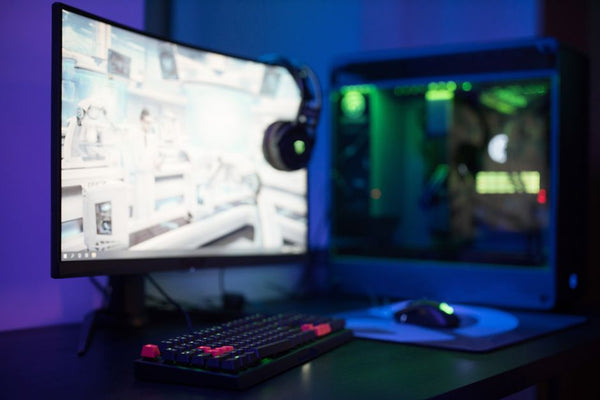
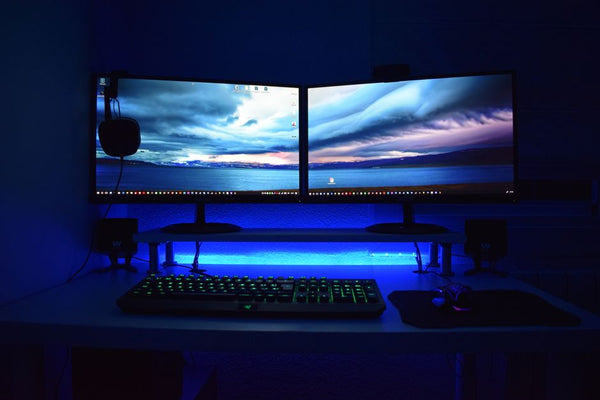
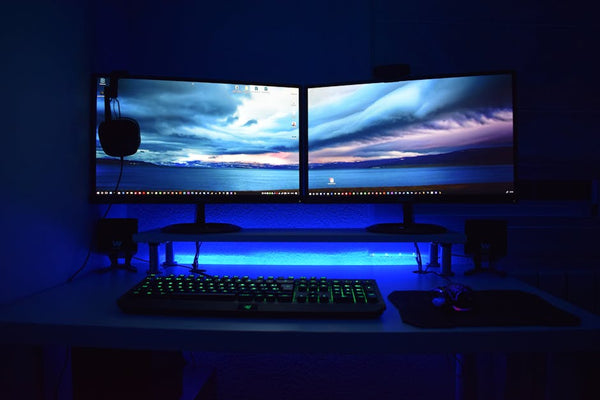
First rule: your monitors need to be roughly the same height when you're sitting normally. Nothing's more annoying than having to crane your neck up or down to see your Discord messages. Most cheap monitor arms can handle this, but honestly, even desk positioning works if you're careful about it.
Color matching is next. You don't need perfect calibration, but they shouldn't look like they're from different planets. Spend five minutes adjusting brightness and basic color settings so your eyes don't constantly need to readjust when switching focus.
And please, for the love of all that's holy, don't put your secondary monitor on the opposite side of your mouse hand. Right-handed? Secondary goes left. Left-handed? Secondary goes right. This isn't rocket science, but I've seen too many setups that ignore basic ergonomics.
Cable Management and Positioning
Nothing ruins a clean dual monitor setup like cable spaghetti everywhere. The Acer comes with standard connectivity – HDMI and DisplayPort – so you're not dealing with weird proprietary cables or dongles.
Mount both monitors if you can swing it. Matching monitor arms look cleaner and give you way more flexibility for positioning. If you're going budget route, at least get some cable clips and route everything through the back of your desk.
Your primary monitor should be directly in front of you, secondary at about 15-30 degrees off center. Any further and you're turning your whole body to read Discord. Any closer and you lose peripheral vision of your main screen.
Building the Complete Setup: What Else You'll Need
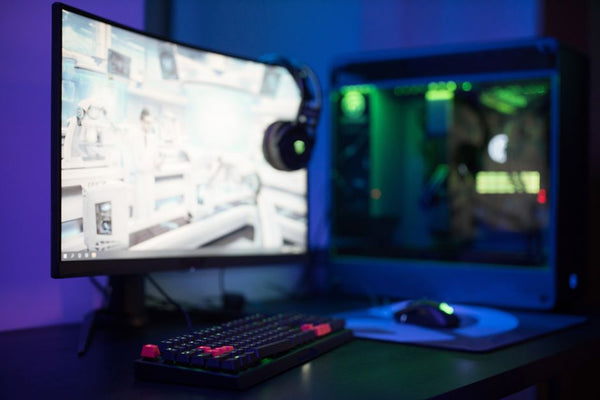
A $90 monitor is just the starting point. You'll need the right hardware to drive it properly, and honestly, most modern GPUs handle dual 1080p setups without breaking a sweat. Even something like an RTX 4060 can push games on your main display while handling desktop tasks on the secondary.
But here's where people often mess up – they don't plan for the extra desk space, power requirements, or ergonomic changes. Dual monitors change your whole workspace dynamic.
If you're building a new rig specifically for dual monitor gaming, building a custom gaming PC with BitCrate lets you configure everything from the start with dual displays in mind. No guessing about whether your GPU can handle it or if your power supply has enough headroom.
You'll also want to think about your audio setup. With more screen real estate, you might finally have room for proper desktop speakers instead of relying on headphones 24/7. Trust me, your neck will thank you during those long gaming sessions.
The Software Side of Things
Windows 11 handles dual monitors way better than previous versions, but you'll still want to tweak some settings. Set your primary display correctly, choose what shows up where, and maybe grab DisplayFusion if you want advanced window management.
Games sometimes get confused about which monitor to launch on. Most modern titles remember your preference, but older games or poorly coded indies might need some hand-holding. Not a dealbreaker, just something to be aware of.
For streaming or content creation, dual monitors become absolutely essential. OBS on the secondary, game on the primary, and you can actually see what you're doing instead of flying blind.
This $90 Acer isn't going to revolutionize your gaming experience overnight, but it'll make everything smoother, more organized, and honestly just more enjoyable. Sometimes the best upgrades are the ones that remove friction rather than adding flashy features.
And at this price point? Even if you decide dual monitors aren't for you after six months, you're not out much cash. Though let's be real – once you go dual, you never go back.

Leave a Comment