


AMD K5 Gets Kicked from Linux: What This Means for Your Gaming PC Build
Holy shit, bro. The AMD K5 is officially getting the boot from Linux kernel 7.2, and honestly? It's about damn time. This ancient 4.3-million-transistor chip from 1996 has been limping along in the codebase like that one friend who still uses Internet Explorer. The reason it's getting axed is pretty straightforward — it lacks Time Stamp Counter (TSC) support, making it a genuine pain in the ass for modern kernel development.
Now before you panic-google whether your gaming rig is affected, chill. Unless you're running a museum piece that belongs in the Smithsonian, this won't touch your gaming PC build. But this whole situation actually tells us something important about how hardware ages out and what that means for anyone building a custom gaming PC today.
The K5: AMD's First Real Swing at Independence
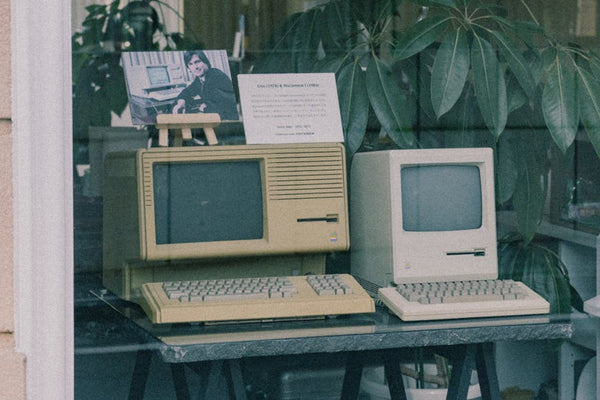
Let's talk history for a hot minute. The K5 was AMD's first crack at designing their own x86 processor instead of just reverse-engineering Intel's stuff. Ambitious? Absolutely. Successful? Eh, that's debatable.
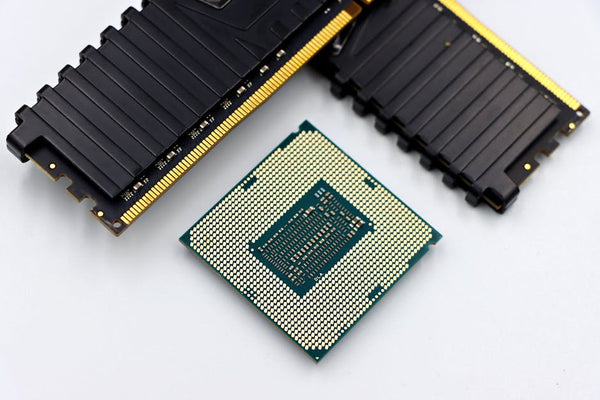
This thing launched in 1996 with clock speeds ranging from 75MHz to 133MHz. To put that in perspective, my current daily driver's single core turbos to 5.8GHz — that's literally 43 times faster than the fastest K5. The whole chip had 4.3 million transistors, which sounds impressive until you realize that a modern RTX 4090 packs 76.3 billion transistors. We've come a long way, folks.
The K5 was supposed to compete with Intel's Pentium, but it showed up fashionably late to the party. By the time AMD got their manufacturing sorted, Intel was already moving on to better things. Classic AMD timing, tbh.
Why Linux is Dumping This Relic
The technical reason Linux is giving the K5 the axe is Time Stamp Counter support. TSC is basically a high-resolution timer that counts processor cycles, and it's crucial for modern operating systems to handle timing, scheduling, and performance monitoring. Without it, supporting the K5 means maintaining a bunch of special-case code that nobody actually uses.
Kernel maintainer Thomas Gleixner put it bluntly: the K5 is a "coding burden." When even the Linux community — who'll usually support hardware until the heat death of the universe — says enough is enough, you know it's time to move on.
What This Means for Modern Gaming PC Builds
Alright, so why should you care about some crusty old processor getting removed from Linux? Because it highlights something critical about building PCs: longevity matters, but there's always a cutoff point.
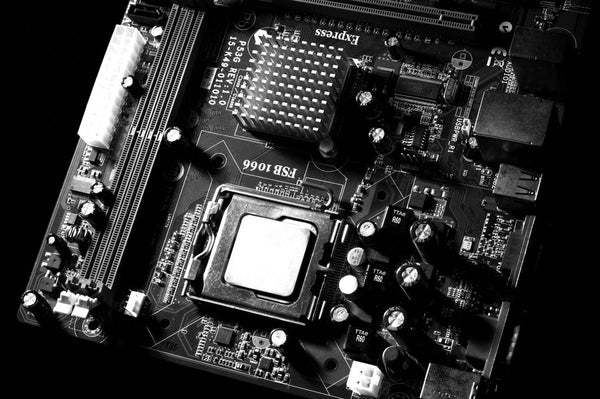
Personally, I think about this stuff constantly when I'm spec'ing builds for customers. Just last week at TieredUp Tech in Orange, TX, someone wanted to save money by going with a really old motherboard chipset. Had to explain why that's penny-wise but pound-foolish. Your hardware doesn't just need to work today — it needs to stay relevant.
The Harsh Reality of Hardware Obsolescence
Here's a hot take: if you're building a gaming PC in 2024, anything older than maybe 5-6 years is already pushing it for serious longevity. The K5 lasted 28 years in Linux, which is honestly impressive, but it was basically on life support for the last decade.
Modern games and software move fast. Really fast. That budget CPU you're eyeing might save you $100 today, but if it can't handle DirectX 12 Ultimate or lacks modern instruction sets, you're basically building planned obsolescence into your rig.
Case in point: I've seen people try to game on FX-series AMD chips from 2012. Technically possible? Sure. Good experience? Absolutely not. Those chips are hitting the same wall the K5 just hit — they lack modern features that new software expects.
Future-Proofing Your Build (Without Going Broke)
So how do you avoid building a future museum piece? Start with the fundamentals that actually matter for gaming performance.
For CPUs, look for chips with modern instruction sets like AVX2 and AVX-512. Don't just chase core counts — a 6-core Ryzen 5 7600X will absolutely destroy an 8-core FX-8350 in gaming. Architecture matters more than raw specs, which is why AMD's marketing around "8 cores!" on the FX series was basically BS.
Memory support is another big one. DDR4 is still fine for gaming, but if you're building something meant to last 5+ years, DDR5 is worth the premium. Same logic applies to PCIe versions — PCIe 4.0 is the sweet spot right now, with PCIe 5.0 being nice-to-have but not essential.
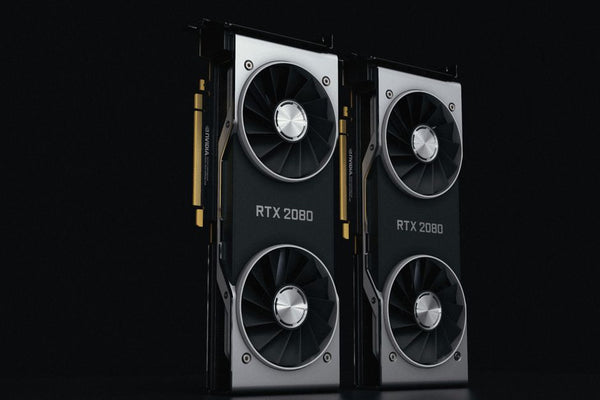
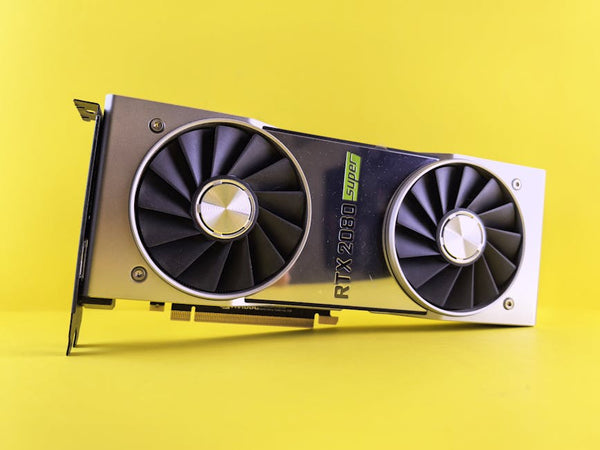
Graphics cards are trickier because they evolve so damn fast. But here's the thing — buy for your actual resolution and refresh rate, not some hypothetical future scenario. A solid RTX 4070 Super will handle 1440p gaming beautifully for years. Don't fall for the "but what if I upgrade to 4K?" trap unless you've already bought the 4K monitor.
The Bigger Picture: Why Hardware Ages Out
The K5's removal isn't just about one old chip. It's part of a broader pattern where software eventually stops accommodating ancient hardware. Windows did this with 32-bit support. Game engines do it with older graphics APIs. It's natural evolution.
But here's where it gets interesting — some hardware ages out gracefully, while other stuff becomes a liability overnight. The K5 fell into the latter category because it was missing fundamental features that became standard. It's like trying to use a car without power steering on modern highways — technically possible, but why would you?
This is why I always tell people to research not just current performance, but what features are becoming standard. Ray tracing hardware acceleration seemed like overkill in 2018. Now? Even budget cards have it, and games are starting to require it for certain visual features.
Learning from AMD's Mistakes (and Successes)
AMD learned hard lessons from the K5 era. The chip was late, power-hungry, and missing key features. Fast-forward to today, and they're absolutely crushing it with Ryzen. The 7800X3D is probably the best gaming CPU you can buy right now, and even their budget chips like the 5600X offer incredible value.
But that success came from focusing on what actually matters: IPC improvements, power efficiency, and modern features. When you're picking parts for your gaming PC build, look for those same priorities. Don't get distracted by flashy marketing about core counts or boost clocks that only matter in synthetic benchmarks.
The K5 taught AMD that being first doesn't matter if you're not competitive. Being late to market with superior technology beats being early with compromised hardware.
Building Smart in 2024
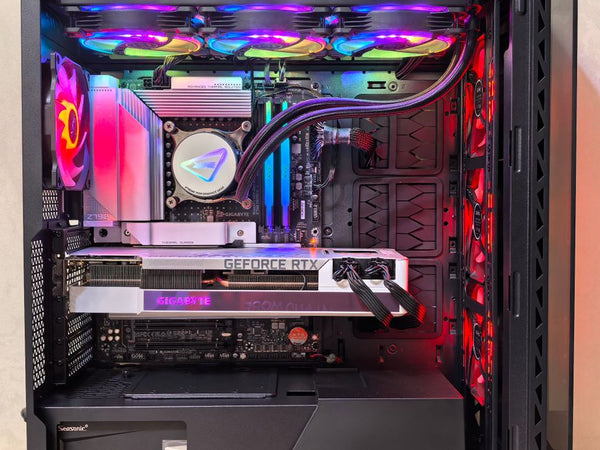
Ngl, the whole K5 situation got me thinking about longevity planning. When I'm putting together Legendary-Tier BitCrate builds ($3k+), I'm not just thinking about today's performance — I'm thinking about what'll still be relevant in 2029.
That means prioritizing platforms with upgrade paths. AM5 is a solid choice because AMD committed to supporting it through 2025+. Intel's LGA1700 is more of a dead end, but their 13th-gen chips are still excellent for gaming.
Memory matters too, but don't go crazy. 32GB of DDR5-5600 will handle anything you throw at it for years. Going beyond that is diminishing returns unless you're doing serious content creation work.
Storage is where you should actually spend money. A good PCIe 4.0 NVMe drive isn't just fast — it's future-proof. Games are already hitting 100GB+ install sizes, and DirectStorage is making fast storage more important than ever.
The Sweet Spot Philosophy
Here's my philosophy: aim for the performance sweet spot, not the bleeding edge. The fastest hardware is always overpriced, while budget hardware often lacks features you'll want later. That middle tier — like a 7700X instead of a 7950X, or an RTX 4070 Super instead of a 4090 — usually offers the best price-to-longevity ratio.
Will the K5 be remembered fondly? Probably not. It was more of a learning experience than a success story. But it paved the way for everything that came after, including the absolute monsters AMD is putting out today. Sometimes being a pioneer means taking one for the team.
The real question isn't whether your current build will last forever — nothing does. It's whether you're making smart choices that'll keep you gaming comfortably for the next 4-5 years without major compromises. Plan for obsolescence, but don't let it paralyze your decisions. After all, there'll always be another upgrade cycle waiting.













Leave a Comment