


Razer Kiyo V2 X Review: Auto-focus for Life Without Breaking the Bank
Remember when I worked at GameStop and customers would drop $300 on a mediocre headset but balk at spending $80 on a webcam? "Nobody's gonna see me," they'd say. Then 2020 happened. Suddenly everyone needed a camera that didn't make them look like a pixelated ghost.
Enter the Razer Kiyo V2 X — Razer's answer to "I need something decent but I'm not made of money." At $129, it's the budget pick in Razer's webcam lineup, but here's the thing: budget doesn't mean garbage anymore.
What Makes This Webcam Actually Worth Your Time
The Kiyo V2 X shoots 1440p at 60fps. That's solid.
But the real MVP feature? That auto-focus is speedy. I'm talking snap-to-focus fast, not that slow hunting garbage you get with cheaper cams. You lean back in your chair mid-stream? Boom, refocused. Pick up your coffee mug? Already locked on.
The 80-degree field of view hits that sweet spot too. Wide enough to not feel claustrophobic, but not so wide that viewers can see your pile of dirty laundry in the corner. Trust me, I've been there.
Real Talk: How's the Image Quality?
Here's where I need to be honest with you. Is this the crispest, most color-accurate webcam on the planet? Nah. But is it good enough for streaming, Discord calls, and making your custom gaming PC build videos look professional? Absolutely.
The 1440p resolution gives you enough detail that compression won't turn you into a blurry mess. Colors are vibrant without being oversaturated — your RGB setup will still pop without looking like a unicorn threw up on your desk.
Low light performance is where things get interesting. It's not amazing, but it's surprisingly usable. Better than most laptop webcams by a mile, though you'll still want decent lighting if you're serious about content creation.
The Privacy Shutter That Actually Doesn't Suck
Can we talk about how most webcam privacy shutters are trash? Those flimsy plastic things that break off after a week?
Razer nailed this one. The physical privacy shutter is integrated smoothly into the design — no weird plastic slider hanging off the side. It slides with a satisfying click and stays put. Given how many times I've heard horror stories about compromised webcams, this feature alone is worth the price of admission.
Setup and Software: Plug and Pray No More
Installation is basically plug-and-play on Windows 10/11. Drivers install automatically, and you're ready to roll in under a minute. Mac users get the same treatment.
The Razer Synapse software is... fine. You can tweak brightness, contrast, and saturation, but honestly? The defaults work well enough that most people won't need to mess with it. Sometimes simple is better, especially when you're focused on building your dream gaming rig rather than fighting webcam settings.
Working at TieredUp Tech here in Orange, TX, I've seen too many customers get bogged down in software hell with "feature-rich" peripherals. This one just works.
Gaming PC Build Integration: Does It Play Nice?
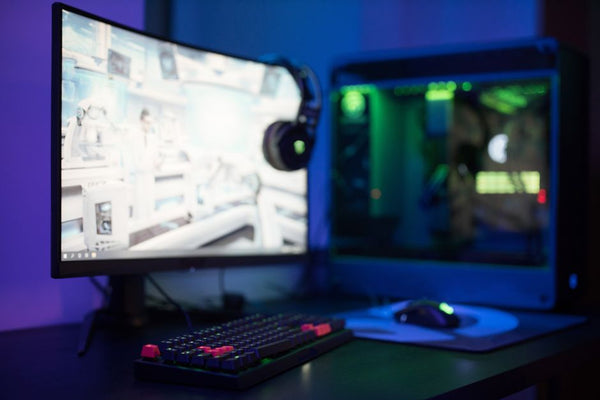
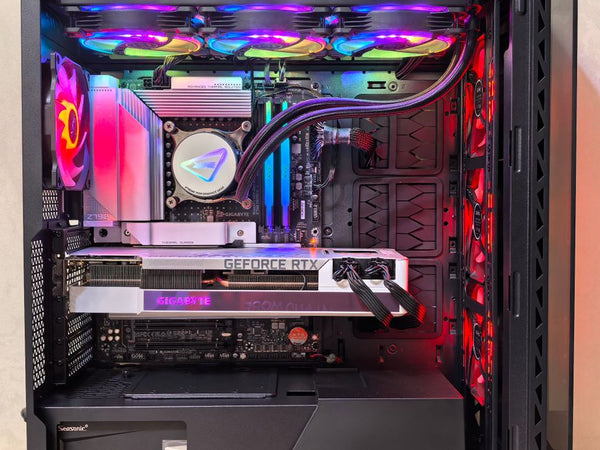
If you're putting together a custom gaming PC build, the Kiyo V2 X slots right in without drama. USB-A connection means compatibility with basically every motherboard from the last decade. No weird driver conflicts, no mysterious blue screens — just works.
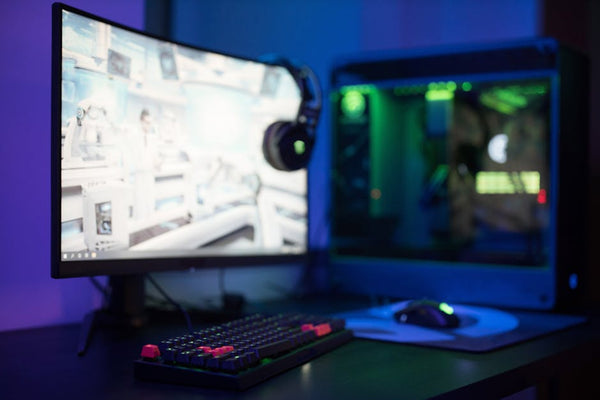
The mount system is solid too. Clips onto monitors securely without wobbling when you're getting animated during gameplay. I've tested it on ultrawide monitors, standard 27-inchers, even mounted it on top of a triple monitor setup — stays put every time.
Streaming Performance: The Real Test
Here's what matters: how does it handle the heat of battle?
During intense gaming sessions, when your CPU is pushing 80°C and your room feels like a sauna, this webcam doesn't freak out. The auto-focus stays responsive, colors don't shift weird, and the image stays stable. That's more than I can say for some webcams that cost twice as much.
OBS integration is seamless. No dropped frames, no weird compatibility issues. Set it to 1440p/60fps in your streaming software and forget about it.
The Competition: Why Choose This Over Others?
At $129, you're competing with the Logitech C920s Pro and some budget options from companies you've never heard of. Personally, I think the Razer edges out the competition on build quality alone.
Hot take: most "gaming" webcams are just regular webcams with RGB lighting and a 200% markup. The Kiyo V2 X feels like it was actually designed for gamers who care about quality over flashy lights.
That auto-focus speed makes a huge difference when you're switching between looking at your monitor and engaging with chat. Small thing, but it matters when you're trying to build an audience.
Who Should Buy This (And Who Shouldn't)
Buy this if you're putting together a solid gaming PC build guide and need a webcam that won't embarrass you on stream. It's perfect for the gamer who wants quality without going broke.
Don't buy this if you're a professional content creator who needs absolute color accuracy. You'll want to step up to something in the $200+ range for that level of precision.
Also skip it if you're still rocking a gaming PC from 2015 with limited USB ports — you might need those connections for more essential peripherals first.
Value Verdict: Actually Worth Your Money
This is where my GameStop experience kicks in. Value isn't about the cheapest price — it's about getting the most bang for your buck.
The Kiyo V2 X delivers professional-looking results at a price point that won't force you to eat ramen for a month. That speedy auto-focus alone justifies the cost difference over generic alternatives.
Is it perfect? Nah. But for most gamers building their setup, it hits the sweet spot between "good enough" and "actually good."
If you're ready to upgrade your streaming setup, build your custom gaming PC with BitCrate and add the Kiyo V2 X to complete the package. Your viewers will thank you, and your wallet won't hate you.
The auto-focus really is for life — at least until the next major webcam innovation comes along. But knowing how slowly webcam tech moves, that'll probably be in 2027.














Leave a Comment