


Microsoft's Cloud Driver Recovery: Fixing Gaming PC Components Without the Rage Quit
Microsoft just dropped something that could save your gaming sessions from the dreaded driver death spiral. Cloud-Initiated Driver Recovery promises to automatically roll back busted drivers without you lifting a finger. No more blue screens mid-clutch. No more frantically googling error codes while your squad waits in Discord.
But here's the million-dollar question: does this actually matter for your gaming rig?
What Exactly Is This Cloud Driver Magic?
Microsoft's new system works like an automatic undo button for broken PC components. When Windows Update pushes a driver that bricks your system, their cloud service can detect the failure and remotely roll back to the previous working version. Zero user intervention needed.
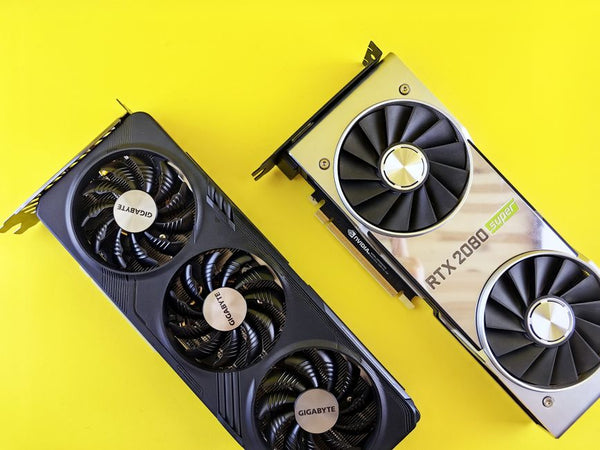
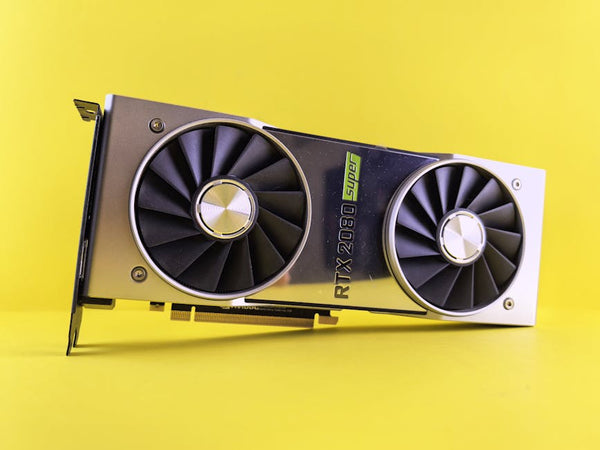
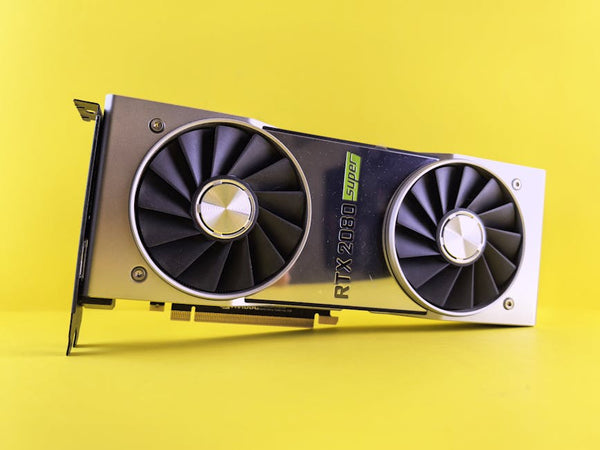
Think about it. How many times have you installed a graphics driver update only to watch your FPS tank or your system refuse to boot? I've seen this nightmare play out countless times at our shop here in Orange, TX. Customer brings in their gaming rig because they updated their RTX 4080 drivers and suddenly can't launch Valorant without crashing.
Traditional fix? Boot into safe mode, manually uninstall the driver, reinstall the old one, pray it works. Takes forever. Microsoft's solution skips all that pain.
The Technical Breakdown
The system monitors driver installations through Windows Update. When telemetry data shows widespread crashes or system instability after a specific driver deployment, Microsoft's cloud infrastructure can push a rollback command. Your PC receives this command and automatically reverts to the last stable driver version.
No user account control prompts. No manual intervention. Just works.
Why Gaming Hardware Actually Needs This
Gaming PC components are basically drama queens. They're pushed to their limits constantly, running hot, handling massive workloads. When a driver update goes wrong on gaming hardware, it goes REALLY wrong.
Remember the RTX 4090 driver fiasco from early 2023? Users were getting random black screens during GPU-intensive games. Some cards were hitting dangerous temps. That kind of chaos could theoretically get fixed automatically now instead of requiring manual driver hunting.
Audio drivers are another nightmare. Nothing kills the vibe like your headset going silent mid-game because Realtek pushed a broken update. With Cloud-Initiated Driver Recovery, that audio driver rollback could happen automatically while you're sleeping.
Real-World Gaming Scenarios
Picture this: you're grinding ranked Apex Legends when Windows pushes a GPU driver update in the background. Next time you boot up, your game stutters like crazy. Frame times are all over the place. Input lag feels terrible.
Old system: you spend two hours troubleshooting, rolling back drivers manually, missing your ranked session.
New system: Microsoft's cloud detects the widespread issues with that driver build and automatically rolls back your system overnight. You wake up to working hardware.
That's the dream scenario anyway.
The Skeptic's Take: Why This Might Not Save Gaming
Honestly, I'm not completely sold on this solving gaming's driver problems. Microsoft's track record with automatic fixes isn't exactly flawless. Remember Windows 10's automatic updates breaking gaming performance for months?
Hot take: cloud-based driver management could create NEW problems for gaming rigs.
First issue: detection lag. How long does it take Microsoft to identify a problematic driver? If their telemetry shows issues after 24-48 hours, that's still two days of broken gaming sessions. Pro players and competitive gamers can't afford that downtime.
Second problem: false positives. What if Microsoft's system flags a perfectly good driver as problematic because a small subset of users with weird hardware configs experience issues? Suddenly everyone gets rolled back to an older driver that might actually perform worse in your specific games.
The OEM Complication
Gaming laptop users might face different challenges. OEMs like ASUS, MSI, and Alienware often customize drivers for their specific hardware configurations. Microsoft's generic rollback might revert to a driver that works for stability but kills the OEM-specific optimizations that actually make games run better.
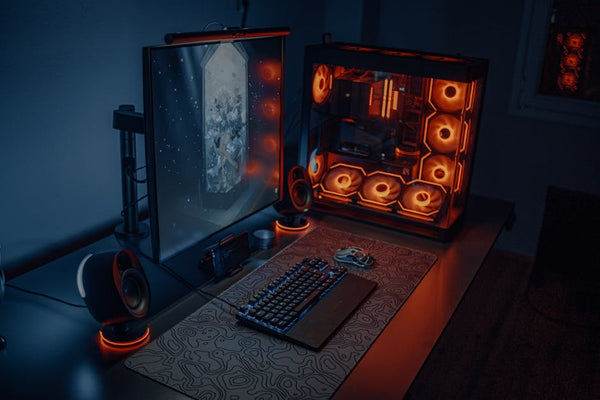
That RGB lighting sync you spent hours perfecting? Gone. Those custom fan curves for your gaming laptop? Reset to defaults. The performance tweaks for your specific GPU model? Wiped.
What This Means for Your Gaming Setup
For most casual gamers, this feature is probably a net positive. Less troubleshooting means more gaming time. But competitive players and enthusiasts need to think carefully about auto-driver management.
Personally, I think this works best as a safety net rather than primary driver management. Keep it enabled for peace of mind, but maintain manual control over critical updates, especially GPU drivers before major tournaments or competitive seasons.
The key is understanding that automatic isn't always optimal for peak gaming performance.
Should You Trust Automatic Driver Recovery?
Here's where I'm genuinely conflicted. On one hand, I've fixed too many gaming rigs destroyed by bad drivers to dismiss any solution that prevents that chaos. On the other hand, giving up driver control feels wrong for serious gaming hardware.
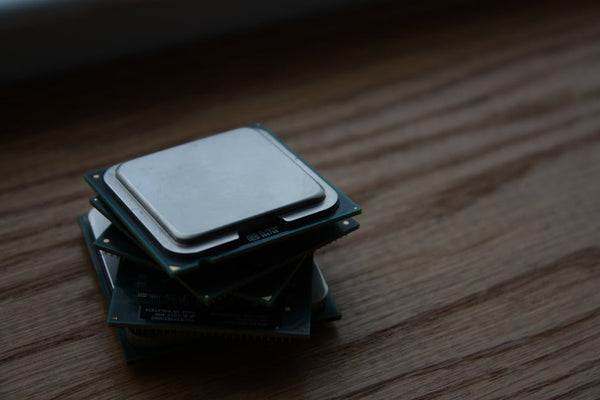
The sweet spot might be selective automation. Enable cloud recovery for audio, networking, and storage drivers – the stuff that rarely needs cutting-edge performance but can absolutely ruin your day when broken. Keep manual control over GPU and CPU-related drivers where performance matters more than convenience.
The Competitive Gaming Angle
If you're grinding Valorant, CS2, or any esports title seriously, driver consistency matters more than having the absolute latest version. You want predictable performance, not the newest features.
Cloud-Initiated Driver Recovery could actually help here. Instead of risking performance regressions from manual updates, you get automatically maintained stable drivers. That's assuming Microsoft's definition of "stable" aligns with gaming performance needs.
But what about day-one game optimizations? New games often require the absolute latest GPU drivers for proper support. Will Microsoft's system be fast enough to recognize legitimate new-game driver needs versus problematic updates?
The Latency Question
Every competitive gamer obsesses over latency. Input lag, frame delivery, display response times – we measure everything in milliseconds. Can a cloud-based driver management system introduce new latency sources?
Probably not directly. The actual rollback happens locally. But if the cloud detection takes too long, you might be stuck with performance-killing drivers for days before the automatic fix kicks in.
Looking Forward: Is This Actually Revolutionary?
Microsoft positioning this as a major reliability improvement feels like marketing speak for "we're finally fixing a problem we created." Windows Update pushing broken drivers has been an issue for literally decades.
The real test will be implementation speed and accuracy. If Microsoft can detect and fix driver problems within hours instead of days, this becomes genuinely useful for gaming. If it takes weeks to identify issues, it's just another corporate band-aid solution.
What's actually exciting is the potential for proactive driver management. Imagine if the system could detect performance degradation patterns and suggest driver updates that specifically improve your most-played games. That would be revolutionary.
For now though, Cloud-Initiated Driver Recovery feels like damage control rather than innovation. Useful damage control, but not exactly groundbreaking for gaming PC components. We'll see if Microsoft can prove me wrong when this hits general availability.
The real question isn't whether this feature works – it's whether it works fast enough and smart enough for gaming workloads. Time will tell, but at least we won't be manually fixing broken drivers every other Windows Update. That alone might be worth celebrating, even if it's not perfect yet.
Looking for the right setup? Check out Phone & Tablet Repair — Orange TX — built right here in Orange, TX.
















Leave a Comment