


The Navy's New Laser System Shows Why Your Gaming PC Build Needs Military-Grade Thinking
The US Navy just tested something absolutely wild on the USS George H.W. Bush supercarrier. Their LOCUST Laser Weapon System tracked, engaged, and neutralized multiple target drones with what they're calling "essentially unlimited power source." As a tech enthusiast who spends way too much time thinking about both gaming PC builds and military tech, this got me thinking about power delivery in ways that'll blow your mind.
Seriously though. Think about it.
The Navy figured out how to deliver consistent, reliable power to a system that needs to perform flawlessly under pressure. Sound familiar? That's basically what we're trying to achieve when we're building a custom gaming PC that won't choke during those clutch moments in competitive matches.
Why Military Power Delivery Principles Matter for Gaming PC Build Success
Here's the thing that hit me while reading about this laser system. The Navy isn't messing around with cheap power supplies or sketchy connections. They've built redundancy into everything because failure isn't an option when you're defending a $6 billion aircraft carrier.
Your gaming rig deserves the same respect.
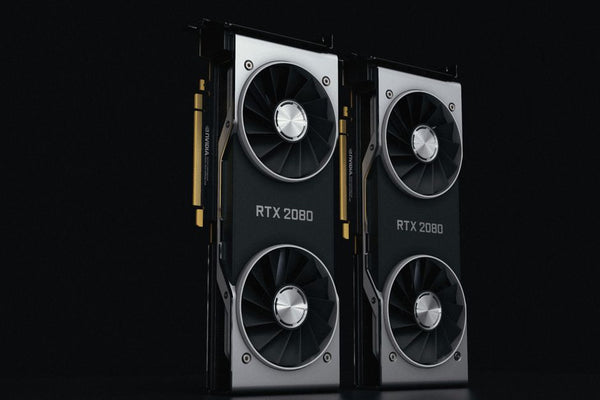
I was helping a customer at TieredUp Tech in Orange, TX last week configure their RTX 4080 build, and they wanted to save money on the PSU. Classic mistake. It's like building a Formula 1 car and then putting budget tires on it. Sure, it'll work until it doesn't, and when it fails, it's spectacular.
The LOCUST system's "unlimited power source" isn't actually unlimited — it's just engineered so well that power delivery never becomes the bottleneck. That's exactly what your PSU should do. It should be so reliable that you forget it exists.
The Real-World Numbers That Matter
Let's talk specifics because vague advice is useless. The Navy's laser system can engage multiple targets rapidly without power degradation. In gaming terms, that's like maintaining consistent frame rates during intensive scenes without thermal throttling or voltage drops.
For a proper gaming PC build, you want at least 20% headroom on your PSU capacity. Running an RTX 4070 Ti that draws 285W peak? Don't grab a 500W PSU and call it done. Go for 750W minimum. It's like that rare card in your TCG collection — you don't want to sleeve it with the cheapest protection you can find.
Hot take: 80 Plus Gold certification should be your baseline, not your upgrade tier. The efficiency difference between Bronze and Gold isn't just about your electric bill (though that matters). Gold-rated PSUs typically have better voltage regulation, which means cleaner power delivery to your components.
Target Acquisition: Choosing Components That Actually Work Together
The LOCUST system doesn't just randomly shoot lasers and hope for the best. It tracks targets, calculates trajectories, and fires with precision. Building a gaming PC should follow the same methodical approach.
Too many builders throw together high-end components without considering how they'll interact. You wouldn't pair a 240mm AIO cooler with an i9-13900K and expect great results. That's like bringing a knife to a gunfight — technically functional but completely outmatched.
Component matching is where the magic happens. Here's what actually matters:
- CPU and GPU performance balance (don't bottleneck either direction)
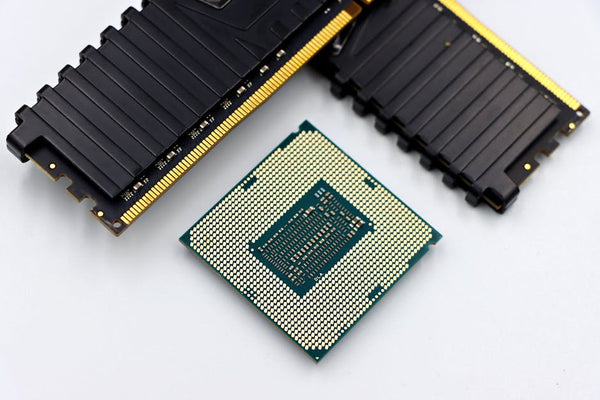
- RAM speed that matches your CPU's memory controller capabilities
- Cooling solution that can handle sustained loads, not just burst performance
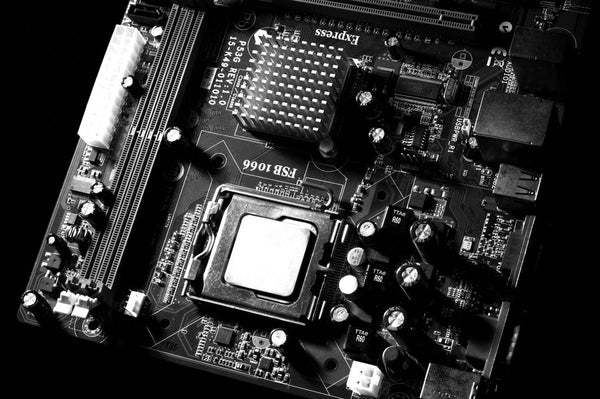
- Motherboard VRM quality that won't choke under heavy workloads
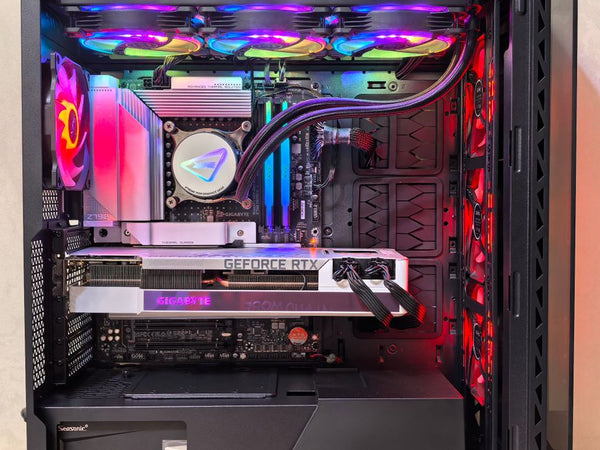
Honestly, I see builders obsess over RGB and aesthetics while running their 7800X3D on a budget B650 board with weak VRMs. It's like putting neon underglow on a car with bald tires. Pretty, but you're missing the fundamentals.
The Tracking System: Monitoring What Matters
The Navy's laser weapon constantly monitors its targets and adjusts accordingly. Your gaming PC should do the same thing with temperatures, voltages, and performance metrics.
MSI Afterburner, HWiNFO64, and even basic BIOS monitoring can save your build from catastrophic failure. I've seen too many expensive components die because nobody was watching the thermal situation. It's preventable damage, which honestly makes it even more frustrating.
Set up custom fan curves. Monitor your GPU junction temperatures, not just the main sensor. Watch for voltage droop under load. This isn't paranoid behavior — it's smart maintenance.
Custom Gaming PC Philosophy: Engineering Overkill That Actually Makes Sense
The military builds systems assuming everything will go wrong eventually. Multiple redundancies. Overengineered solutions. Excessive testing protocols.
We should steal that approach.
When I'm configuring a Build your custom gaming PC with BitCrate for someone, I always ask what they'll be doing three years from now. Games are getting more demanding. Content creation is becoming mainstream. That 1080p gaming rig might need to handle 1440p streaming sooner than you think.
Future-proofing isn't just marketing nonsense when done correctly. It's about building systems that adapt instead of becoming obsolete. The Navy's laser system will probably receive software updates and capability improvements over its service life. Your gaming PC should have the same upgrade path.
The Unlimited Power Source Misconception
Here's where things get interesting. The Navy's "unlimited power source" claim is technically true but misleading. They're not generating infinite energy — they've just solved the power delivery and thermal management problems so effectively that sustained operation becomes practical.
Your gaming PC can achieve something similar with proper component selection. A quality PSU with excellent voltage regulation, paired with adequate cooling, creates what feels like unlimited stable performance. No thermal throttling. No voltage droop. No performance degradation during extended sessions.
That's the sweet spot we're chasing in every custom gaming PC build.
Real Talk: Where Most Builds Actually Fail
The LOCUST system works because every component was selected for reliability first, performance second. Most gaming builds get this backwards.
People chase benchmark numbers instead of asking "will this work perfectly for 5+ years?" They'll spend $800 on the latest GPU and then connect it with a $40 PSU that'll eventually take the whole system down. It's like that player in your TCG group who buys chase mythics but plays them in penny sleeves.
Personally, I think the most underrated component in any gaming PC build is the motherboard. Everyone focuses on CPU and GPU specs, but your motherboard determines upgrade paths, stability, and long-term reliability. Cheap out here and you'll regret it when you want to upgrade your CPU two years later.
Quality VRMs matter more than flashy features. A solid B650 board with excellent power delivery will outperform a flashy X670E board with weak VRMs every single time.
The Engagement Process: Getting Performance When It Counts
Military systems are designed for consistent performance under stress. Gaming PCs should follow the same principle, but most don't.
Your rig might hit amazing numbers in synthetic benchmarks, but how does it perform during a 4-hour gaming session? What happens when you're streaming, gaming, and running Discord simultaneously? That's where proper thermal design and component quality actually matter.
XMP memory profiles are great, but only if your system can maintain those speeds under sustained loads. I've seen countless builds that crash during extended gaming because someone enabled aggressive memory overclocks without proper stability testing.
Test everything. Stress test your RAM with MemTest86. Run Prime95 for thermal validation. Use MSI Kombustor for GPU stability. It's boring work, but so is troubleshooting random crashes during ranked matches.
Building Systems That Actually Last
The US Navy expects their equipment to work flawlessly for decades. We should demand the same from our gaming hardware.
This means buying components from manufacturers with solid warranties and support. It means choosing proven designs over bleeding-edge experiments. It means paying extra for quality when it matters and being smart about where you can save money.
You don't need RGB RAM that costs twice as much as quality non-RGB modules. You do need a PSU that won't kill your entire system when it fails. The trick is knowing where to spend and where to save.
Storage is another area where military thinking applies. The Navy doesn't rely on single points of failure for critical systems. Your gaming PC shouldn't either. A good NVMe SSD for your OS and games, plus a quality mechanical drive for mass storage, creates redundancy and performance where you need it.
The Technology Evolution Factor
What's really fascinating about the Navy's laser system is how it represents years of incremental improvements finally reaching deployment readiness. Gaming PC technology follows similar patterns — sudden breakthrough moments that are actually the result of steady progress over time.
DDR5 memory is finally reaching the point where it makes sense for most builders. PCIe 5.0 SSDs are becoming practical instead of just expensive bragging rights. USB4 connectivity is starting to matter for real workflows.
The question isn't whether to adopt new technology, but when adoption makes practical sense. Early adopters pay premium prices for minimal gains. Late adopters miss optimization opportunities. Finding that sweet spot requires understanding both your needs and technology maturity cycles.
Right now, we're in a weird spot where some cutting-edge tech is genuinely useful while other "advanced" features are pure marketing. Ray tracing? Actually valuable in many modern games. PCIe 5.0 GPUs? Still waiting for practical benefits. AI upscaling? Game-changing when implemented well.
The Navy's laser weapon represents mature technology deployment — they didn't rush experimental systems into combat. They tested, refined, and validated everything until it worked reliably. That's exactly how we should approach PC component selection in 2024.
Your next gaming PC should be built like military equipment: reliable, powerful, and engineered to perform when it matters most. Because honestly, losing a ranked match to hardware failure hits differently than losing because you got outplayed.














Leave a Comment