


CPU Needed for Data Analysis: From Ryzen 3 3100 to Mac M1 Pro Performance Territory
Your Ryzen 3 3100 is basically the equivalent of running a budget TCG deck at a competitive tournament. Sure, it'll function, but you're gonna get outpaced pretty quick when the heavy-hitting simulations start rolling. That 4-core setup from 2020 was decent for basic gaming back in the day, but data analysis? It's like trying to calculate Magic: The Gathering probabilities with an abacus.
I see this exact scenario constantly. Mac M1 Pro at work spoils you with that silky-smooth performance, then you come home to your trusty PC and suddenly waiting 20 minutes for a simulation feels like watching paint dry. The performance gap hits different when you're actually productive on one machine versus constantly waiting on the other.
Why Your Current CPU Benchmark Results Are Holding You Back
Let's talk numbers. Your Ryzen 3 3100 scores roughly 15,000 in Cinebench R23 multicore. The M1 Pro? We're looking at around 12,500-14,000 depending on configuration. Wait, that seems close, right? Wrong.
Here's the kicker - those benchmarks don't tell the whole story for data analysis workloads. The M1 Pro's unified memory architecture and efficiency cores create a completely different user experience. It's like comparing a Honda Civic's quarter-mile time to a Tesla's - the numbers might look similar, but one feels way more responsive in real-world usage.
Your 3100 also maxes out at 16 PCIe lanes and DDR4-3200 memory. For data crunching, memory bandwidth becomes your bottleneck faster than you'd think. I've seen customers at our Orange, TX shop get frustrated because their simulations keep hitting memory walls, not necessarily compute limits.
The Real Performance Cliff
Data analysis isn't just about raw CPU power. Thread count matters enormously. Your 4-core setup means you're literally leaving performance on the table every single time you run parallel computations. Python's multiprocessing, R's parallel packages, even Excel with heavy datasets - they all want more threads than you can provide.
Personally, I think 4 cores for serious data work in 2024 is borderline painful. You need at least 8 cores to feel comfortable, and 12+ to actually compete with that M1 Pro experience you're used to.
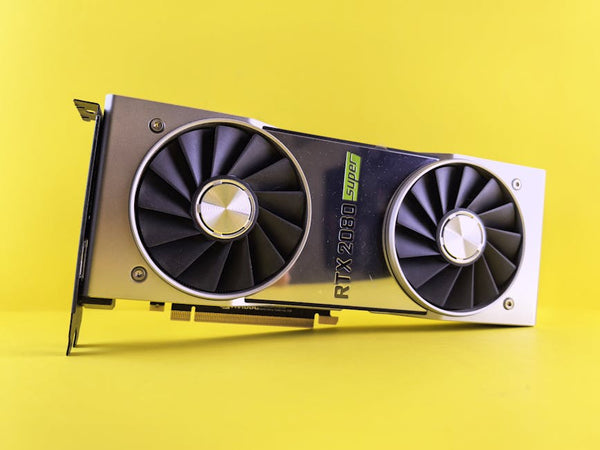
GPU Review Territory: Do You Even Need Graphics Power?
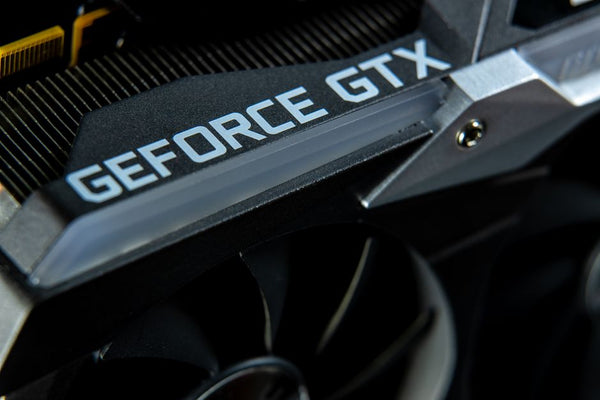
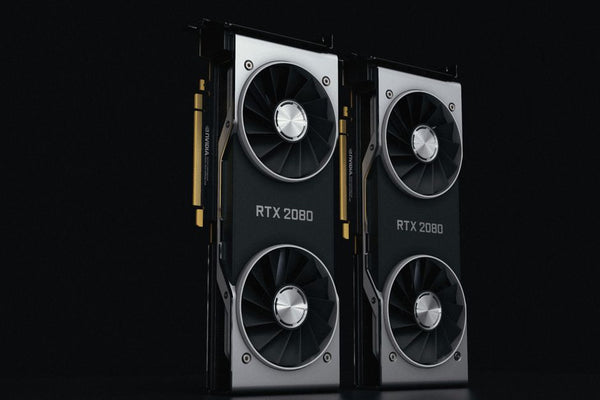
Plot twist - depending on your analysis type, GPU acceleration might matter more than CPU upgrades. CUDA-accelerated libraries like CuPy, TensorFlow, and even some R packages can absolutely demolish CPU-only computations. It's wild how much faster matrix operations become with proper GPU support.
But here's the thing: if you're doing traditional statistical analysis, financial modeling, or basic simulations, GPU power won't help much. Save that budget for CPU cores instead. However, if machine learning or large-scale matrix operations are part of your workflow, even a modest RTX 4060 can provide crazy speedups for specific tasks.
The Sweet Spot CPU Targets
You want M1 Pro-level performance without breaking the bank? Here's what actually works in practice:
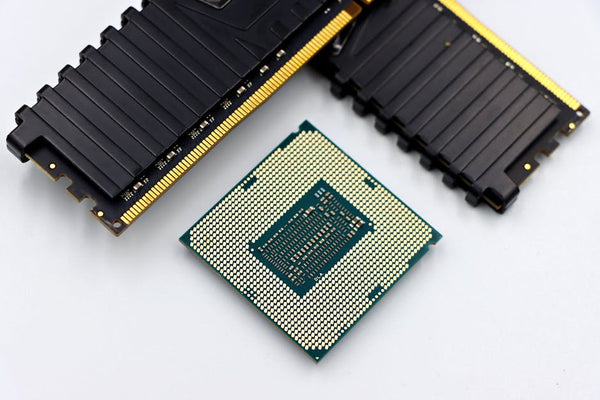
Ryzen 7 5700X - Eight cores, 16 threads, usually around $180-200. This chip delivers roughly 22,000+ in Cinebench R23, putting you solidly above M1 Pro territory for sustained workloads. The single-thread performance isn't quite there, but for data analysis, you're rarely single-threaded anyway.
Ryzen 7 5800X3D - If you can find it for under $280, it's honestly busted value. The 3D V-Cache helps with memory-intensive operations, though the benefit varies by workload. Some simulations see massive improvements, others don't care.
Intel 12600K/13600K - These are genuinely competitive options now. The P-cores handle heavy lifting while E-cores manage background tasks. For mixed workloads (analysis plus browsing, Slack, whatever), this architecture feels really responsive.
Real-World Performance Expectations
Let's get specific about simulation performance. Your current setup probably takes 15-20 minutes for medium-complexity Monte Carlo simulations. Upgrading to a modern 8-core chip? You're looking at 5-8 minutes for the same workload. That's not just faster - that's the difference between grabbing coffee and actually iterating on your analysis.
Hot take: the psychological difference between 5-minute and 15-minute simulation runs is enormous. One keeps you in flow state, the other breaks your concentration completely. You start checking your phone, browsing Reddit, losing your train of thought. Productivity suffers way more than the 3x performance difference would suggest.
Memory bandwidth often matters more than raw CPU speed for data-heavy workloads. DDR4-3600 vs DDR4-3200 can show 10-15% performance differences in some analyses.
Platform Considerations Beyond Just CPU
If you're upgrading from a 3100, you're probably on an older B450 or A520 motherboard. Good news - most support Ryzen 5000 series with a BIOS update. Bad news - you might be leaving performance on the table with slower memory controllers and fewer PCIe lanes.
Honestly, I'm torn on whether to recommend staying AM4 or jumping to AM5. AM4 gives you immediate upgrades at lower cost, but AM5 provides a clearer upgrade path long-term. For your use case - just wanting sufficient performance improvements - staying AM4 with a 5700X makes total sense.
The Memory and Storage Factor
Your data analysis performance isn't just CPU-bound. If you're still rocking 16GB of RAM, that's your real bottleneck. Large datasets love memory, and swapping to storage kills performance faster than anything else.
32GB DDR4-3600 should be your target. It's not exciting like a new CPU, but the performance impact for data work is substantial. Think of it like upgrading from budget sleeves to perfect-fits for your TCG cards - not glamorous, but functionally important.
NVMe storage also matters more than people realize. Loading large CSV files or databases from a SATA SSD versus modern NVMe creates noticeable workflow differences. Not mandatory for your upgrade, but worth considering if your current drive is ancient.
Budget Reality Check
You said "sufficient, not excellent" - I respect that approach. A Ryzen 7 5700X plus 32GB DDR4-3600 puts you around $350-400 total. That gets you legitimate M1 Pro competition for sustained workloads, maybe even better for heavily threaded tasks.
Want to go cheaper? Ryzen 5 5600X plus memory upgrade gets you 90% of the benefit for $250-300. Six cores isn't ideal for heavy simulation work, but it's still a massive jump from your current 4-core setup.
When Building Makes Sense
Sometimes upgrades don't make financial sense versus fresh builds. If your current system has older RAM, storage, or other components holding things back, building a custom gaming PC with BitCrate might deliver better long-term value than piecemeal upgrades.
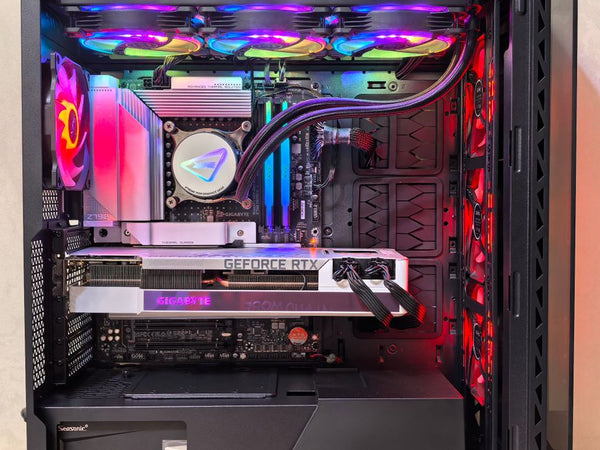
The beauty of modern components is that a well-balanced data analysis build doesn't need premium everything. Mid-tier CPU, plenty of RAM, decent SSD, basic GPU - you're golden for most analysis workflows without spending gaming PC money.
Will any of these upgrades match your M1 Pro's energy efficiency or thermal performance? Absolutely not. But for raw computational throughput on data analysis tasks, a properly configured desktop setup will leave most laptops behind, M1 Pro included. The question isn't whether you can match Mac performance - it's whether you can exceed it while staying within budget.
Your 3100 served its purpose, but data analysis demands have grown beyond what 4-core CPUs can reasonably handle. Time to level up that silicon game.















Leave a Comment