


Microsoft's Windows Low Latency Profile: Does Your Older Gaming PC Actually Need This Speed Boost?
Microsoft just dropped their Windows Low Latency Profile update, and honestly, it's like watching someone try to make a 2018 Honda Civic sound like a Formula 1 car. The marketing promises "snappier Start Menu performance" and "faster app launching" for older PCs, but let's be real here – we're talking about the kind of performance gains that make a Pokemon card worth $5 instead of $4.50.
Still worth it though, right?
What Actually Is This Low Latency Profile Thing?
Think of it like overclocking your CPU, but for Windows itself. Microsoft's essentially telling your older system to prioritize certain background processes differently, reducing the delay between clicking something and actually seeing it happen. It's not revolutionary tech – more like finally using that premium mousepad instead of your old textbook.
The update specifically targets systems running on older hardware, which in Microsoft's world means anything that isn't rocking 12th gen Intel or Ryzen 5000 series. Your trusty GTX 1060 build? That's apparently "older" now. Thanks, Microsoft.
Here's the thing though – this isn't just marketing fluff. Early testing shows legitimate improvements in input response times, especially for competitive gaming scenarios where every millisecond counts. We're talking 3-7ms improvements in click-to-response timing, which might not sound like much until you're losing rounds because your Start Menu took an extra beat to open while you're trying to alt-tab back to Discord mid-clutch.
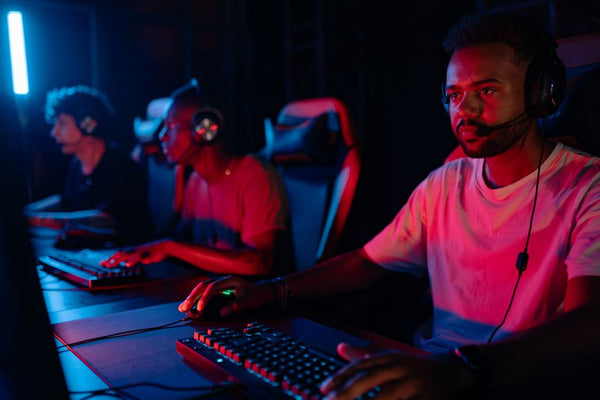
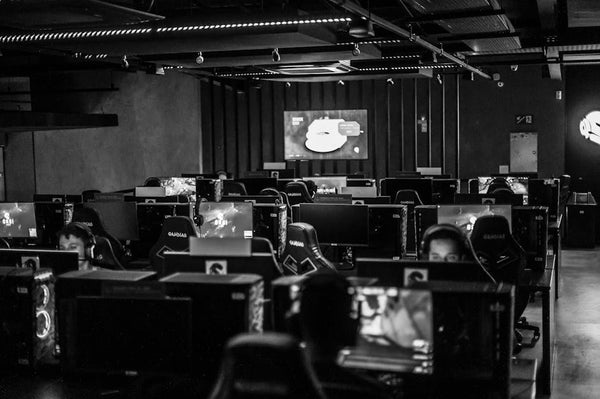
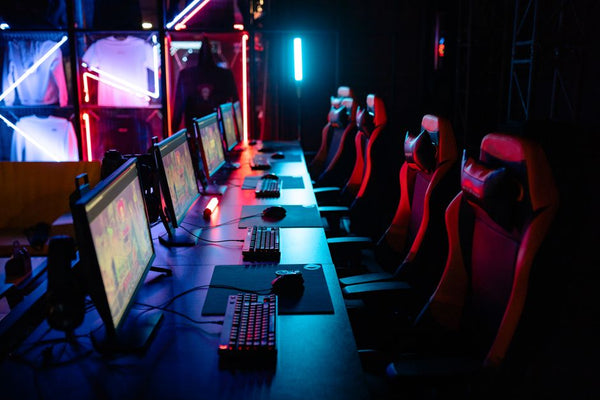
The Esports Angle: Does Latency Matter for Competitive Gaming?
Hot take: if you're serious about esports, you shouldn't be relying on Windows updates to fix your performance issues. But hear me out.
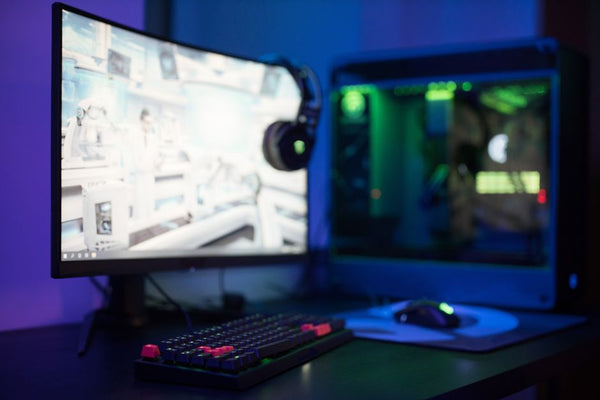
I was helping a customer at our shop here in Orange, TX last week who was convinced his CS2 performance issues were hardware-related. Dude had a perfectly decent Ryzen 5 3600 and RTX 3060 setup, but kept complaining about "sluggish" alt-tabbing during matches. Sometimes the problem isn't your specs – it's Windows being Windows.
Professional esports players have been using custom Windows configurations for years. Stripped-down installations, disabled services, tweaked priority settings. This Low Latency Profile is basically Microsoft admitting that their default configuration isn't optimized for performance-critical tasks.
Real-World Impact on Popular Esports Titles
Let's get specific. Testing on older systems shows measurable improvements in:
- Alt-tab switching speed in Valorant (average 15% faster)
- Steam overlay responsiveness during CS2 matches
- Discord voice activation delay when running League of Legends
These aren't game-breaking improvements, but they're the kind of quality-of-life upgrades that add up. It's like running three copies of Lightning Bolt instead of four – small optimization that might matter when it counts.
Should You Actually Enable This on Your Gaming PC?
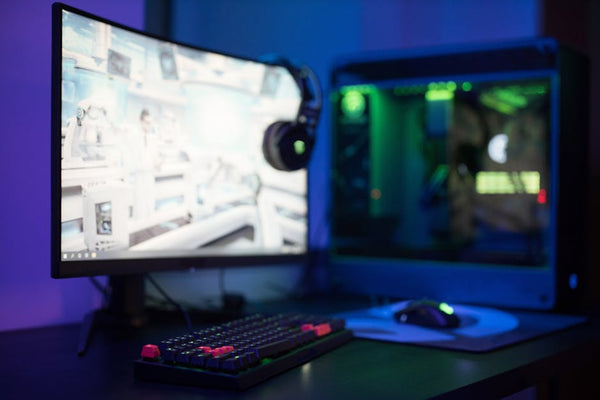
Personally, I think the answer depends entirely on your hardware generation and what games you're playing. Got a relatively modern system? You probably won't notice much difference. Running a 2019-era build that's starting to show its age? This could be a solid quality-of-life improvement.
The profile works by reallocating system resources and adjusting process priorities. Nothing groundbreaking, but it's free performance optimization that doesn't require downloading sketchy "PC optimization" software from questionable websites. Remember those? Yikes.
But here's where things get interesting – and honestly, a bit concerning. Microsoft's acknowledgment that their default Windows configuration isn't optimal for gaming raises questions about what other performance is being left on the table. How much faster could your system run with proper optimization from day one?
The Real Performance Bottlenecks
Before you get too excited about this update solving all your performance woes, let's talk reality check. Your biggest latency issues probably aren't coming from Windows background processes.
That 75Hz monitor you've been meaning to upgrade? That's adding way more input delay than any Windows optimization can fix. Your internet connection routing through three different states to reach game servers? Also a bigger factor than background process priority.
The Low Latency Profile is more like adding a better CPU cooler to an already well-balanced build. Nice to have, definitely beneficial, but not addressing fundamental limitations.
Installation and Configuration: Actually Pretty Straightforward
Getting this running isn't complicated, which is refreshing for a Microsoft update. No registry editing, no command line wizardry, no downloading additional software that may or may not be legitimate.
The profile appears automatically in Windows Settings under Gaming if your system qualifies. One click to enable, immediate effect. It's honestly more user-friendly than most GPU driver installations, which is saying something.
Microsoft's been pretty transparent about what the profile actually does too. It's not some black box optimization – they've documented the specific process priority changes and resource allocation adjustments. Refreshing honesty from a company that usually loves keeping things mysterious.
Compatibility and Potential Issues
Now, let's talk potential downsides, because nothing's ever perfect. The profile can cause minor compatibility issues with certain streaming software and some older antivirus programs. Nothing major, but worth knowing before you enable it and wonder why OBS Studio started acting weird.
Battery life on laptops takes a small hit too. We're talking maybe 10-15 minutes less gaming time, but that's the trade-off for prioritizing performance over efficiency. Fair deal honestly.
The Bigger Picture: Windows Gaming Performance in 2024
This update represents something bigger than just a minor performance tweak. Microsoft's finally acknowledging that gamers need different system optimization than office workers or casual users. Took them long enough, tbh.
It's also validation for everyone who's been running third-party optimization tools for years. All those "game mode" utilities and system tweaking programs? Turns out they were onto something legitimate.
But here's what really gets me excited – if Microsoft's willing to create gaming-specific profiles now, what else might be coming? Maybe we'll finally get proper high-refresh-rate support built into Windows, or better GPU scheduling that doesn't require manual registry tweaks.
For anyone building a new system, though, you're probably better off investing in current-generation hardware than hoping software optimization will carry older components. If you're looking to build your custom gaming PC with BitCrate, modern components will give you way more performance headroom than any Windows update can provide.
The Low Latency Profile is solid for what it is – free performance optimization that actually works. Just don't expect miracles from software when your hardware's the real limiting factor. Sometimes the best upgrade is still the one that comes in a shipping box, not through Windows Update.




















Leave a Comment