


Android 17 Gets Apple Handoff Features: The Tech News Everyone's Talking About
Remember when Apple introduced Handoff back in 2014? That magical moment when you could start writing an email on your iPhone and seamlessly continue on your MacBook without missing a beat? Well, Google's finally catching up with "Continue On" for Android — and honestly, it's about time.
But here's the thing. While this gaming technology advancement sounds amazing on paper, I've seen enough tech launches go sideways to know there are some serious pitfalls waiting for early adopters. Trust me on this one.
What Exactly Is Android's Continue On Feature?
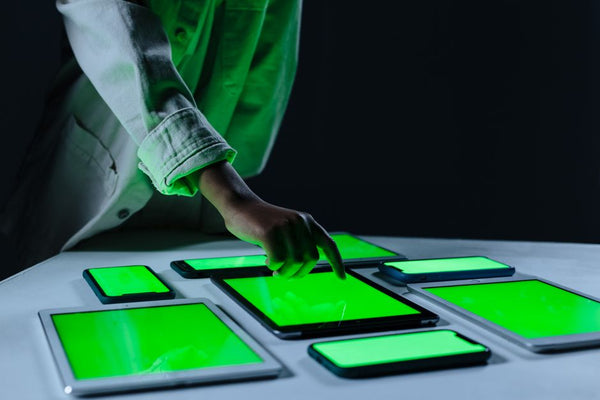
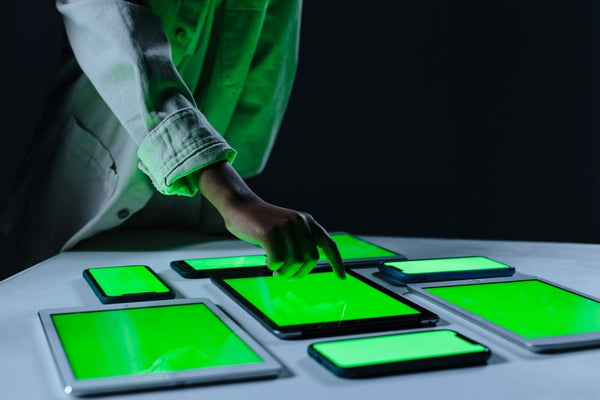
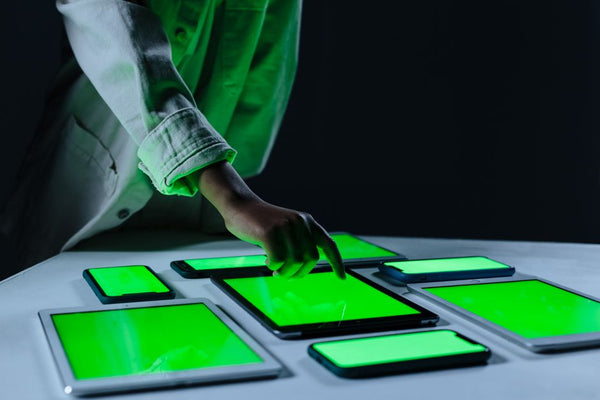
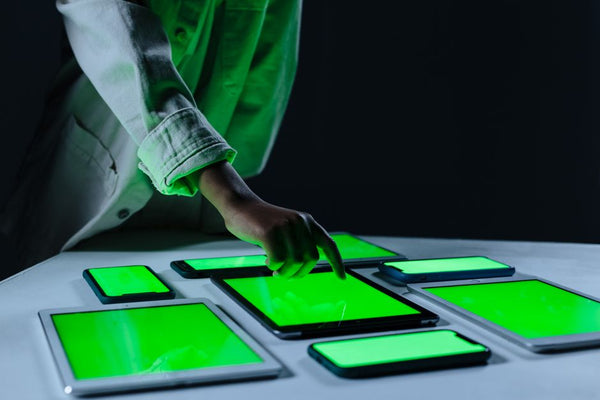
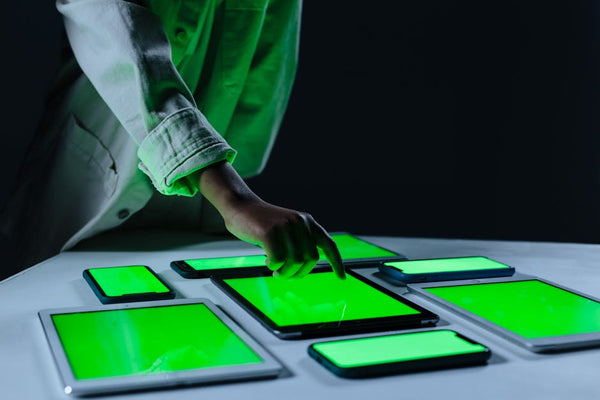
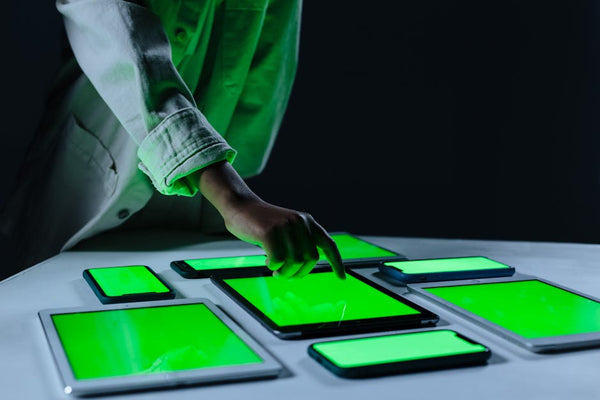
Google's rolling out Continue On as part of Android's cross-device ecosystem. Think Handoff's younger sibling who's been studying Apple's homework for nearly a decade. You start something on your Android phone — maybe editing a document, browsing a website, or watching a video — then pick up your compatible tablet and boom. Right where you left off.
Sounds pretty solid, right?
The catch? At launch, it's only phone-to-tablet. No tablet-to-phone magic yet. No computer integration. Just one direction for now, which feels oddly limiting in 2024.
The Devil's in the Implementation Details
Here's where I get skeptical. Having worked in tech retail for years, I've watched customers struggle with similar features that promised seamless experiences but delivered frustration instead. Remember Samsung Flow? Or Microsoft's Your Phone app that barely worked half the time?
The first mistake people will make is assuming this works like AirDrop or Apple's ecosystem. It doesn't. This isn't about file sharing — it's about task continuity. Different beast entirely.
Common Mistakes That'll Drive You Crazy
Expecting Universal App Support From Day One
Not every app will support Continue On immediately. Google's starting with their own apps and select partners. That means your favorite mobile game or niche productivity app might not play nice for months. Or years. Or ever.
I remember helping a customer at our Orange, TX location who bought a Samsung tablet specifically for Samsung DeX features, only to discover half his essential apps didn't support the desktop mode properly. Don't be that person.
Ignoring Your Network Setup
This feature relies on your devices being connected to the same Google account and sharing network connectivity data. If your home WiFi setup is sketchy — and let's be real, most people's is — you're gonna have a bad time.
Quick reality check: when's the last time you restarted your router? If you can't remember, that's problem number one.
Mixing Device Generations
Here's something Google isn't shouting from the rooftops: Continue On will likely work best between newer devices running recent Android versions. Got an older tablet you're hoping to revive with this feature? Prepare for disappointment.
Personally, I think Google should've been more upfront about hardware requirements. Nothing worse than getting excited about new tech only to discover your 2019 tablet isn't invited to the party.
The Gaming Technology Angle Nobody's Talking About
What gets me excited isn't the productivity stuff — it's the gaming potential. Imagine starting a mobile game on your phone during your commute, then seamlessly switching to your tablet's bigger screen when you get home. No save files to transfer. No progress lost.
But here's my hot take: mobile game developers are notoriously slow to adopt new platform features. We're probably looking at 6-12 months before any major games support this properly. Maybe longer.
Why This Matters for PC Builders
If you're someone who's been considering whether to build your custom gaming PC with BitCrate or stick with mobile gaming, this feature adds an interesting wrinkle. Android tablets with Continue On support might bridge the gap between phone and desktop gaming better than before.
Still won't replace a proper gaming rig though. Sorry, not sorry.
Setting Realistic Expectations
Look, I want this to succeed. Competition between Apple and Google benefits everyone. But let's not pretend this is some revolutionary breakthrough when it's really just Google playing catch-up.
The smart move? Wait a few months. Let the early adopters work out the bugs. Read the real-world reviews from people actually using this daily, not just tech journalists testing it for a week.
What Actually Works Today
If you need seamless device switching right now, Apple's ecosystem still reigns supreme. It just works — most of the time. Samsung's got some decent cross-device features if you're all-in on their hardware. But honestly? Most cross-device features are still more marketing hype than daily reality.
The exception is simple stuff like shared clipboards and photo syncing. That works great everywhere.
For everything else, we're still in the "promising but inconsistent" phase of cross-device computing. Android's Continue On might change that, but I wouldn't bet my productivity workflow on it just yet.
The real test isn't whether this tech news sounds impressive in press releases — it's whether your mom can use it without calling you for tech support. And tbh, we're not there yet with any of these solutions.
Give Google credit for trying though. Sometimes the best way to improve existing tech is to force Apple to respond with something even better. The cross-device wars are just getting started, and honestly? We're all gonna win in the long run.








Leave a Comment