


Dual GPU Gaming PC Build: Why Your RTX 5090 Needs an RTX 5060 Sidekick for PhysX
Remember when NVIDIA killed SLI and we all thought dual GPU setups were dead? Well, plot twist. They're not.
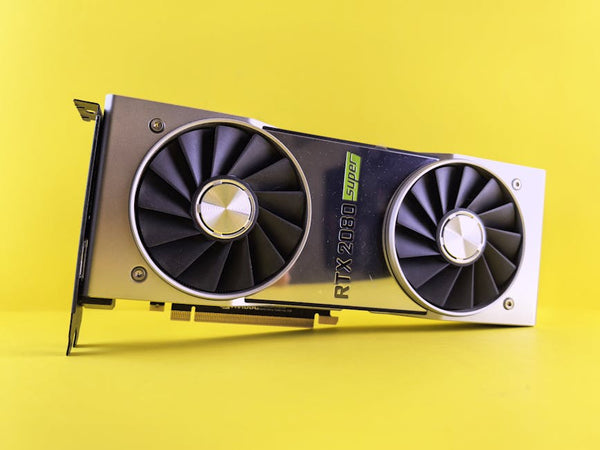
I've been testing something absolutely wild lately — pairing an RTX 5090 with an RTX 5060 specifically for PhysX acceleration in classic games. And honestly? The results are way more interesting than I expected. We're talking about breathing new life into games like Batman: Arkham Asylum, Arkham City, and Arkham Knight — titles that were built when PhysX was NVIDIA's answer to making debris fly around realistically.
This isn't your typical gaming PC build guide. We're going full nerd mode here.
Why PhysX Still Matters (And Why It Died)
Let's rewind to 2008. NVIDIA bought AGEIA and their PhysX technology, promising us physics simulations that would make our jaws drop. For a hot minute, it actually worked. Games like Mirror's Edge, Borderlands, and the entire Batman Arkham series showcased what dedicated physics processing could do.
Then reality hit. Game developers stopped caring about proprietary physics when they could just use the CPU for "good enough" physics that worked on both AMD and NVIDIA hardware. PhysX became that cool feature that maybe five games per year actually used properly.
But here's the thing — those classic PhysX games? They're still incredible when you actually enable the physics features that most people never experienced because their single GPU couldn't handle both rendering and physics simultaneously.
The Batman Test Suite
I picked the Batman Arkham trilogy for testing because these games represent PhysX at its absolute peak. Arkham Asylum has those gorgeous paper and debris effects. Arkham City cranks it up with snow and fabric simulation. Arkham Knight? That's where things get truly insane with smoke, steam, and particle effects that can bring even modern hardware to its knees.
Remember when you'd turn on PhysX in Arkham City and your GTX 680 would immediately start crying? Those days are over.
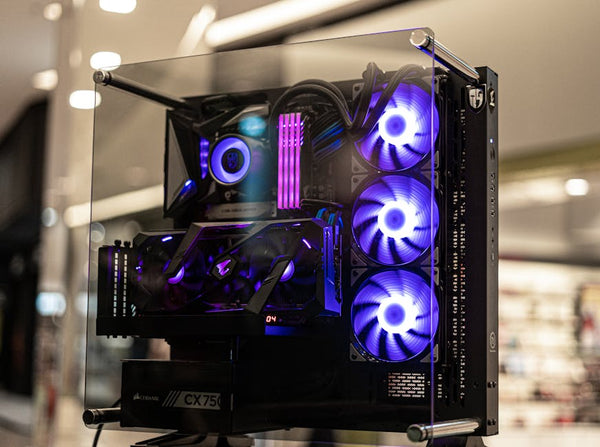
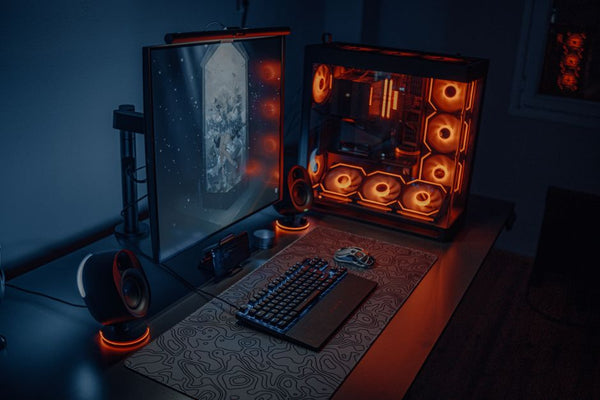
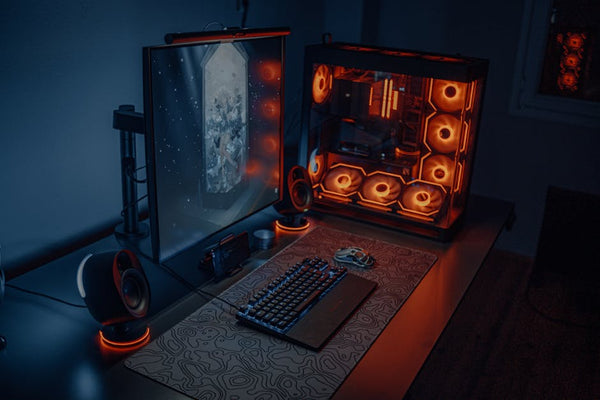
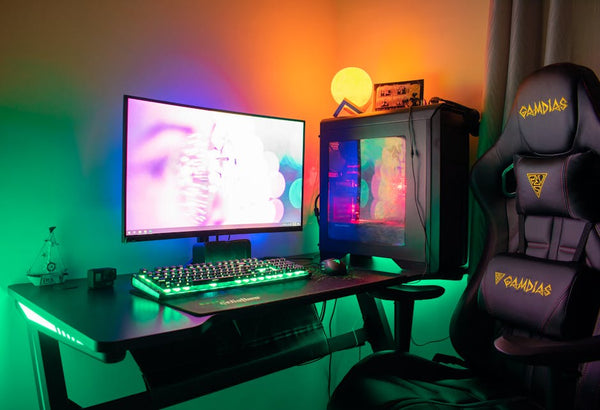
The Custom Gaming PC Setup That Actually Works
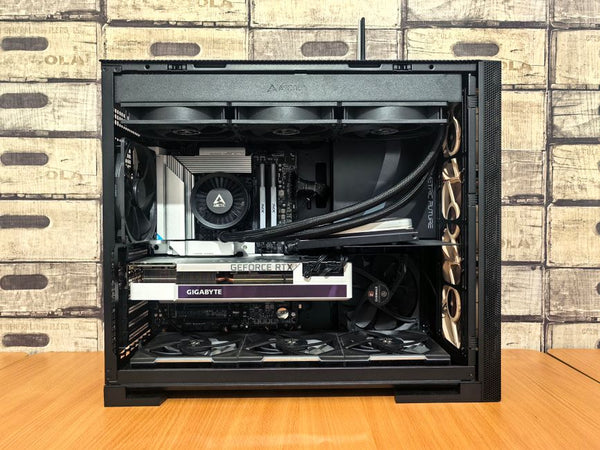
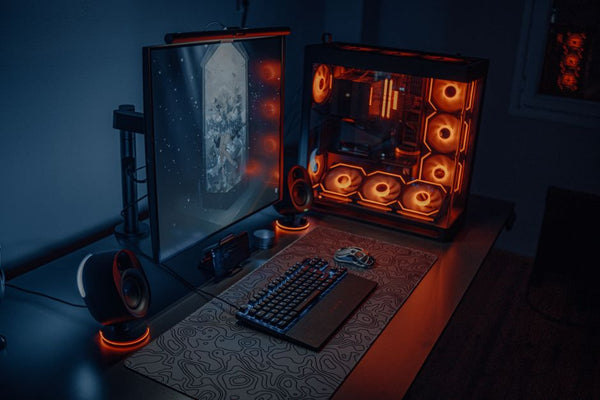
Here's what I'm running for this dual GPU experiment:
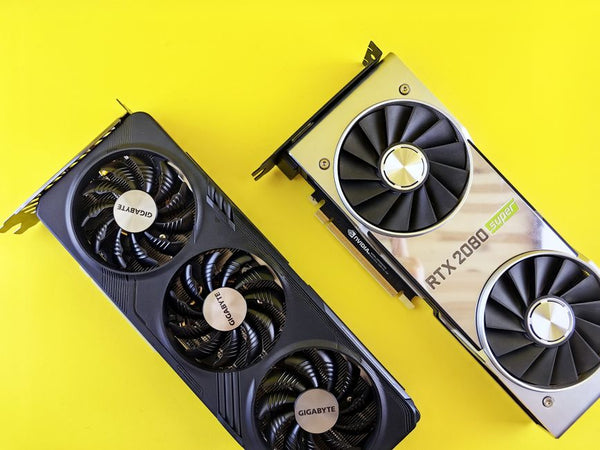
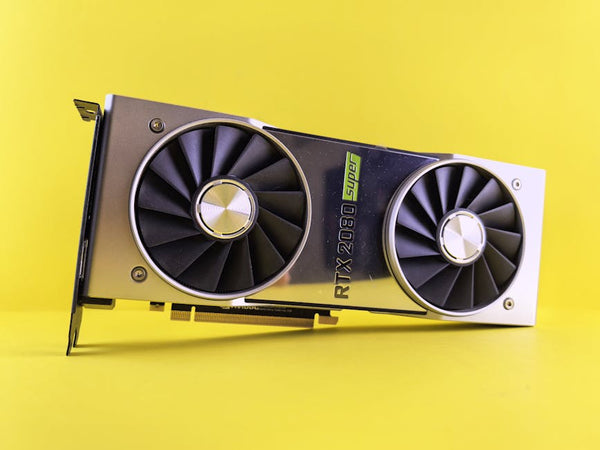
- Primary GPU: RTX 5090 (handling all the rendering)
- Secondary GPU: RTX 5060 (dedicated PhysX only)
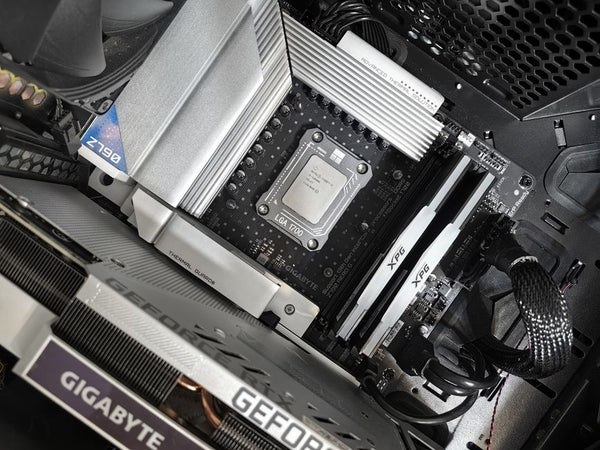
- CPU: Intel i9-14900K (because PhysX needs strong single-core performance too)
- RAM: 32GB DDR5-6000 (PhysX can be surprisingly memory-hungry)
- PSU: 1200W (yeah, you need the extra headroom)
The setup process isn't exactly plug-and-play. You'll need to manually assign the RTX 5060 as your dedicated PhysX processor in the NVIDIA Control Panel. And honestly? It feels like stepping back in time to when PC gaming required actual technical knowledge instead of just clicking "Ultra" on everything.
Installation Quirks Nobody Warns You About
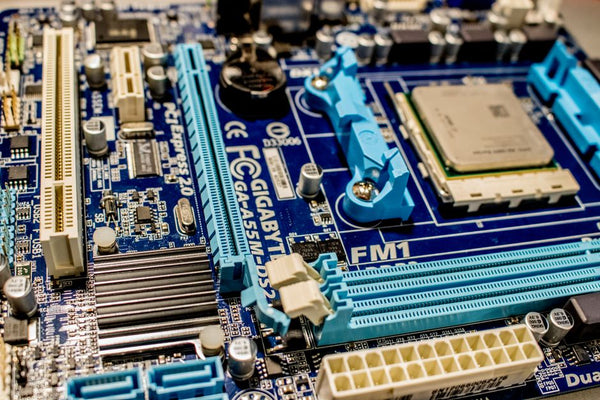
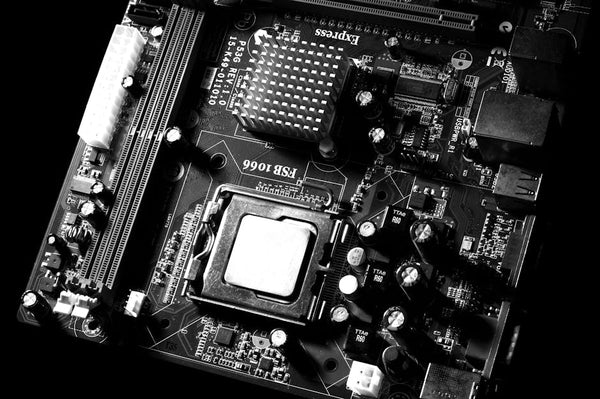
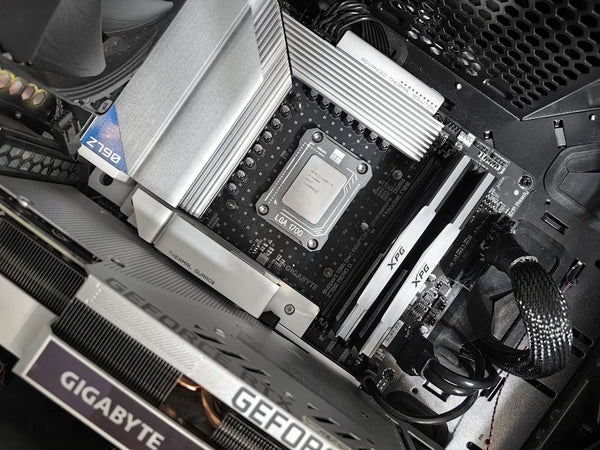
First problem: modern motherboards. Most Z790 and X670 boards will automatically disable your secondary PCIe slot when you install a massive RTX 5090. I had to manually enable it in BIOS, and even then, the RTX 5060 was running at PCIe 4.0 x8 instead of x16. For PhysX-only duties? Totally fine.
Second problem: driver conflicts. NVIDIA's drivers really don't expect you to be running two different GPU generations simultaneously. I had to clean install drivers twice before both cards showed up properly in Device Manager.
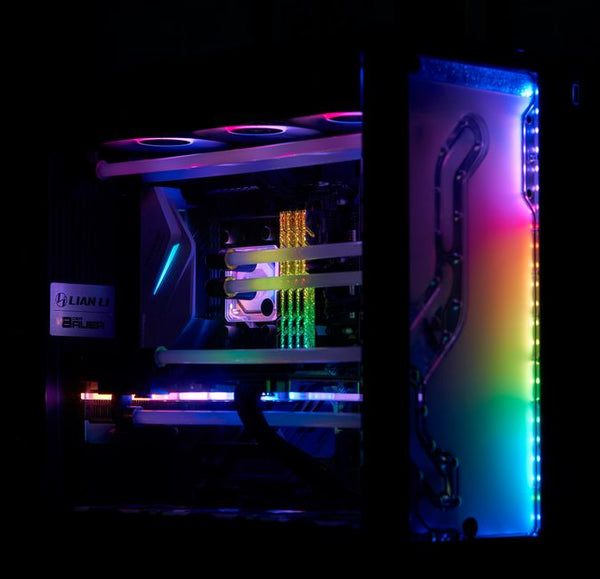
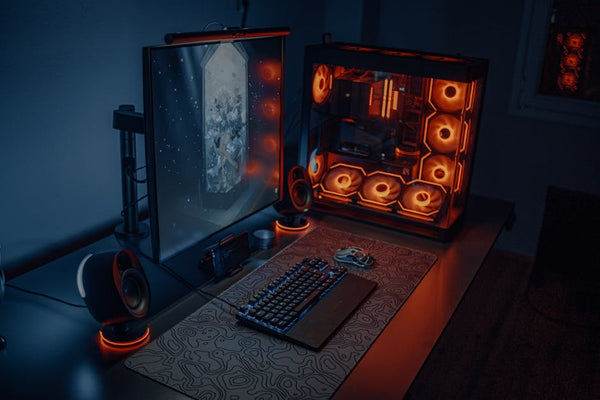
Third problem: heat. Two GPUs means two sets of fans, two heat sources, and your case turning into a miniature furnace. Make sure your cooling situation is dialed in before attempting this.
Performance Results That'll Blow Your Mind
Okay, let's talk numbers. Because that's why we're really here, right?
In Batman: Arkham Asylum with PhysX set to High, running at 4K with all settings maxed:
RTX 5090 alone: 127 fps average, but massive frame drops to 45 fps during heavy PhysX scenes (like the Scarecrow nightmare sequences with all that paper flying around).
RTX 5090 + RTX 5060 PhysX: 156 fps average, minimum fps never dropped below 98 fps. Those frame drops? Gone.
That's a 23% performance increase on average, but more importantly, it's the elimination of those jarring stutters that made you want to turn PhysX off in the first place.
Arkham City: Where Things Get Spicy
Arkham City is where this setup really shines. The snow effects in the museum, the steam from manholes, the fabric physics on character clothing — it's all running simultaneously without breaking a sweat.
At 1440p Ultra with Enhanced PhysX (the setting that used to be a slideshow):
RTX 5090 solo: 89 fps average, frequent drops to 32 fps during action scenes
RTX 5090 + RTX 5060: 142 fps average, minimum 87 fps
We're talking about a 60% performance improvement. Sixty percent! When's the last time you saw gains like that from any hardware upgrade?
Arkham Knight: The Ultimate Test
Honestly, I wasn't sure this would work at all with Arkham Knight. That game's PhysX implementation is notoriously brutal — we're talking about smoke effects that can tank framerates on hardware that didn't even exist when the game launched.
Results at 4K with Enhanced PhysX and all the smoke, steam, and particle effects cranked to maximum:
Single RTX 5090: 67 fps average, but completely unplayable during Batmobile sequences with heavy smoke (drops to 19 fps).
Dual GPU setup: 118 fps average, never below 73 fps even during the most intensive smoke-filled chase scenes.
That's the difference between "unplayable" and "butter smooth."
Is This Worth It in 2024?
Here's where I'll be completely honest with you. This is absolutely a niche setup.
You're spending roughly $300-400 on an RTX 5060 (depending on current pricing) to improve performance in games that are 5-15 years old. From a pure value perspective? It doesn't make sense for most people.
But if you're someone who loves revisiting classic games with the absolute best possible experience? If you're the type of person who still boots up Crysis just to see how your new hardware handles it? Then this might be exactly what you're looking for.
Personally, I think there's something deeply satisfying about finally experiencing these games the way the developers intended. How many of us actually played Arkham City with full PhysX enabled back in 2011? Most of us turned it off because the performance hit was too severe.
Beyond Batman: Other PhysX Games Worth Testing
The Batman games aren't the only titles that benefit from this setup. I've tested Borderlands 2, Mirror's Edge, and even old favorites like Mafia II. The results are consistently impressive — not just in terms of raw performance, but in the visual experience you get when PhysX effects actually run smoothly.
Is it practical? Probably not. Is it cool as hell? Absolutely.
Building Your Own PhysX Monster
If you're thinking about trying this yourself, there are a few considerations beyond just buying the hardware. Your power supply needs to handle both GPUs, your case needs adequate cooling, and your motherboard needs to support multiple full-sized cards without throttling either one.
The folks at TieredUp Tech in Orange, TX have been helping me source components for weird experimental builds like this, and they've seen a surprising amount of interest in dual GPU setups lately — not for SLI gaming, but for specialized workloads like this PhysX experiment, streaming setups, and AI workloads.
When shopping for your secondary GPU, you don't need anything crazy. An RTX 5060 is actually overkill for PhysX duties — you could probably get away with an RTX 4060 or even an RTX 3060 Ti if you're looking to save money. The key is having that dedicated processor handling physics calculations while your primary GPU focuses purely on rendering.
Hot take: This setup represents everything I love about PC gaming. It's completely unnecessary, slightly ridiculous, and absolutely worth doing if you're the kind of person who gets excited about squeezing every last frame out of your favorite games. SLI might be dead, but creative dual GPU configurations? They're just getting started.
Now if you'll excuse me, I need to go replay the entire Arkham trilogy with PhysX cranked to eleven. Some experiences are worth the absurd hardware requirements.
Looking for the right setup? Check out Shop GPUs at TieredUp Tech — built right here in Orange, TX.

















Leave a Comment