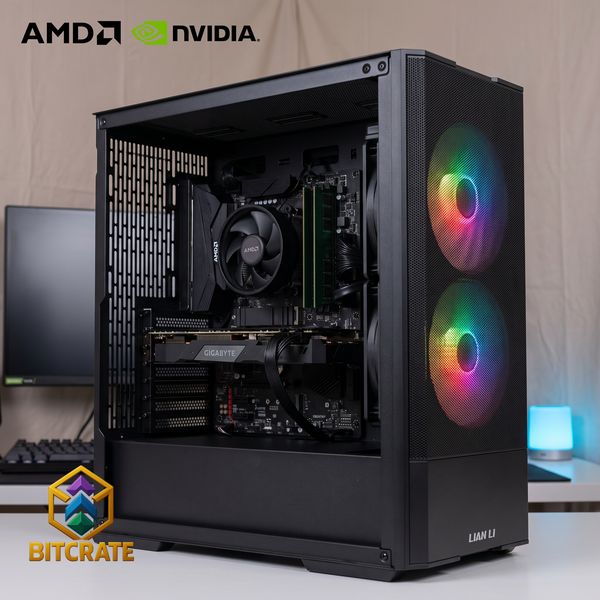
A gaming PC under $1,000 is the most common first build we sell, and it is also the price range where small choices matter most. Spend a little in the right place and you get a machine that plays today's popular games smoothly at 1080p. Spend it in the wrong place and you end up with an expensive-looking case wrapped around a weak graphics card. This guide walks through what to prioritize, shows real BitCrate builds from our catalog, and explains what you should expect at this budget.
All prices below are from our live catalog at the time of writing (November 2026). Prices change, and sale pricing can move a build up or down, so always check the product page for the current number.
What $1,000 buys in a gaming PC
At this budget, the realistic target is 1080p gaming. That covers most esports titles, popular online shooters, and a large share of single-player games at sensible settings. You are not buying a 4K machine, and anyone who promises one at this price is cutting corners somewhere.
Our builds under $1,000 sit in two tiers, which we group together as Gaming PCs Under $1,000:
- Common (official band $0–$849.99): at the time of writing, in-stock builds run from $676.87 to $755.47.
- Uncommon (official band $850–$999.99): at the time of writing, in-stock builds run from $781.04 to $890.69. Sale pricing can put a build below its band, which is why some Uncommon builds currently sit under $850.
Where to spend the money first
1. The graphics card
For gaming, the graphics card (GPU) does most of the heavy lifting. In our under-$1,000 builds you will mostly see two cards:
- NVIDIA RTX 3050: an entry-level card that handles esports and lighter games well and gives you access to NVIDIA's DLSS upscaling.
- AMD Radeon RX 7600: generally the stronger of the two for 1080p gaming, and a good pick if you mostly play newer, more demanding games.
If you can stretch slightly, an RTX 5060 build is a newer-generation step up. At the time of writing, our RTX 5060 builds start at $957.21, still under $1,000.
2. Memory (RAM)
Some of our lowest-priced builds ship with 8GB of RAM to hit a price. That works for lighter games, but 16GB is the more comfortable amount for modern titles with a browser or Discord open in the background. If you see two similar builds and one has 16GB, that is usually the one to choose.
3. The processor (CPU)
At this budget, a six-core processor such as the Ryzen 5 4500, Ryzen 5 5500 or Intel Core i5-12400F is plenty to keep these graphics cards fed. Spending more on the CPU than the GPU rarely makes sense in a gaming PC under $1,000.
4. Storage
Many entry builds come with 128GB of storage, which fills up quickly because modern games are large. Builds with 512GB give you more room out of the box. You can also add storage when you design your own build in the BitCrate configurator.
Real BitCrate builds under $1,000
Here are six builds from our catalog that show the range. Prices are at the time of writing (November 2026).
| Build | CPU + GPU | RAM / Storage | Price |
|---|---|---|---|
| Common Pulse 1 | Ryzen 5 4500 + RTX 3050 | 16GB / 128GB SATA | $676.87 |
| Common Pulse 23 | Ryzen 5 4500 + RX 7600 | 8GB / 128GB SATA | $743.83 |
| Uncommon Flamingo 1 | Ryzen 5 5500 + RTX 3050 | 16GB / 512GB SATA | $790.59 |
| Uncommon Pulse 26 | i3-12100 + RX 7600 | 16GB / 128GB SATA | $851.76 |
| Uncommon Fuchsia 11 | i5-12400F + RTX 3050 | 16GB / 512GB SATA | $854.60 |
| Rare Nighthawk 63 | Ryzen 5 5500 + RTX 5060 | 16GB / 128GB SATA | $957.21 |
Lowest price: Common Pulse 1
Common Pulse 1 (Ryzen 5 4500 + RTX 3050, 16GB, 128GB SATA, $676.87) is the least expensive way into a BitCrate build at the time of writing. It already has 16GB of RAM, which is the detail we would look for at this price. Plan on adding storage if you keep several large games installed.
Best graphics card in Common: Common Pulse 23
Common Pulse 23 (Ryzen 5 4500 + RX 7600, 8GB, 128GB SATA, $743.83) puts the stronger graphics card into a Common-tier price. The trade-off is 8GB of RAM, so it suits buyers who plan to upgrade memory later or who mainly play lighter games.
Balanced pick: Uncommon Flamingo 1
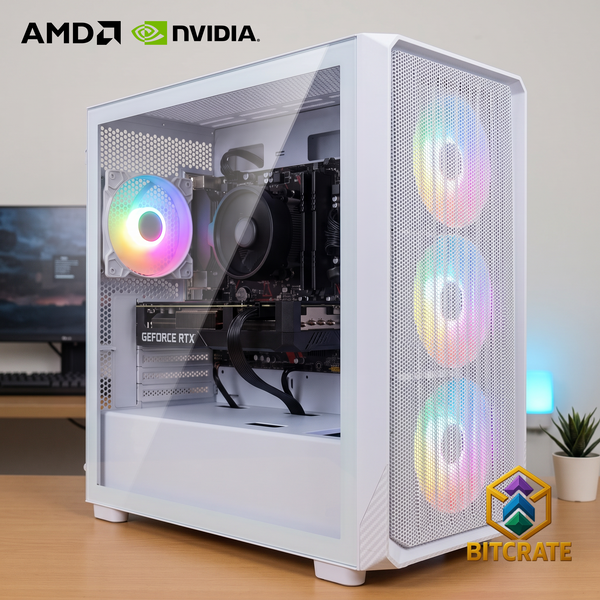
Uncommon Flamingo 1 (Ryzen 5 5500 + RTX 3050, 16GB, 512GB SATA, $790.59) pairs 16GB of RAM with 512GB of storage, so it is ready for a reasonable game library without any immediate upgrades.
RX 7600 with 16GB: Uncommon Pulse 26
Uncommon Pulse 26 (i3-12100 + RX 7600, 16GB, 128GB SATA, $851.76) combines the RX 7600 with 16GB of RAM. It is a sensible choice if graphics performance is your priority and you are happy to add storage.
Intel option: Uncommon Fuchsia 11
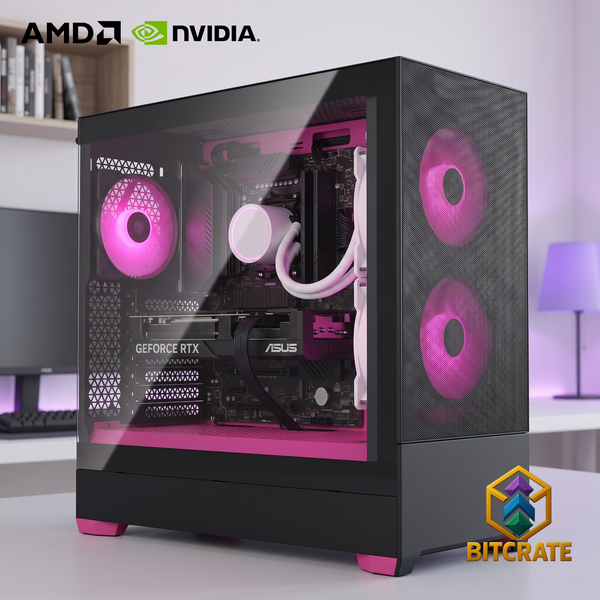
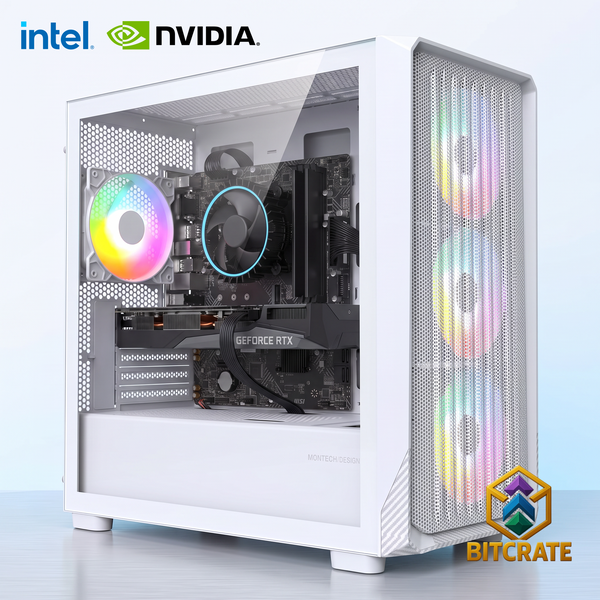
Uncommon Fuchsia 11 (i5-12400F + RTX 3050, 16GB, 512GB SATA, $854.60) is a good fit for buyers who prefer an Intel platform and want 512GB of storage included.
Stretch pick: Rare Nighthawk 63
Rare Nighthawk 63 (Ryzen 5 5500 + RTX 5060, 16GB, 128GB SATA, $957.21) is technically a Rare-tier build, but at the time of writing it comes in under $1,000. If your budget reaches this far, the newer RTX 5060 is the biggest single upgrade on this list.
Common mistakes at this budget
- Paying for looks over the GPU. RGB lighting and a premium case are nice, but they do not raise frame rates.
- Ignoring RAM. An 8GB build can feel slow in newer games. Check the RAM figure in the build name before you buy.
- Running out of storage. A 128GB drive holds the operating system and only a few modern games.
- Comparing prices without comparing parts. Two builds with the same CPU and GPU can differ in case, motherboard, cooling and storage. Check the full spec list on each product page.
What we check before it ships
Every BitCrate build is built to order and tested in our shop at 1812 N 16th St in Orange, TX, and goes through the same QC checklist regardless of price. That includes Windows activated, all drivers and the latest GPU driver installed, USB ports and sound tested, fans working with fan direction verified, RAM speed and amount verified, BIOS updated, a burn-in test, a final scan and a final boot. The completed checklist is emailed to you as a PDF when your build is finished.
New computers carry a 1-year labor warranty from the date of delivery or pickup, and every part carries its full manufacturer warranty. We can process manufacturer warranty replacements for you. The warranty doesn't cover tampering, modification, breakage or liquid damage.
You can pick up in Orange, TX, or have it shipped. BitCrate PCs are built and shipped from Orange, Texas, to addresses in the United States. Online orders ship by UPS (cutoff 3 PM Central) or USPS, and free ground shipping applies to orders over $1,200. Local delivery and setup available. Call (409) 886-8324 for a quote.
Ready to pick one?
Browse every in-stock build in Common and Uncommon (our Gaming PCs Under $1,000), or see the full range of custom gaming PCs. If none of the ready configurations is quite right, design your own in the BitCrate configurator. Want to spread the cost? Compare options on our financing page.